

Connect your agent
1
Add the agent
Switch to the workspace you will test in, click + in the sidebar header, and connect your agent the way your customers reach it. Connect Your Agent lists the setup page for each voice, chat, and email connection.
2
Say who starts the conversation
Choose Inbound if your customers contact the agent, or Outbound if the agent contacts them. For an outbound voice or text agent, add an outbound trigger webhook so Bluejay can tell your agent whom to call or message.Paste the agent’s system prompt too. Bluejay uses it to write Digital Humans and metrics that fit your agent.
Create a simulation
1
Choose a type
Open Simulations in the sidebar, click Create, and click a Simulation Type card.
2
Generate and run
Click Save and Generate Digital Humans, then review the list, because each Digital Human places one conversation. Click Run to start the calls.
Read the results
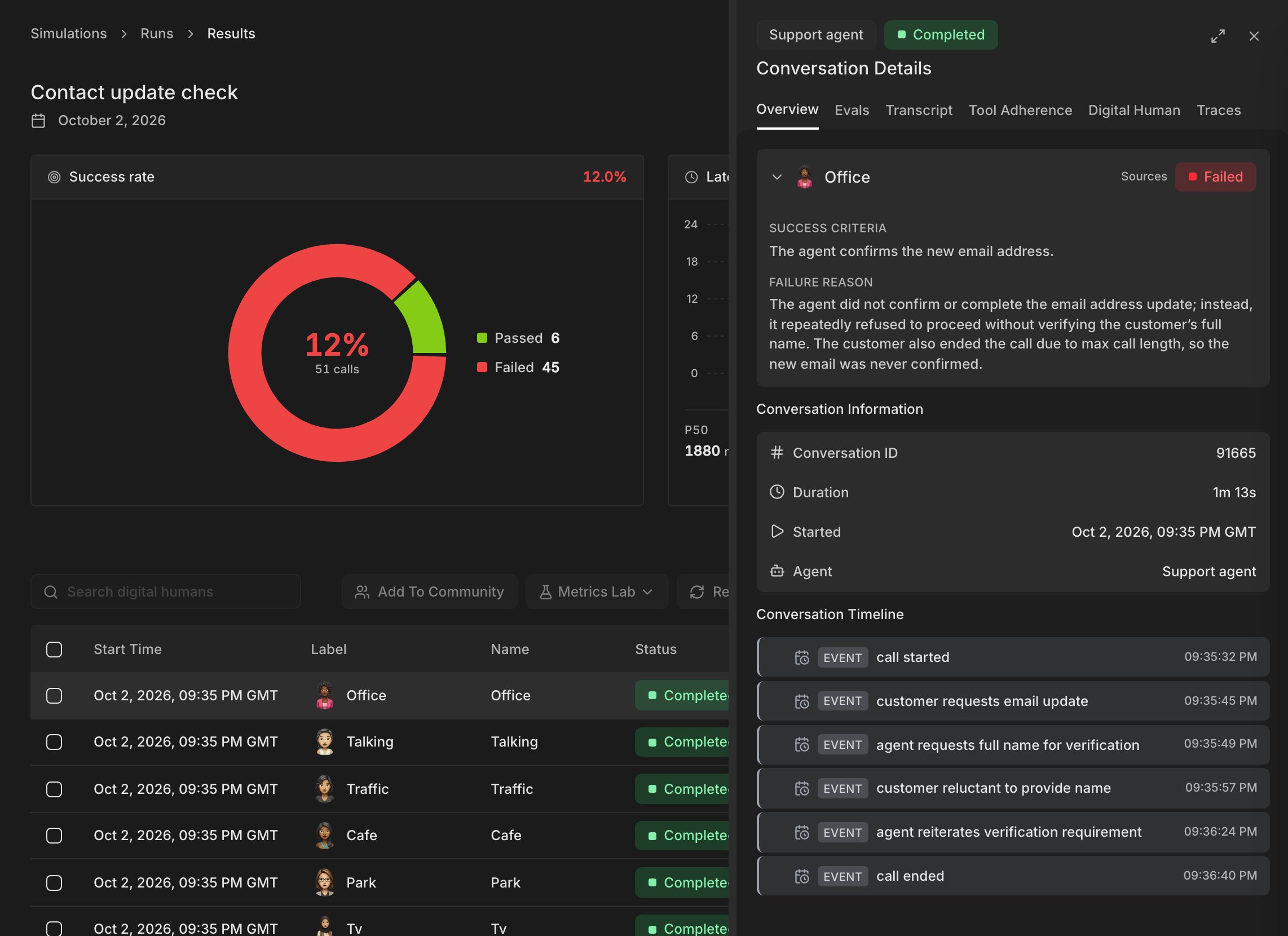
Start with the failed conversations to see which metric failed and where it went wrong. Bluejay groups similar failures into issues, so you can fix the problem behind many failed conversations at once. To see what your agent did behind the transcript, such as each model call, send traces.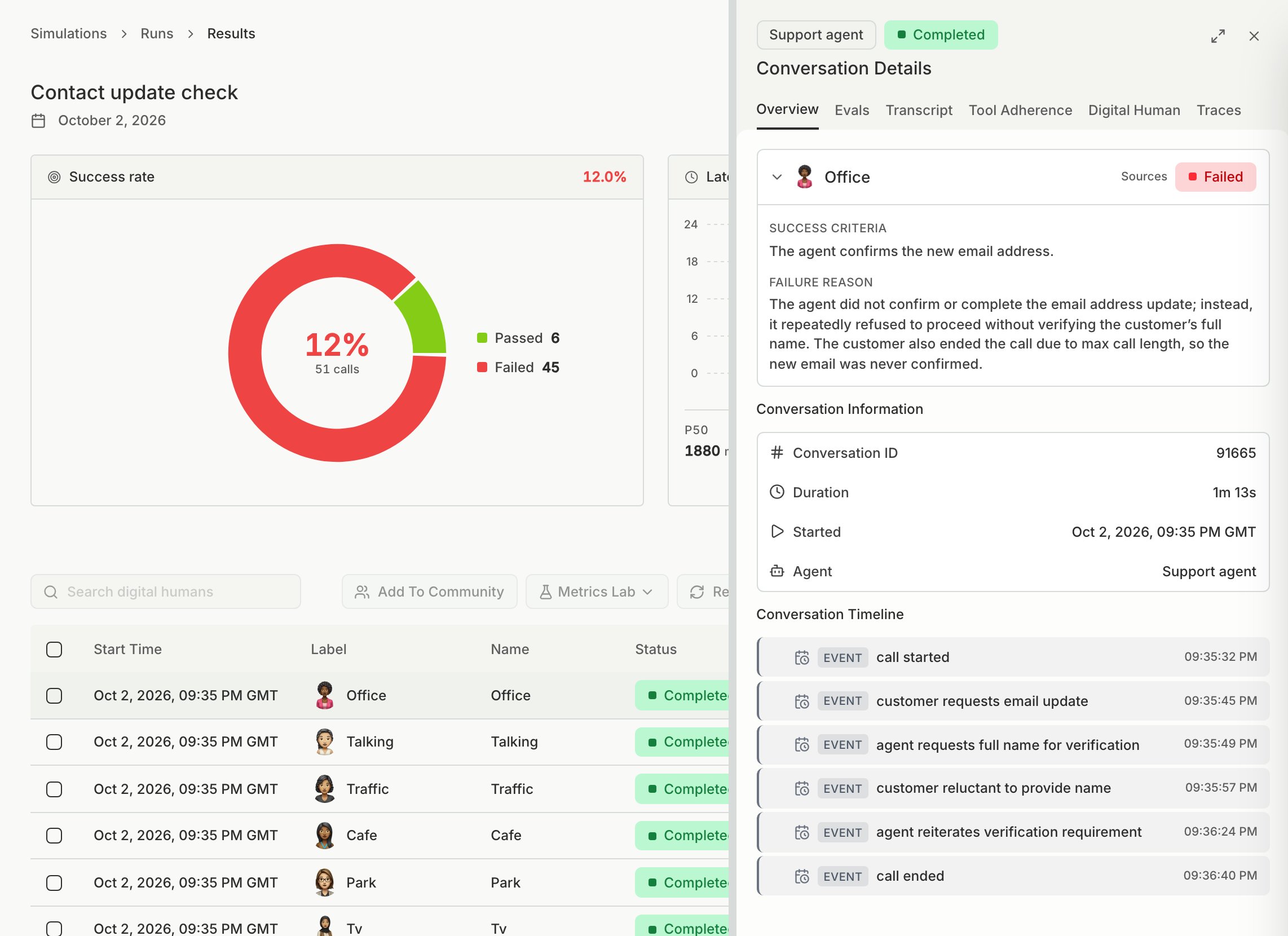
Let Bluejay AI do it
You can also ask Bluejay AI to create and run the simulation for you. For example:- “Run a simulation on my agent.”
- “Create a simulation with 10 frustrated customers who want to cancel their subscription.”
.csv or .xlsx file and ask it to turn them into a simulation.