Use this type to check that your agent answers correctly across everything it must know.

Set it up

1

Connect the Knowledge Base

Connect the Knowledge Base to the agent, and wait until its documents show Ready.
2

Select the card

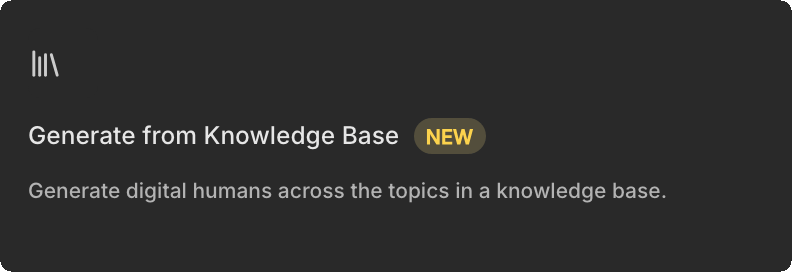
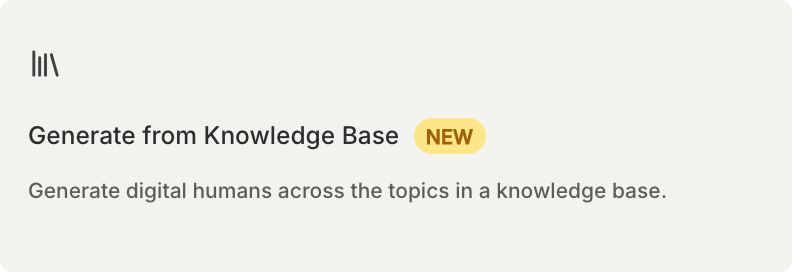
Create a simulation and select the Generate from Knowledge Base card. Bluejay groups the documents into topics and spreads the Digital Humans across them, so there is nothing to write. You can make 1 to 100 Digital Humans.Generate from Knowledge Base card in the Create Simulation type pickerGenerate from Knowledge Base card in the Create Simulation type picker
3

Review the Digital Humans

Edit any Digital Human that does not test what you meant.

Score the answers

To score the answers against the Knowledge Base, turn on Enable Hallucination Evaluations for your organization, or use a custom metric that searches the Knowledge Base.
Last modified on October 22, 2026