

Single sign-on (SAML)
1
Create a SAML app in your IdP
Create a SAML 2.0 application named Bluejay with these values:
2
Assign people
Assign the app to everyone who should have Bluejay access.
3
Turn on SSO in Bluejay
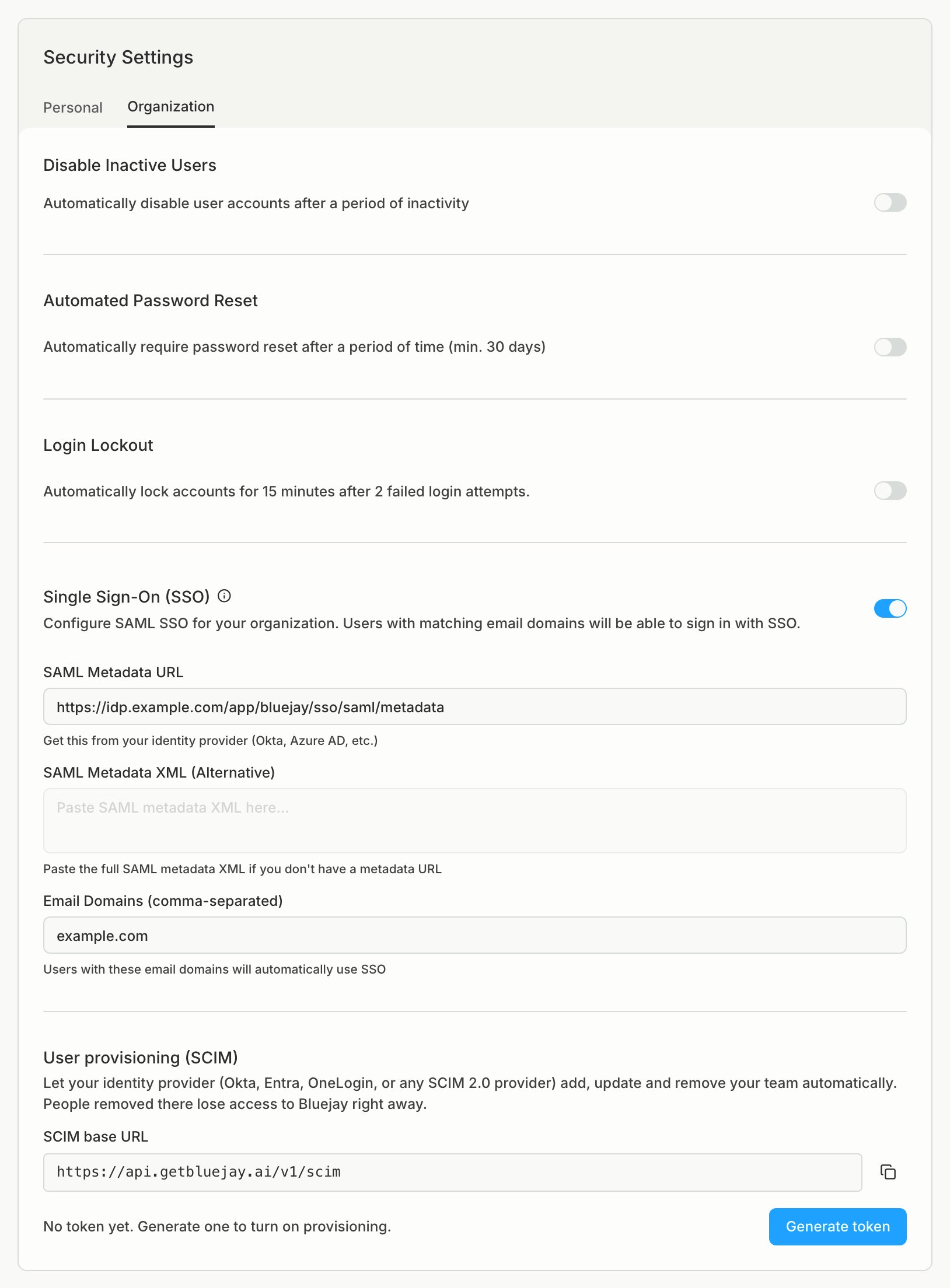
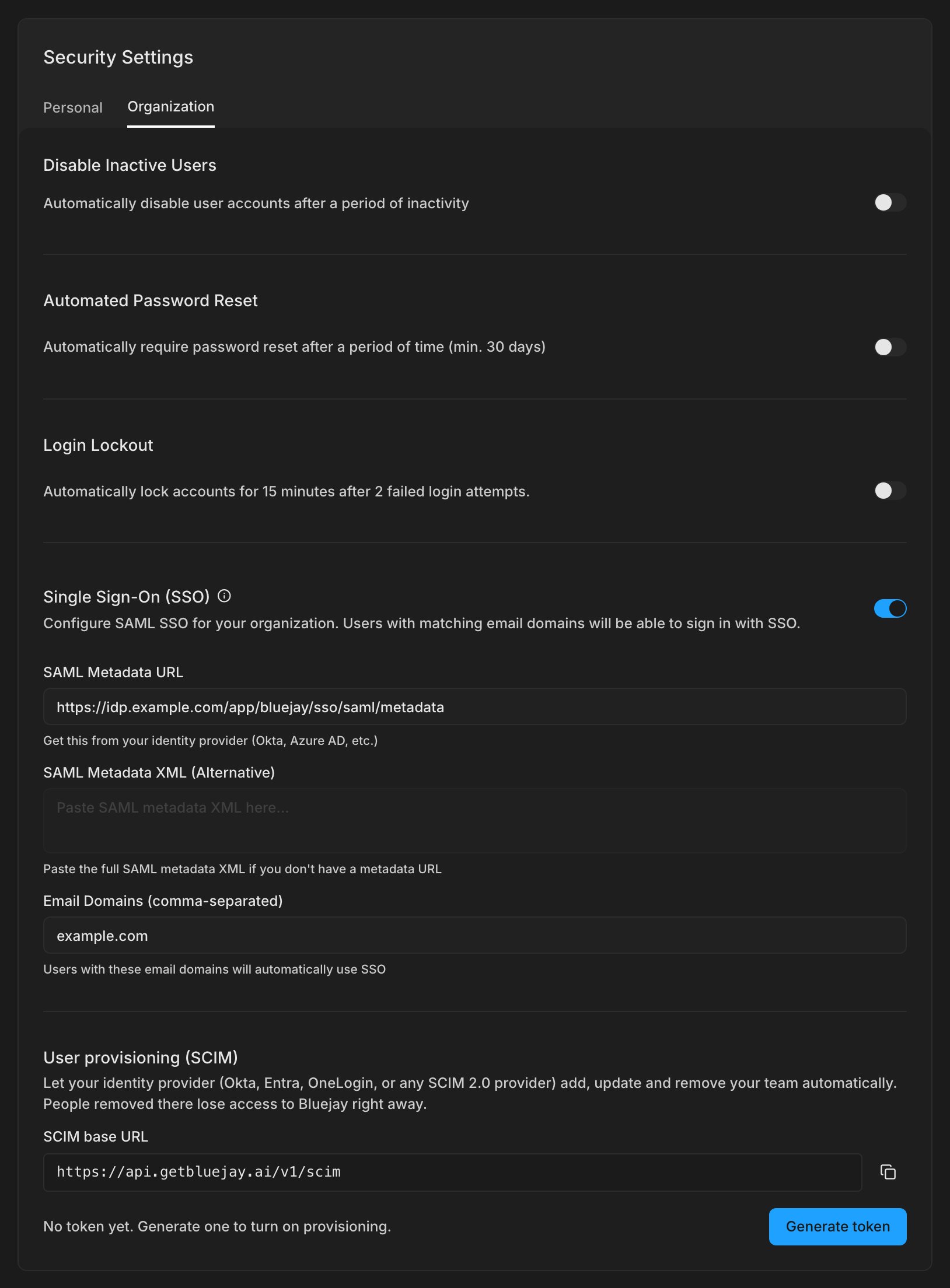
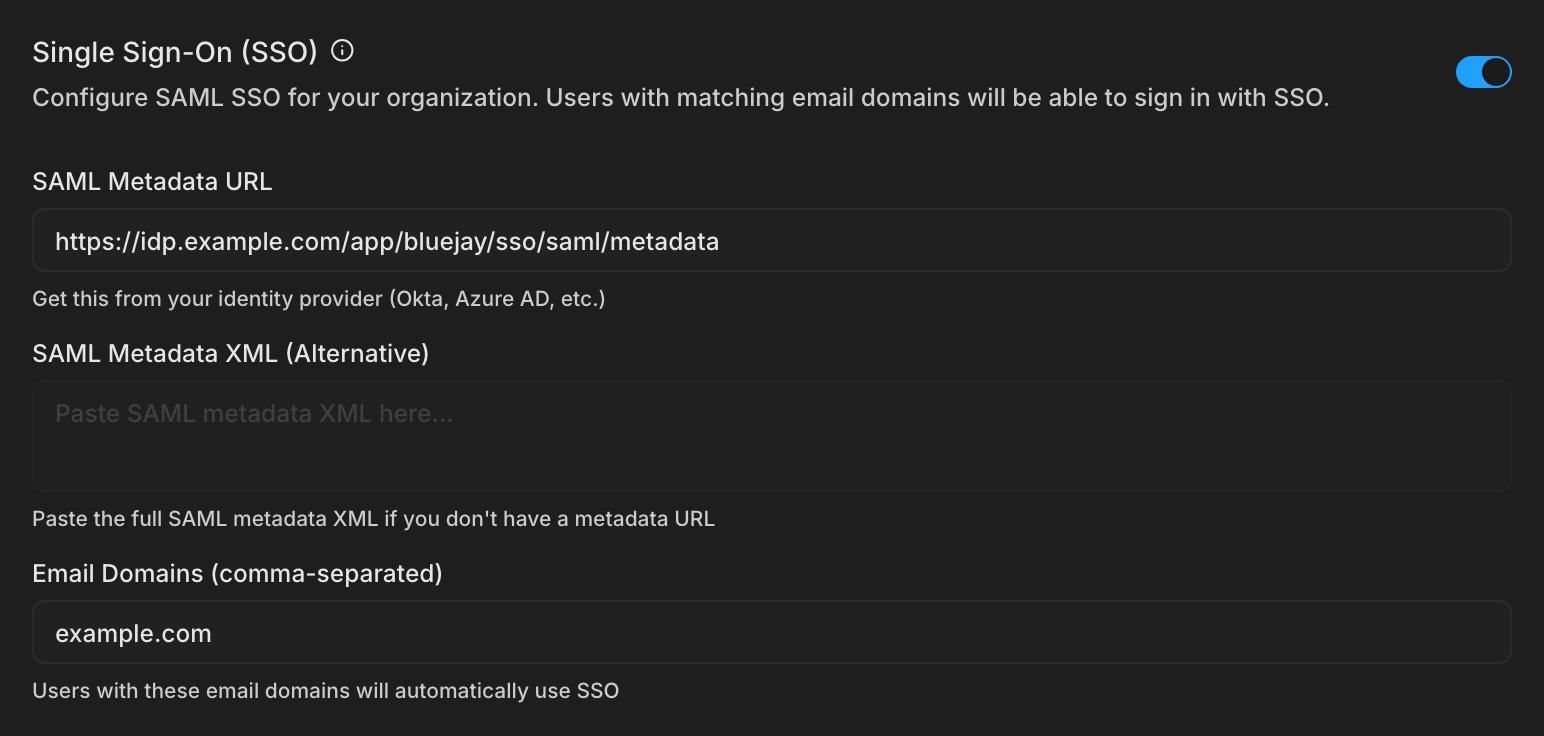
In Settings → Security → Organization → Single Sign-On (SSO), paste your IdP’s metadata URL (or the metadata XML) and the email domains that should use SSO.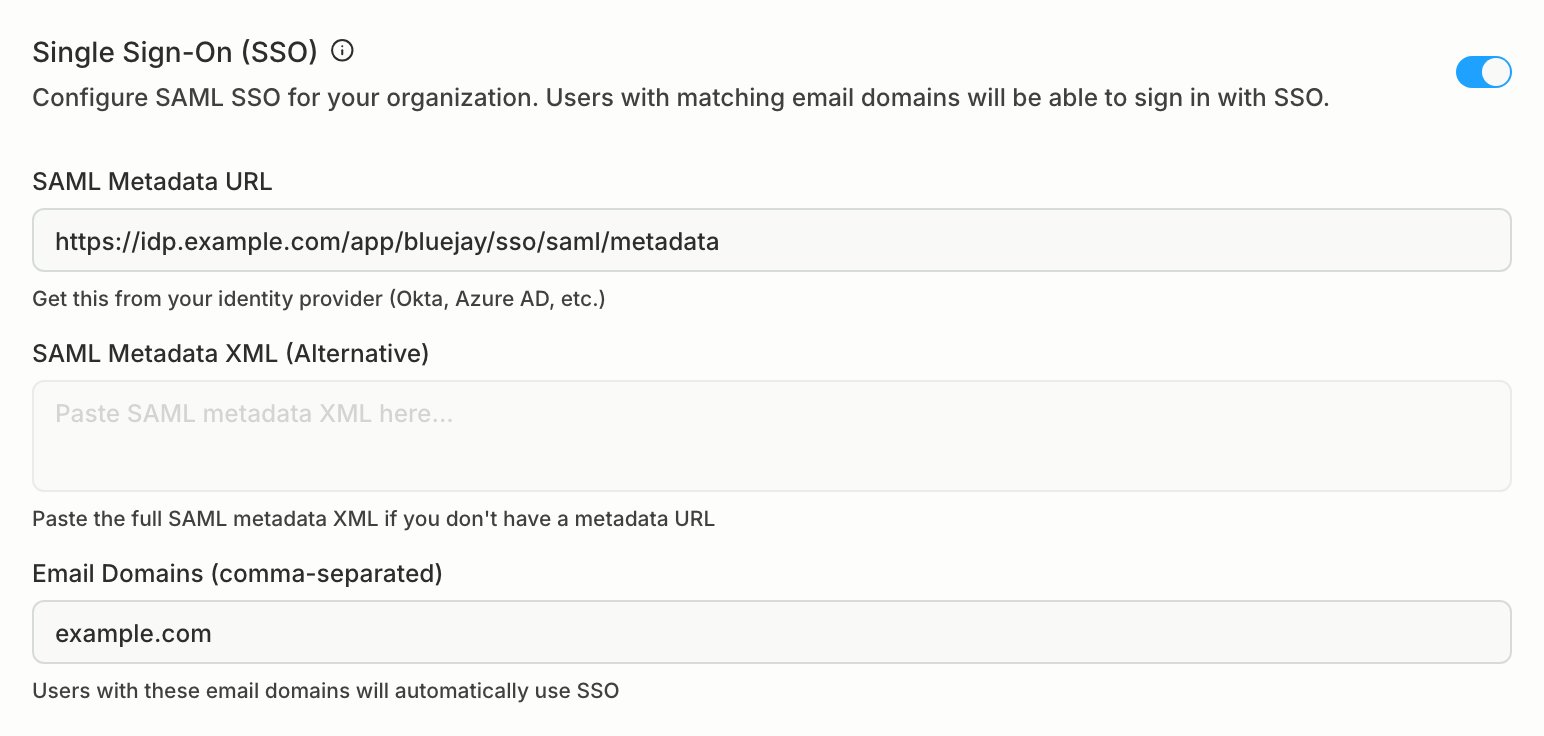
4
Sign in
Your team clicks Continue with SSO on app.getbluejay.ai and enters their work email, or opens the Bluejay tile in your IdP.
Once SSO is on, signing up with a password on those domains sends people to your IdP instead. Password and Google accounts that already exist keep working until you remove them.
User provisioning (SCIM)
With SCIM, assigning someone to the Bluejay app in your IdP gives them access, and removing them takes it away. Nobody has to invite or remove people by hand. Turn on SSO first.1
Generate a token in Bluejay
In Settings → Security → Organization → User provisioning (SCIM), click Generate token. Copy the base URL and the token. The token is shown once.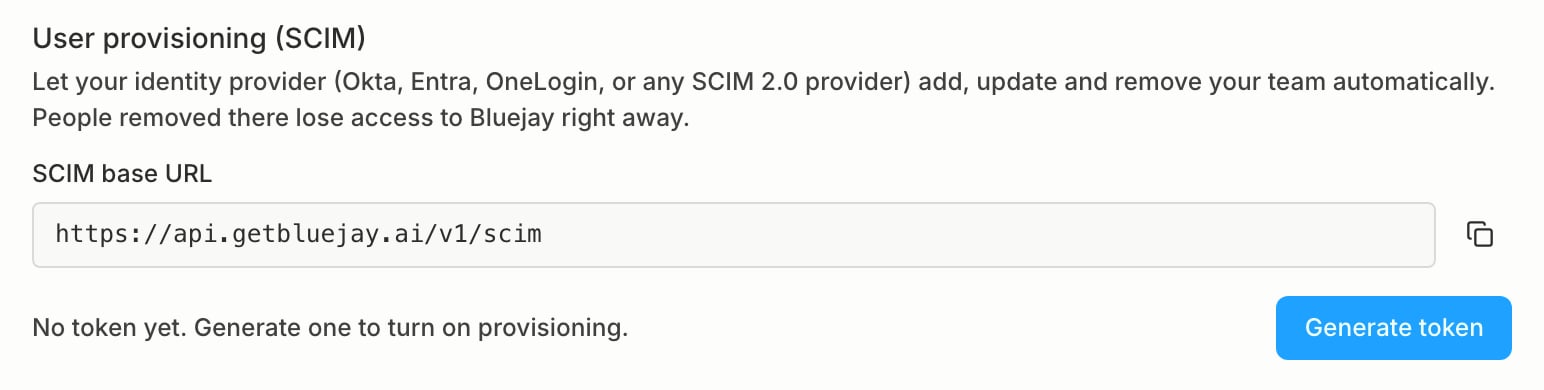
2
Connect your IdP
On the Bluejay app in your IdP, turn on SCIM provisioning. Enter the base URL and the token, set the unique identifier to
userName (email), and test the connection.3
Choose what syncs
Turn on Create users, Update user attributes, and Deactivate users.
4
Assign people
Assign people, or groups of people, to the Bluejay app.
What happens
Details
- Everyone provisioned joins as a Member. Change roles on the Team page.
- Only emails on your organization’s SSO domains can be provisioned.
- Groups are not synced as Bluejay roles or workspaces. Assigning a group to the app provisions each person in it.
- Regenerate token replaces the token. The old one stops working right away, so update your IdP. Revoke stops syncing, and people who already have access keep it.
Supported endpoints
Bluejay implements SCIM 2.0 users:GET, POST, PUT, PATCH, and DELETE on /Users, with userName eq and externalId eq filters, plus /ServiceProviderConfig, /Schemas, and /ResourceTypes. Paths are relative to the base URL, so users live at https://api.getbluejay.ai/v1/scim/Users. SCIM uses its own token, not a Bluejay API key. Full request and response details are in the API reference.