

Launch a load test
1
Select the card


2
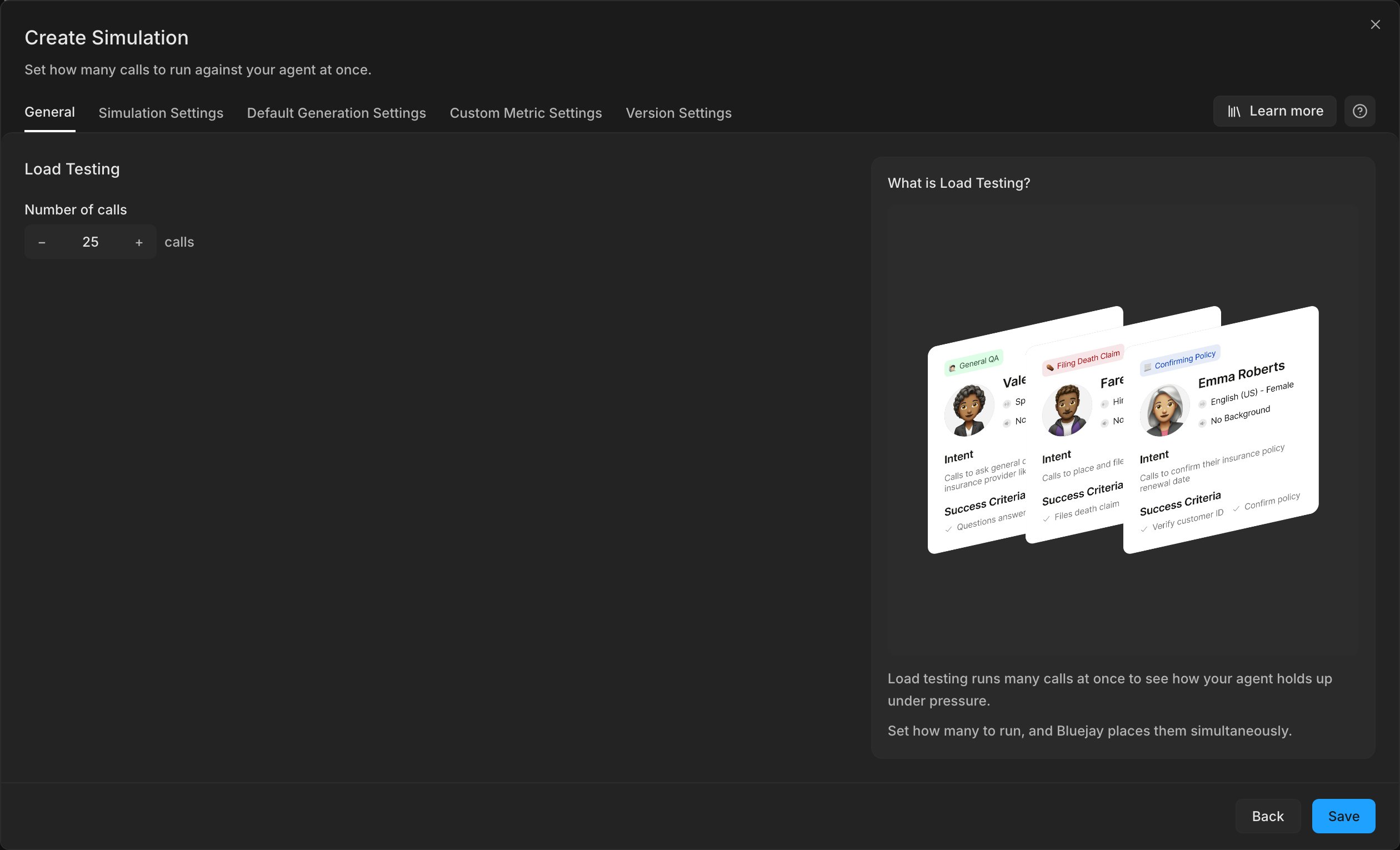
Set the number of calls
Each call is one Digital Human.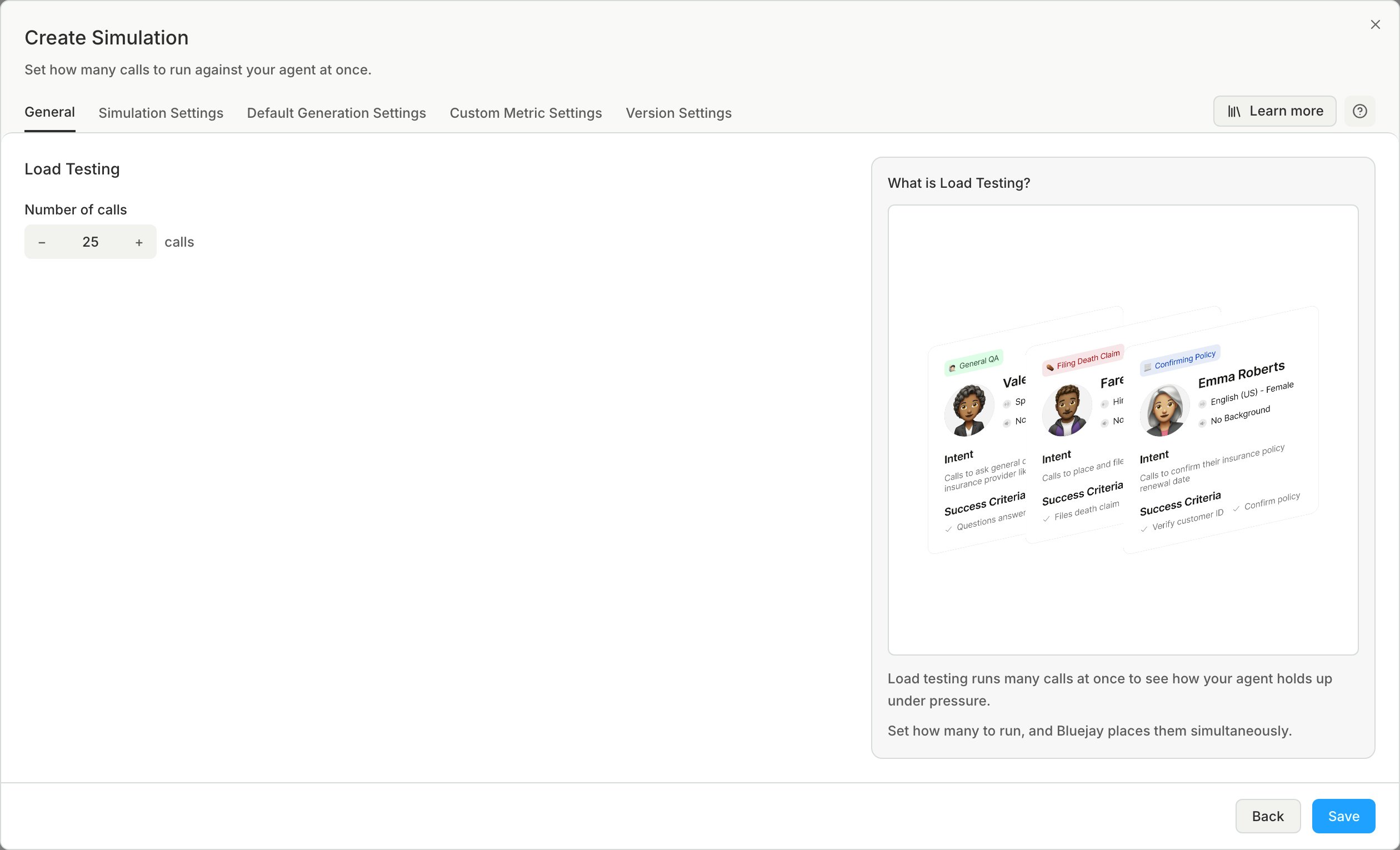
3
Set the load
On the Simulation Settings tab, set Max concurrent conversations to the load you want to test.
How it differs from a normal simulation
- Bluejay generates one scenario from your agent description: a simple, typical interaction. Every Digital Human in the load test repeats it.
- The success criteria check only whether the agent’s answer is correct and complete, not how fast it was.
- Bluejay does not generate objectives, intent summaries, or labels for these Digital Humans.
Read the results
Results appear like any other simulation. See Simulation Results.Limits
- One load test makes a maximum of 100 Digital Humans. To test more, contact the Bluejay team.
- For an outbound agent, you cannot set Max concurrent conversations in the app, and Bluejay dials every Digital Human at once. To limit it, set
max_concurrentwith the Simulation API. - Your provider can have its own concurrent-call limit. If a call goes over it, the call ends with
CUSTOMER_CONCURRENCY_LIMIT.