

Connect
1
Run a WebSocket server
At minimum, your server accepts the upgrade, checks the credentials, and reads and writes binary audio frames. You can ignore text events at first. Each example below echoes the audio back. Replace the echo with your agent’s audio.
2
Create the agent
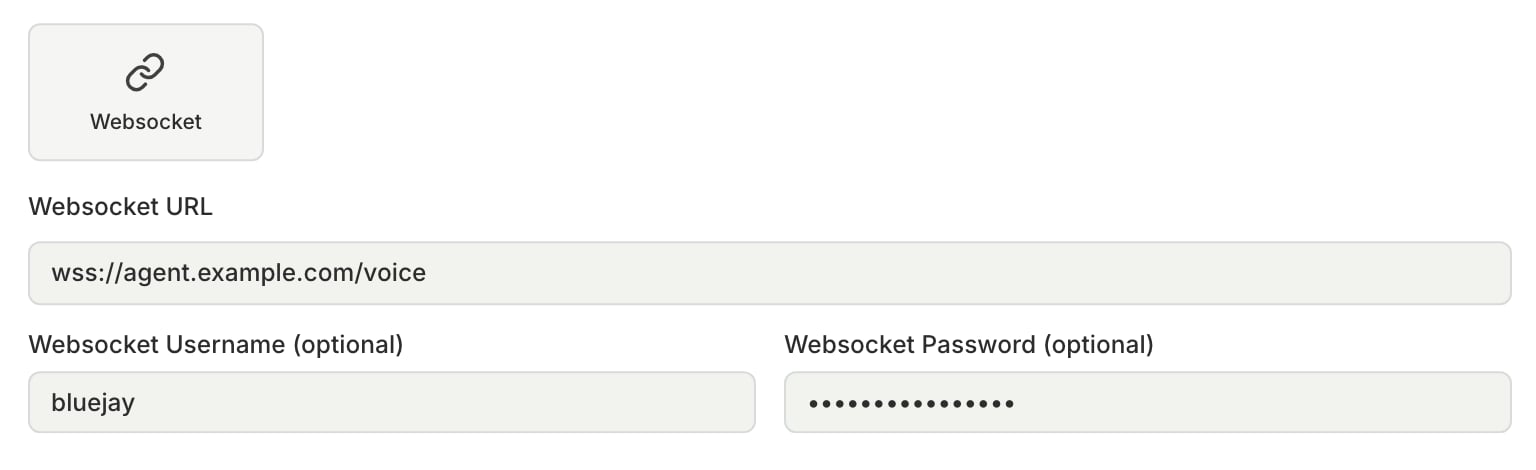
Create a Voice agent with the Websocket connection type. The Websocket URL starts with
ws:// or wss://, for example wss://your-host/voice. If you set both Websocket Username and Websocket Password, Bluejay sends them as Authorization: Basic <base64(user:pass)> on the upgrade request.3
Link tool calls and traces
Bluejay sends
X-Simulation-Result-Id on the upgrade request. To report tool calls or traces for the call, send them with this ID to /v1/update-simulation-result.Audio
Bluejay and your server talk over the CHIRP protocol. Binary frames carry audio in both directions, in this format:
Every binary frame from Bluejay is the Digital Human’s audio, including any background noise, so play it to your agent as it arrives. Send your agent’s audio back in the same format. To end a call, close the WebSocket.
Text events
Text frames carry events, such as when speech starts and stops. Each one is UTF-8 JSON with the envelope below. If you omitid, ts_ms, or data, Bluejay fills them in.
Some audio frames can arrive after
speech.completed, so do not stop playback when you receive it.
To match a mark echo, use data.name, because the echo has a new id and ts_ms.
session.error codes:
To interrupt the Digital Human (barge-in), send
speech.started. There is no separate interrupt event.