

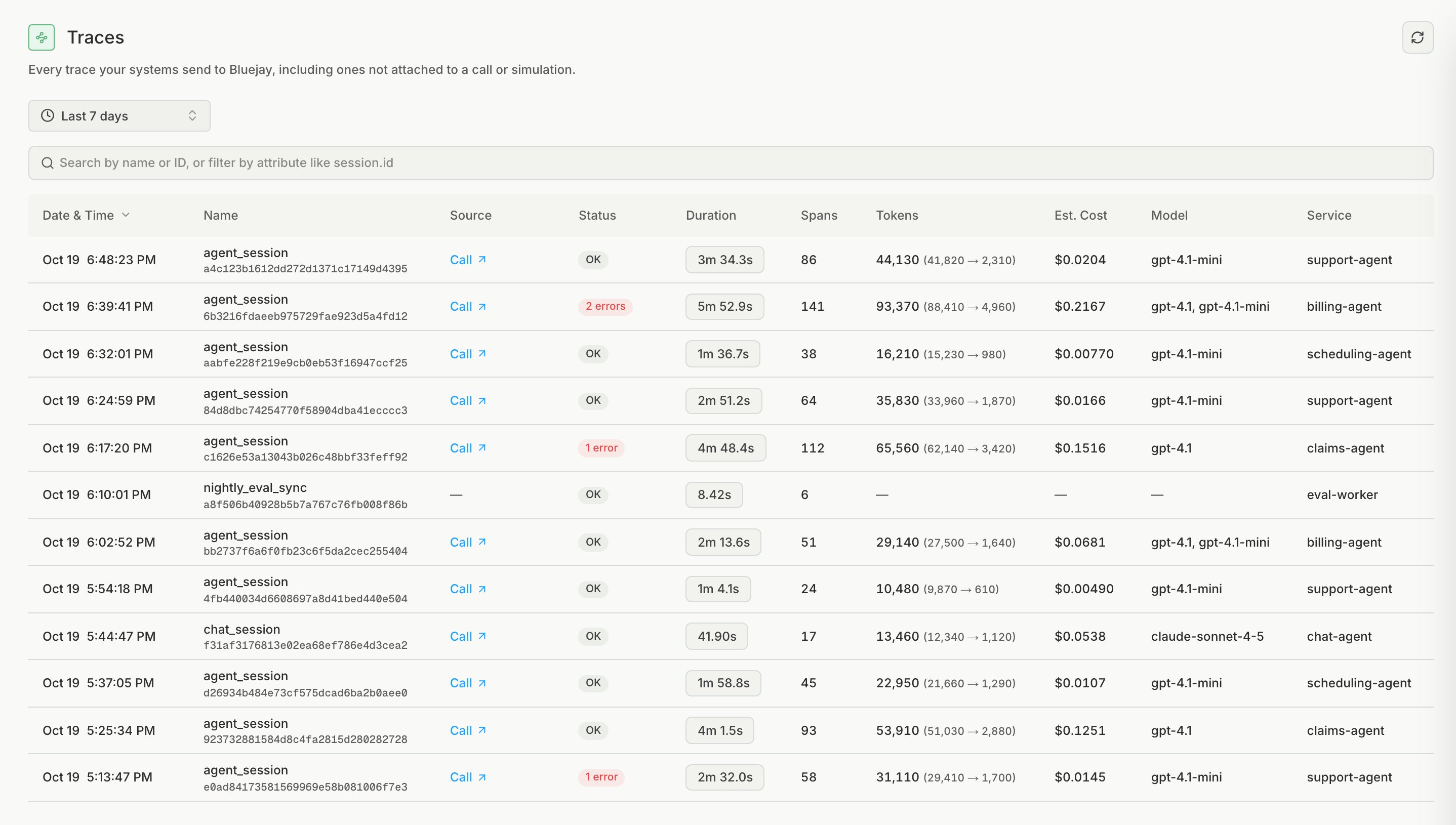
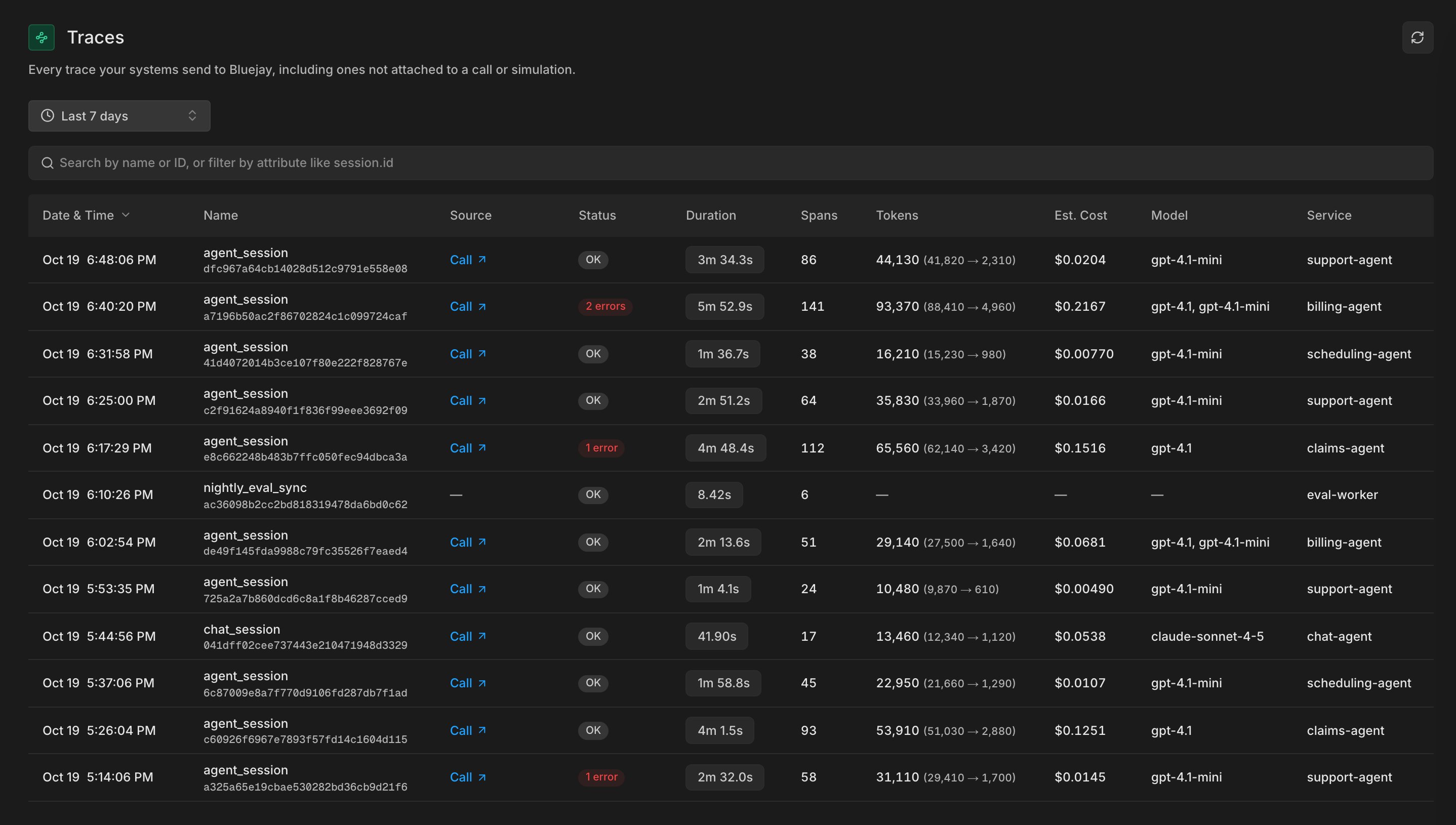
Export traces to Bluejay
Bluejay accepts traces from any OpenTelemetry-compatible library, for example OpenInference, OpenLLMetry, or Langfuse. Using a voice framework? Its integration page can show a framework-specific setup.1
Get an API key
Create one as described in Get an API key.
2
Install the packages
3
Point the exporter at Bluejay
Send spans over OTLP HTTP to
https://otlp.getbluejay.ai/v1/traces, with your API key in the X-API-KEY header:4
Instrument your LLM client
For example, the OpenAI client:
Link a trace
To show a trace next to its conversation, add the conversation’strace_id to your POST /v1/evaluate request.