

Build a scenario
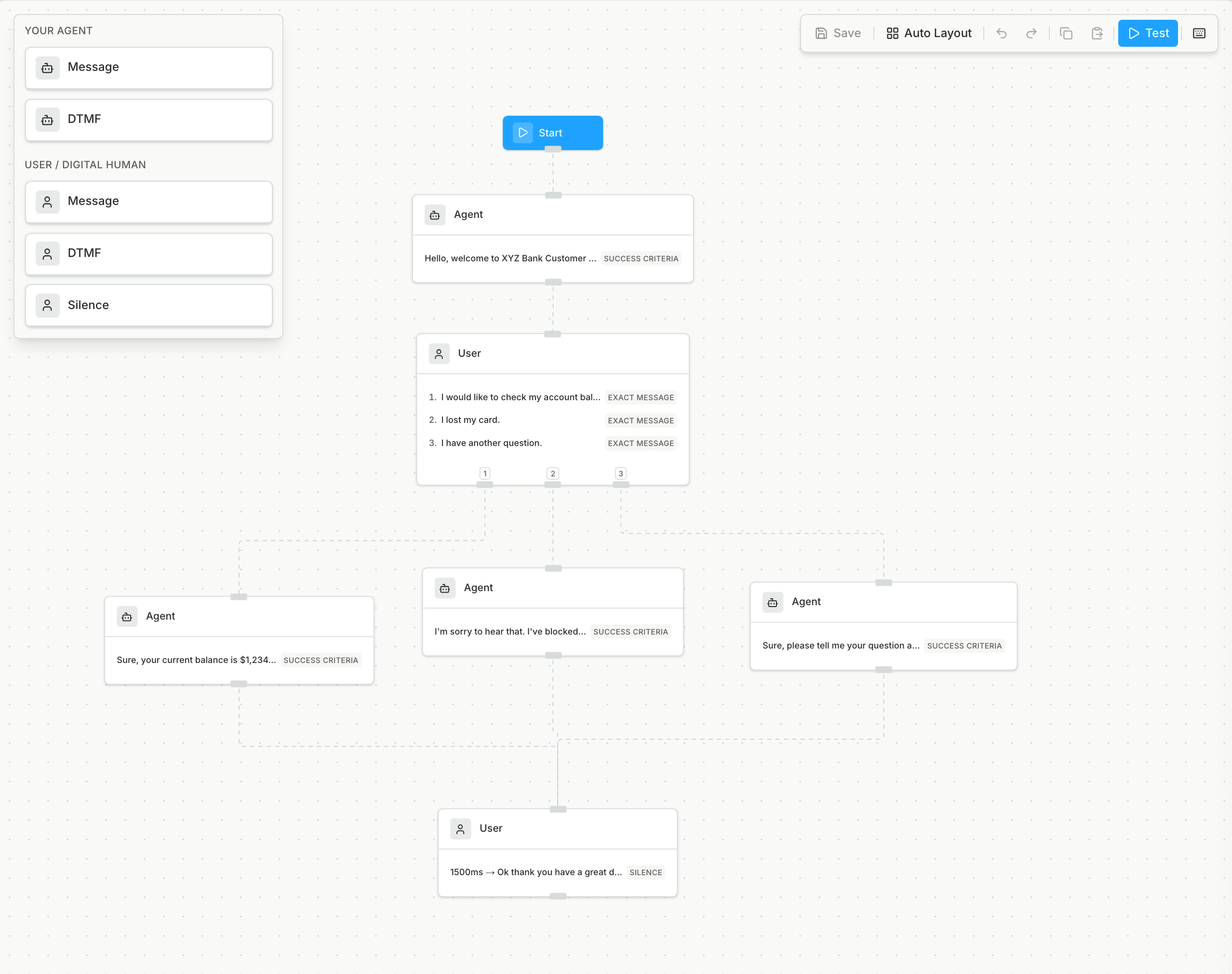
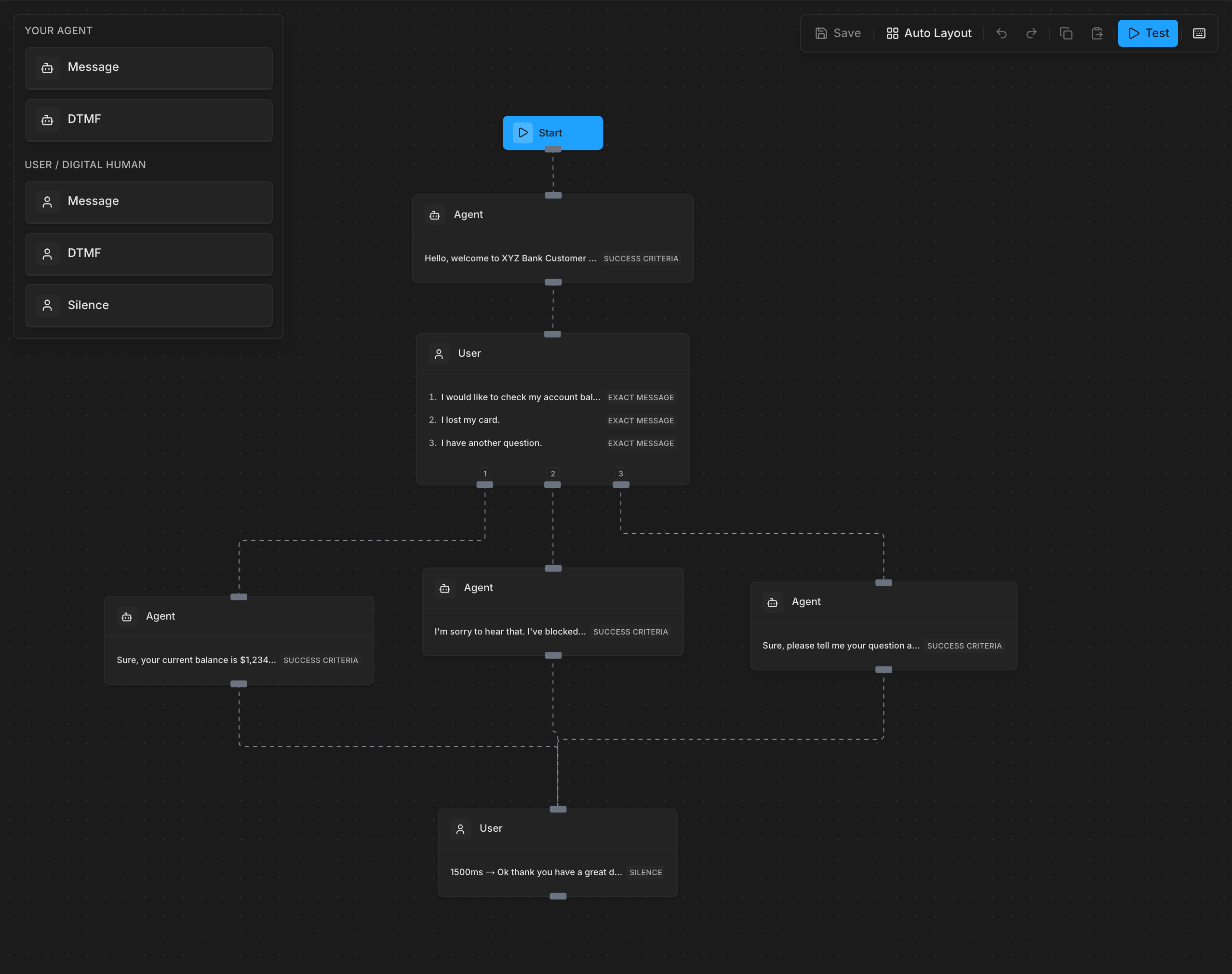
Draw the flow as a scenario on the Scenario Builder page, and select the agents that it applies to. If you have a JSON scenario definition, import it instead.- Each path from the start to an end becomes one Digital Human, so each branch you add adds a test.
- Each Digital Human follows its path turn by turn, so you can see where your agent leaves the flow.
Run it
1
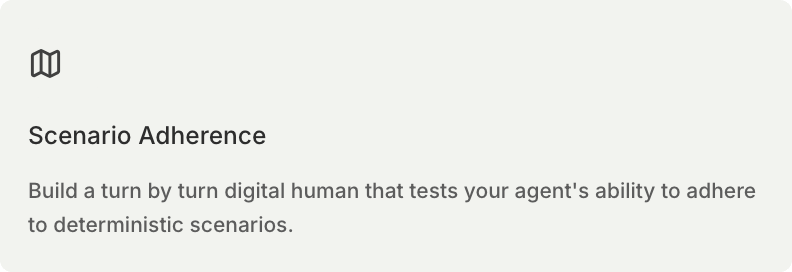
Select the card
2
Pick the scenarios
A scenario with no path from the start cannot be selected, so fix its graph first.
workflow_adherence_v2, a map of scenario ID to the number of Digital Humans, to Generate Digital Humans.
Limits
- Voice agents only.
- Bluejay makes a maximum of 200 Digital Humans for each generate request. Paths beyond that are left out.