

Get conversations into Logs
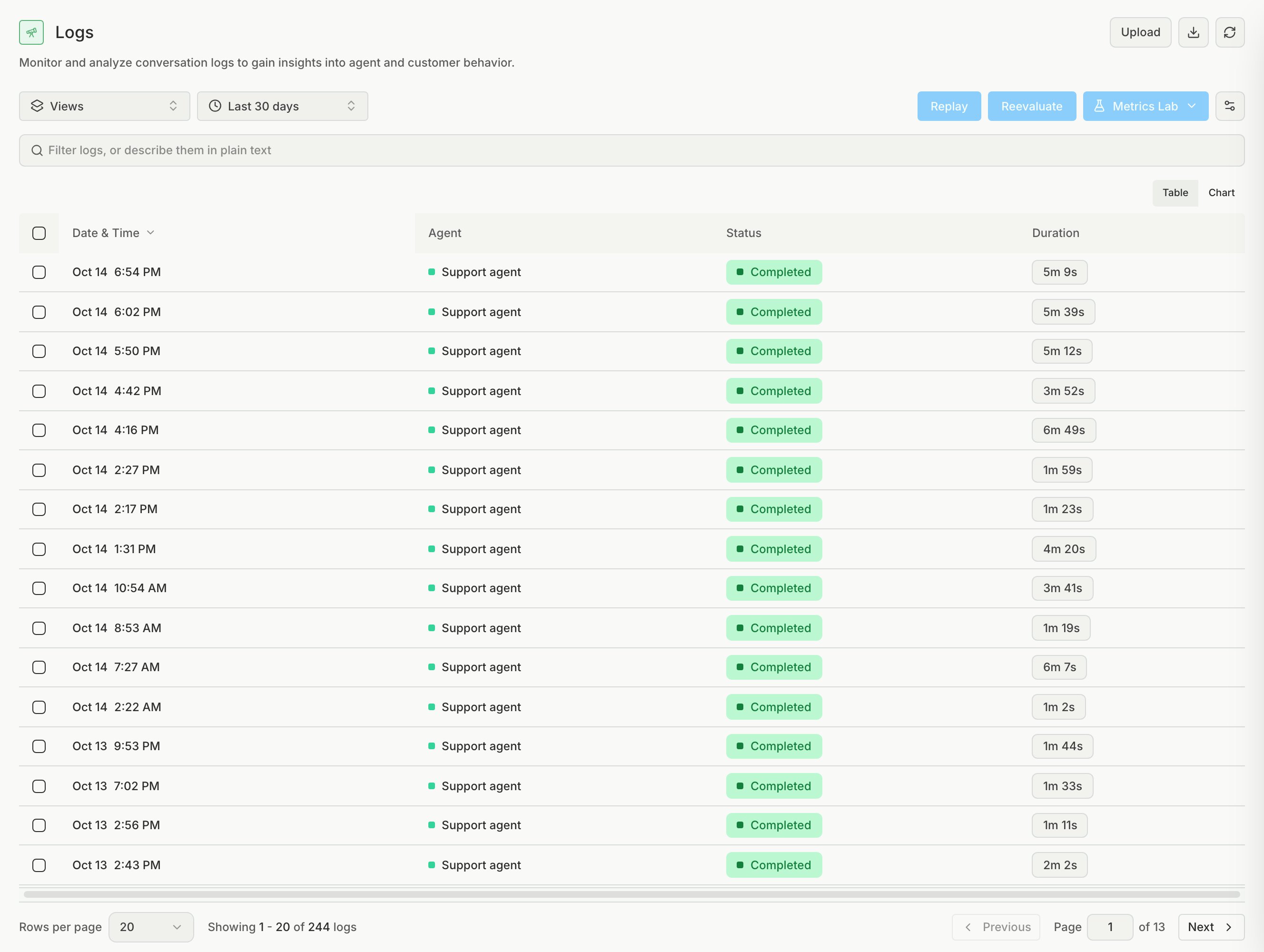
Logs shows your production conversations. They can arrive from three sources:Find a conversation
To find the conversations worth reading, start from a failing metric or an issue, then read the transcript to see where the agent went wrong. You can also type a plain-text query in the search box, for example “failed calls yesterday”. If a transcript does not explain the failure, open the linked Traces.Act on conversations
You can also run these options on any selected conversations:- Reevaluate runs the metrics again on up to 100 conversations at a time. If all selected conversations belong to one agent, it can use a different agent version, so you can check a fix on real conversations.
- Replay tests the conversations against a target agent in a simulation, so a real failure becomes a repeatable test.
- Metrics Lab puts the conversations in a new or existing Metrics Lab. Use it when a metric verdict looks wrong on many conversations.