

Before you start
- A voice agent saved with its phone number. See Phone Number.
- The number must be able to send text messages. Bluejay checks this when you save the agent. If you change the number, save the agent again before you build the journey, or the SMS option stays locked.
Set it up
1
Add the call step
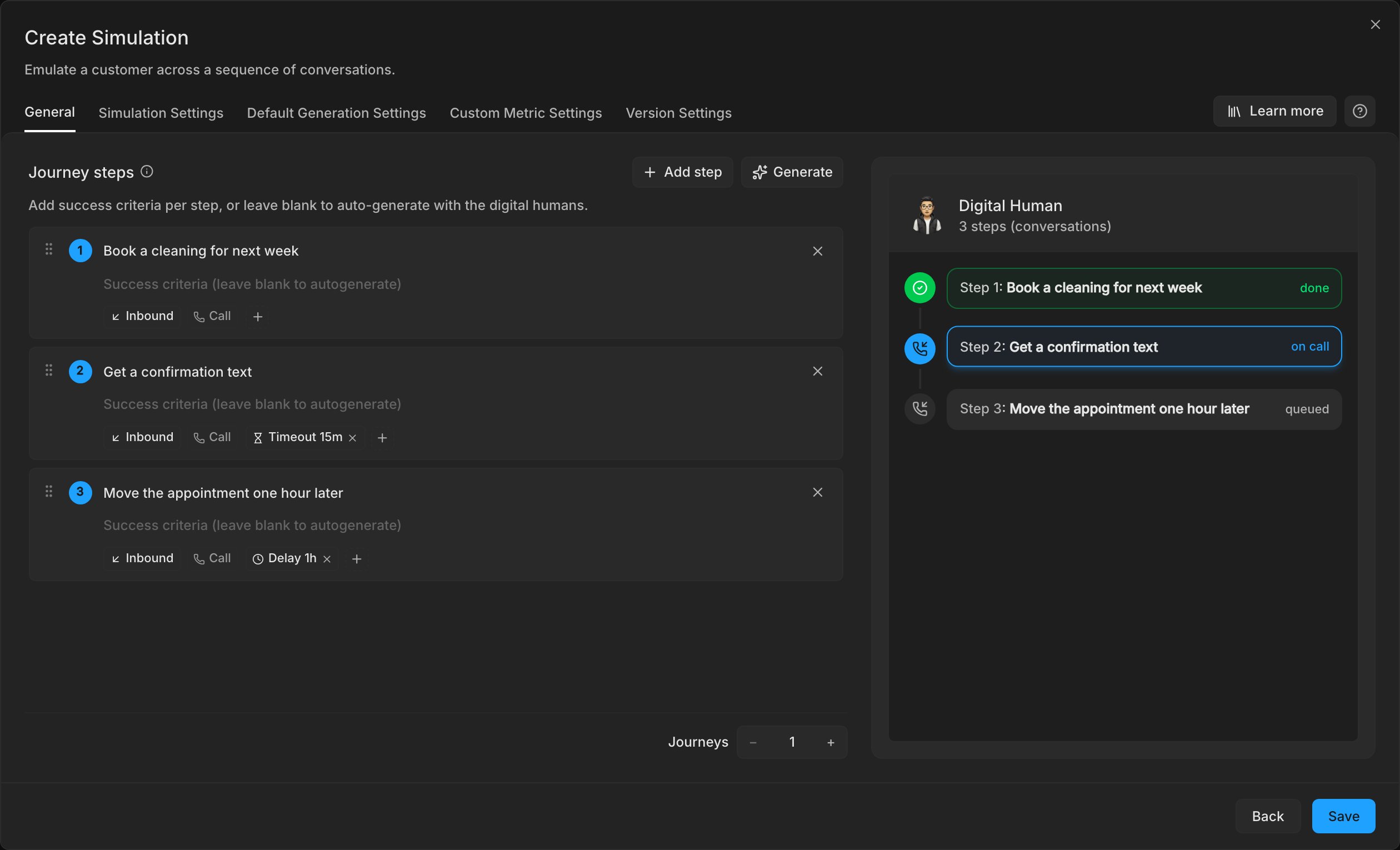
Create a simulation for the agent and select the Customer Journeys card. Add a step and write the intent the customer has on the call, for example “Book a cleaning for next week”. Leave the step on Call.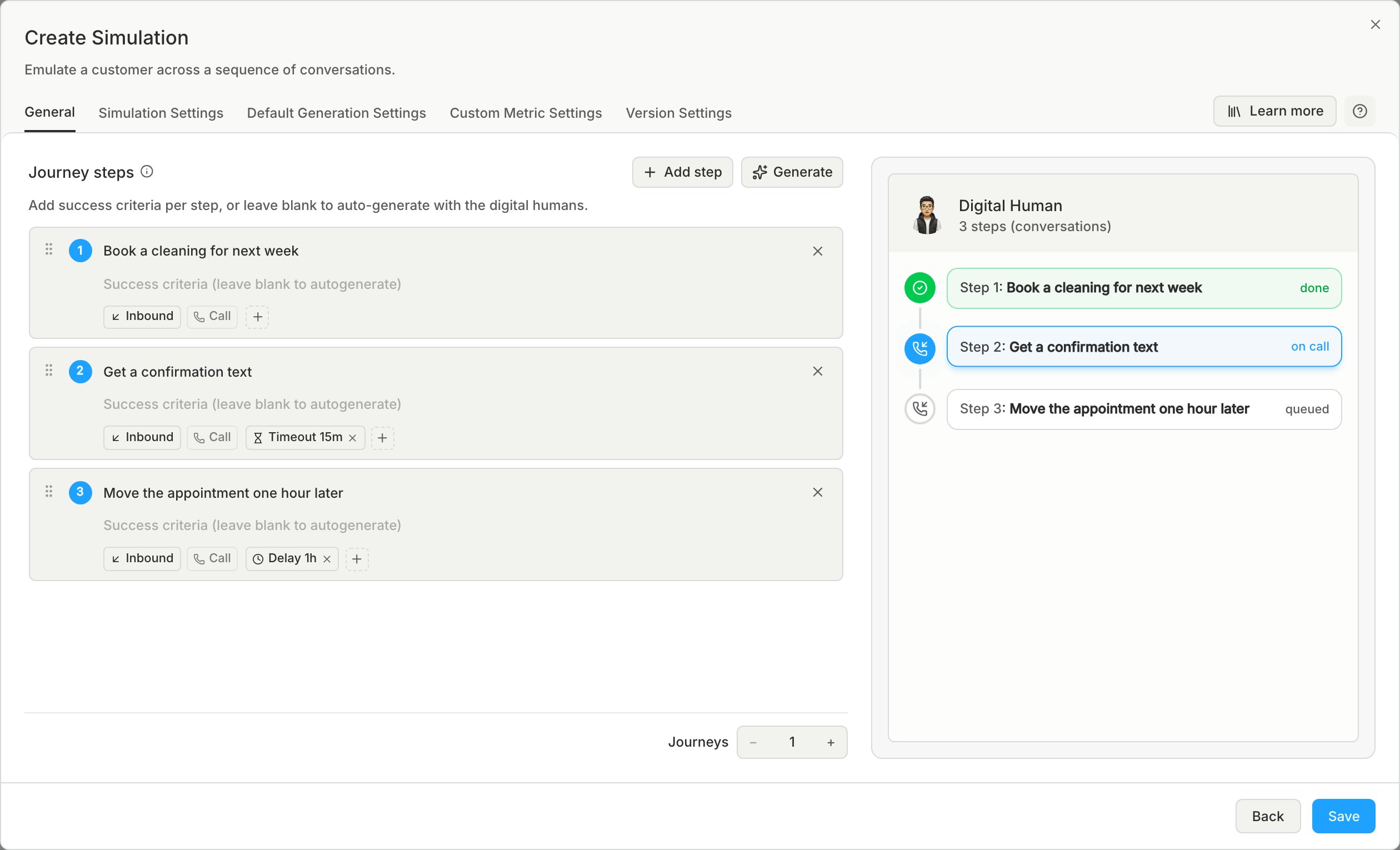
2
Add the text step
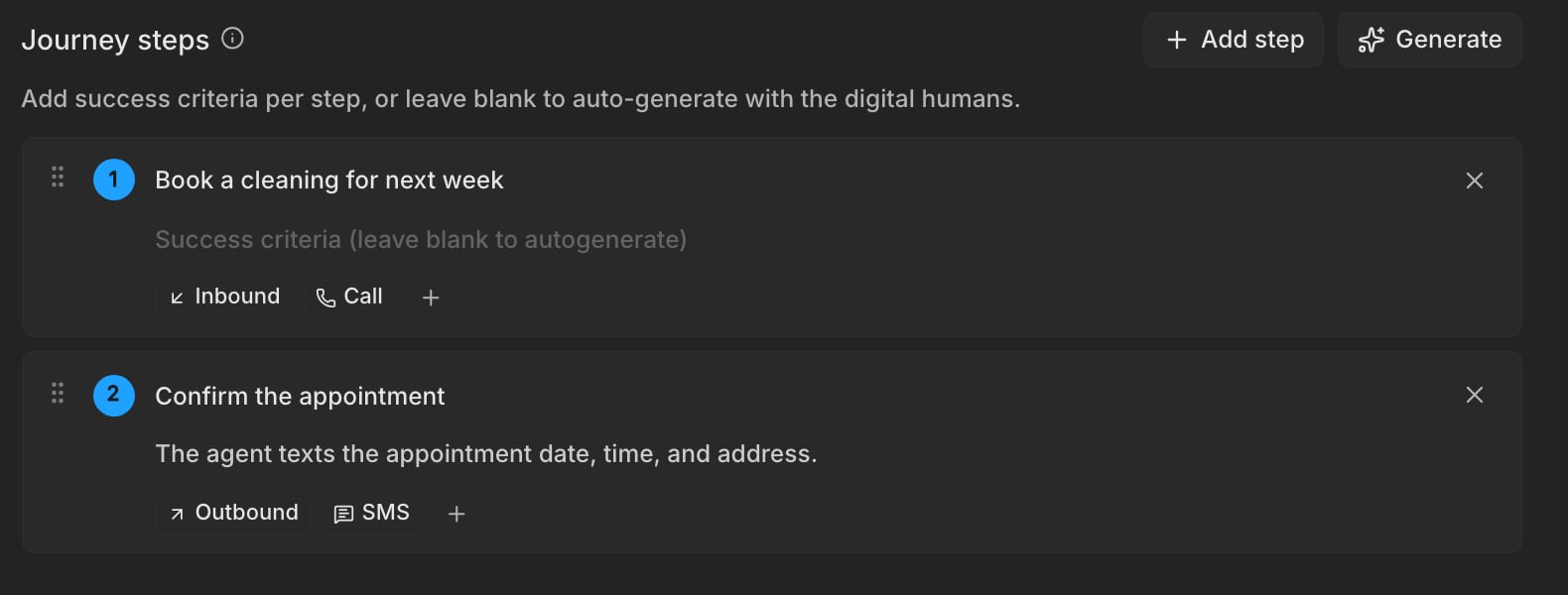
Add a second step and switch it to SMS, then set it to Outbound so the Digital Human waits for your agent to text first. Write the intent as what the customer does with the text, for example “Confirm the appointment” or “Ask to move it one hour later”. One step covers the agent’s text and the customer’s replies.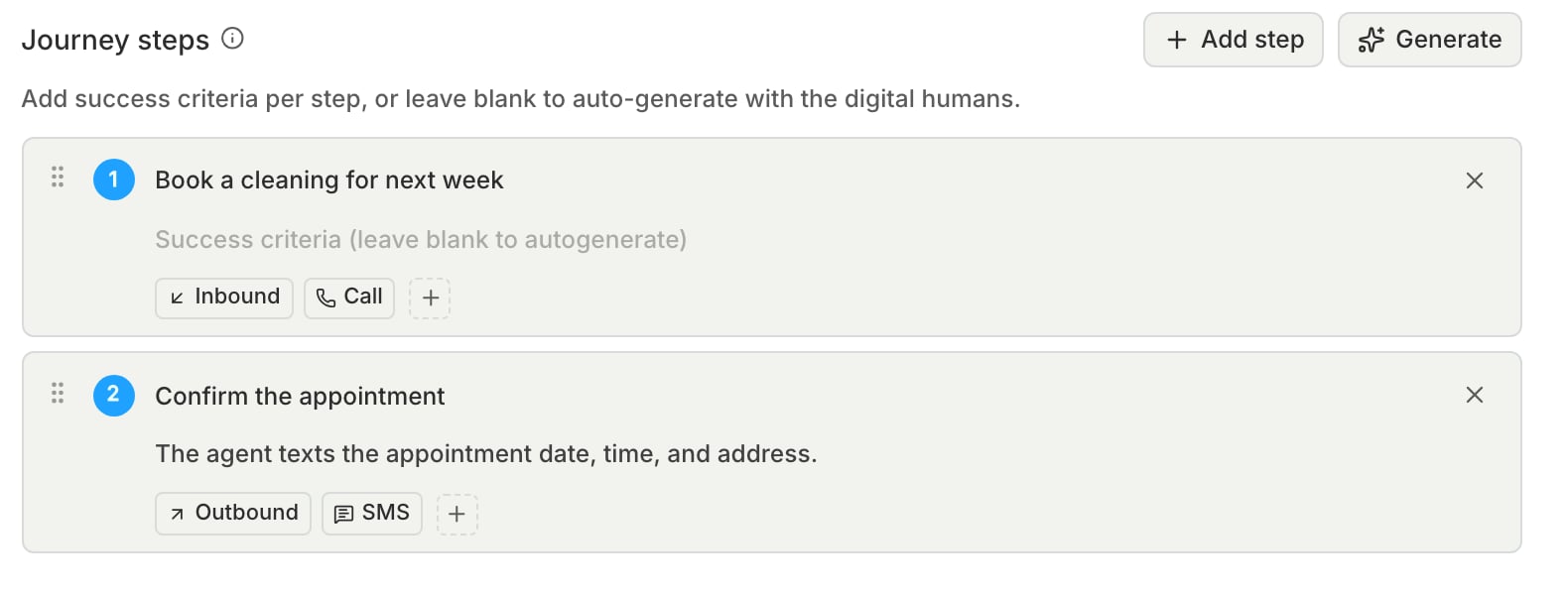
- The Digital Human knows what was agreed on the call, such as the date and time booked, so it replies as the same customer.
- If the SMS option is locked, the agent’s phone number cannot send text messages. Check the number, then save the agent again.
- If your agent texts from a different number than the one saved on the agent, add Different phone number to the step with that number. Bluejay only matches texts from the step’s number.
3
Give the agent enough time
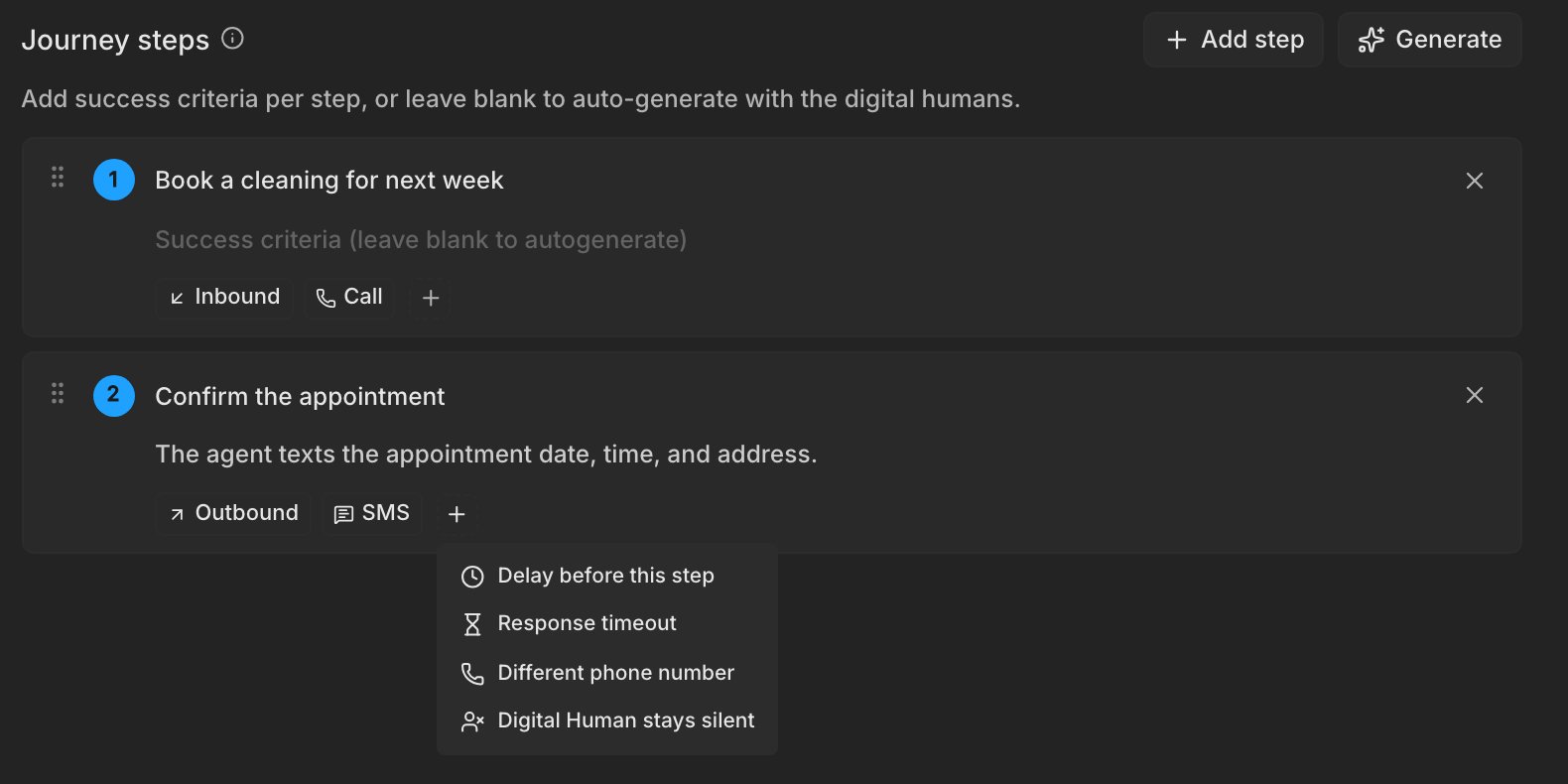
Add Response timeout to the text step if your agent texts more than a few minutes after the call. Without it, the step lasts at most 15 minutes. The timeout covers the whole text conversation, not only the first text, and can be up to 72 hours.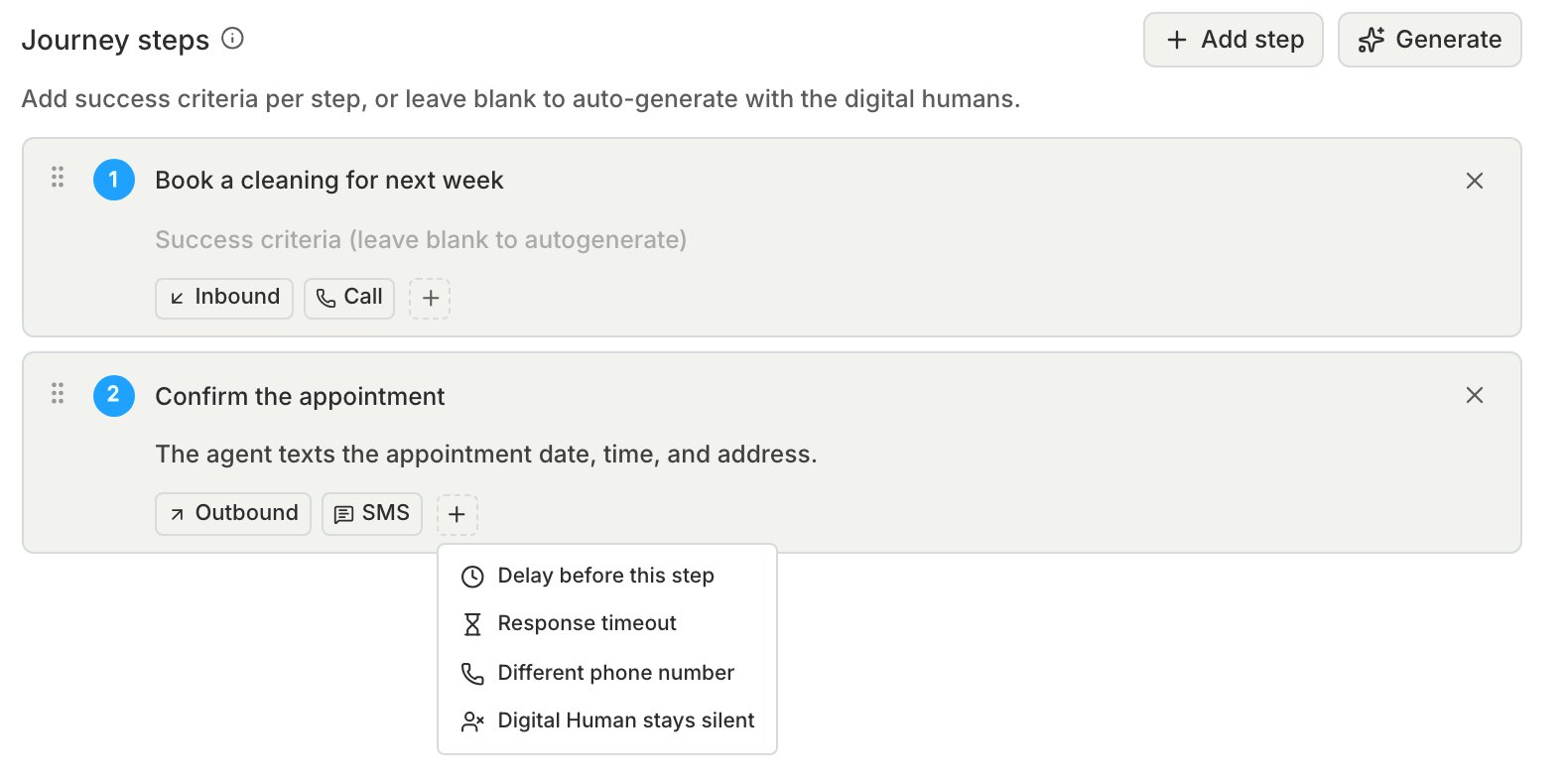
4
Generate and run
Click Generate Digital Humans, then run the simulation.
What to check
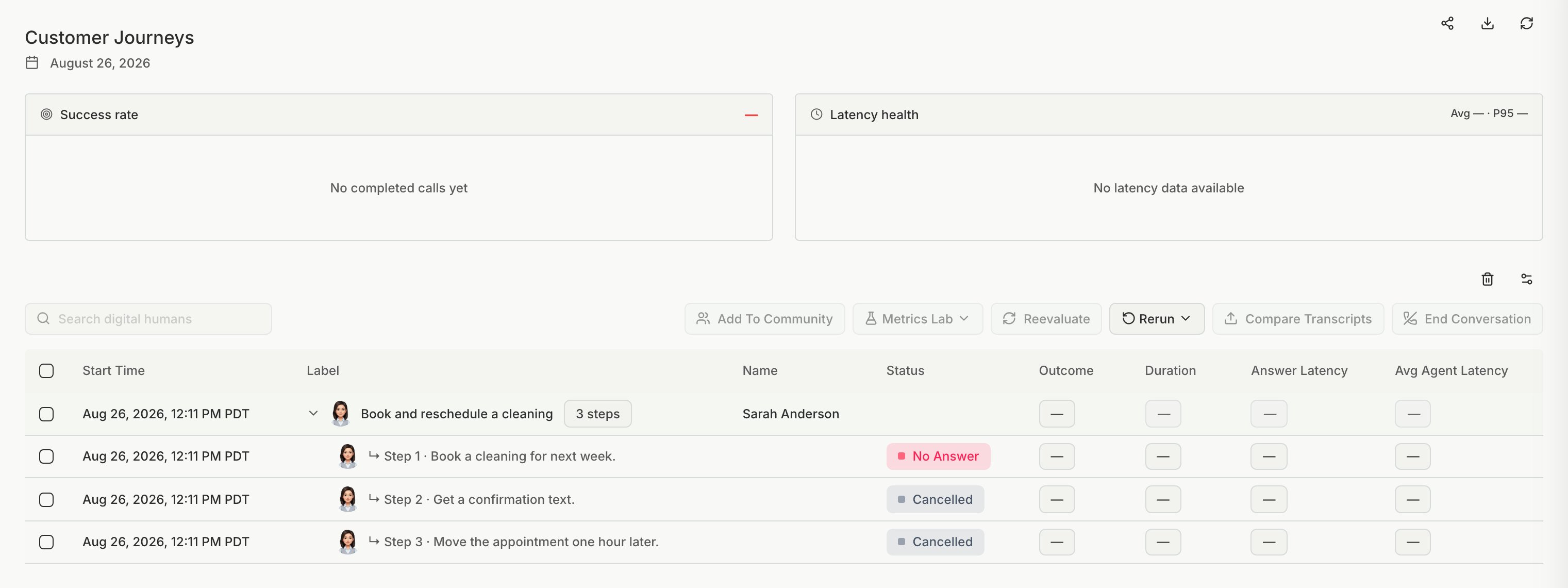
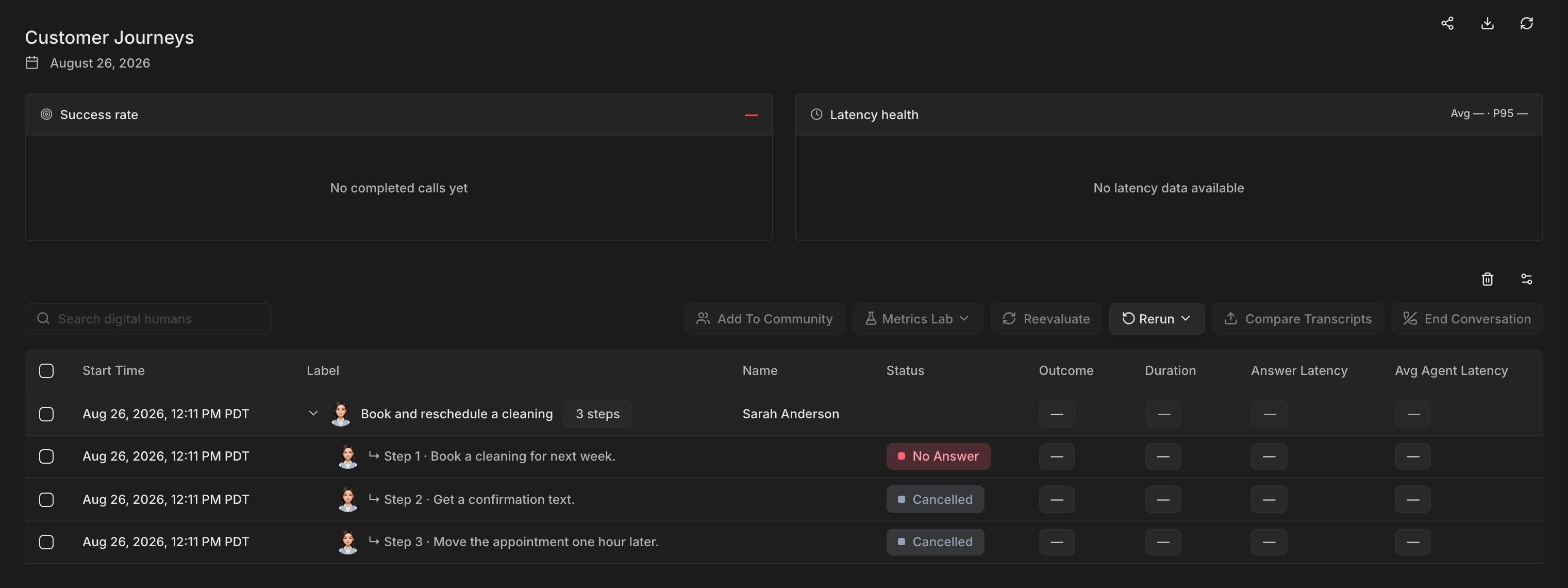
- Bluejay grades the call and the text as separate steps, each against its own success criteria. See Simulation Results.
- A text step where your agent never texted ends as No Answer with the code
STEP_NO_ACTIVITY. Check that the agent texts from the number Bluejay expects, then check the timeout. - If your agent texts while the call is still going, Bluejay keeps the text for the text step. A reply that arrives up to 3 minutes after the text step ends is added to that step and graded again.
- If the call step fails, for example with No Answer, Bluejay skips the text step. See Error codes.