

Connect
These steps are for an agent that answers calls. If your agent places calls, see Outbound agents.1
Create the agent
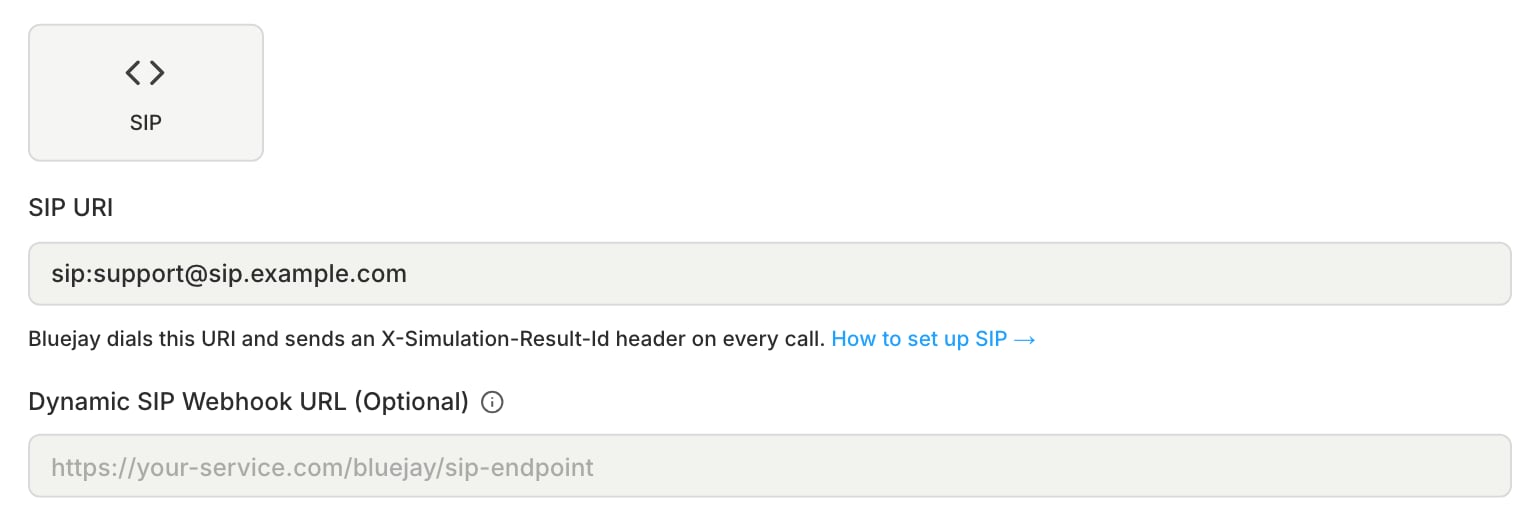
Create an Inbound Voice agent with the SIP connection type, and choose where Bluejay dials:
- SIP URI: one address for every call, in the form
sip:user@host. To set the transport, usesips:or add;transport=tls,tcp, orudp. TLS without a port uses port 5061. - Dynamic SIP Webhook URL: a different destination for each call. Set this or SIP URI, not both. See Dynamic SIP webhook.
2
Add your own headers
To send your own headers on every call, add them to SIP Headers in the agent’s Connection Settings, or after
? on the SIP URI, for example sip:agent@host?X-Tenant=acme. Bluejay puts each one on the INVITE under the name you enter. A Digital Human trait marked as a SIP header also goes on the INVITE, with an X- prefix.3
Link tool calls and traces
Read
X-Simulation-Result-Id when the call arrives, and send tool calls, metadata, or trace IDs with it after the call. See SIP headers.Dynamic SIP webhook
Use a dynamic SIP webhook when each call needs its own SIP destination, for example a new room per call. Before each call, Bluejay sends aPOST to the webhook and dials the destination in the response.
Request body:
If the agent has a webhook signing key, Bluejay signs the body with HMAC-SHA256 and sends the signature in the
X-Bluejay-Signature header. Verify it as shown in HTTP Webhook (Chat).
Outbound agents
If your agent places calls, it dials each Digital Human at a SIP address built from the Digital Human’s phone number, so give each Digital Human one number.1
Create the agent
Create an Outbound Voice agent with the SIP connection type, and set Outbound Trigger Webhook URL. Bluejay sends a 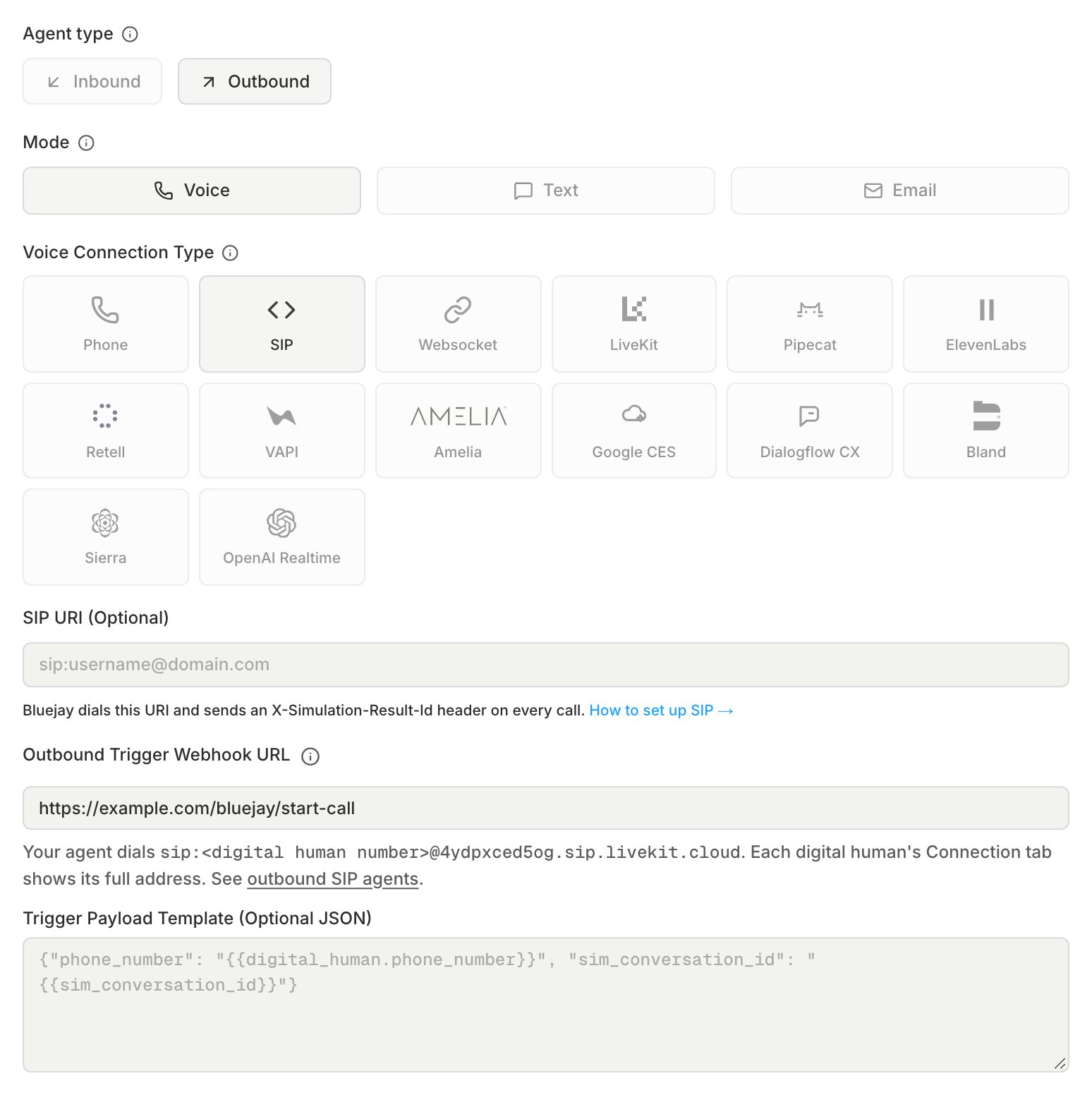
POST there for each conversation, and rejects the run if the field is empty. See Outbound trigger webhook. Leave SIP URI empty, because Bluejay never dials it for an Outbound agent.2
Choose how your agent authenticates
Bluejay checks the caller before a Digital Human answers:
- Calls from your own SBC: set both SIP Username and SIP Password in the agent’s Connection Settings. Your agent must answer the digest auth challenge with them, and it can then call from any source.
- Calls over the phone network through Twilio: leave the credentials empty. Without both credentials, Bluejay rejects any call that does not arrive through Twilio.
3
Dial the Digital Human
When the trigger request arrives, call 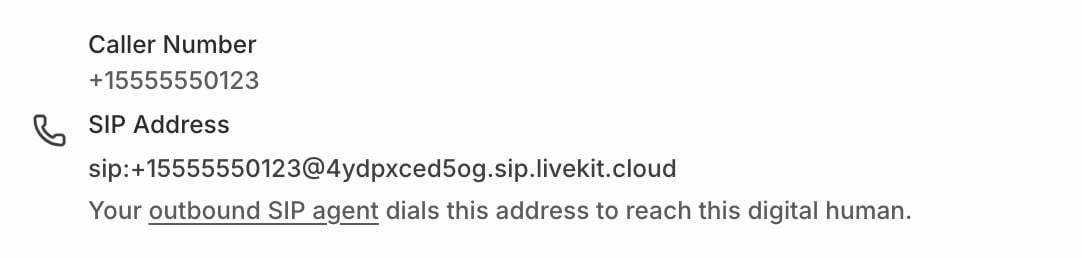
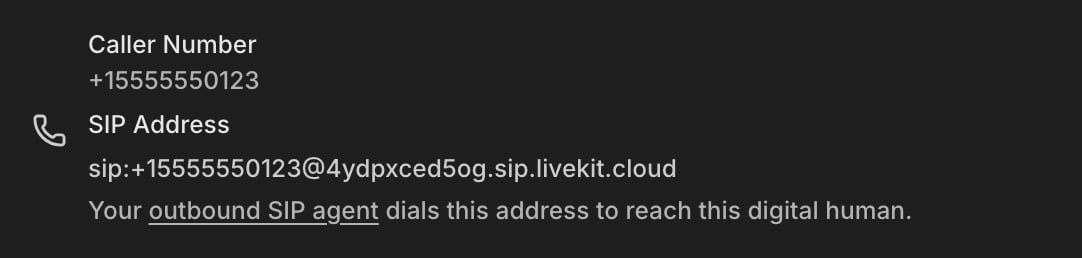
sip:<Digital Human phone number>@4ydpxced5og.sip.livekit.cloud, with the number in E.164 from phone_number in its body, for example sip:[email protected].The same address is the SIP Address on the Connection tab of each Digital Human.SIP headers
Bluejay adds these headers to every SIP INVITE it sends to your agent:
To attach tool calls, metadata, or trace IDs to the result, read
X-Simulation-Result-Id when the call arrives, then send them to /v1/update-simulation-result after the call. See Tool Calls.
Twilio SIP domain
If your agent sits behind Twilio, put a Twilio SIP domain in front of it so Bluejay can call it over SIP. The example agent is OpenAI Realtime, but the Twilio steps are the same for any agent behind Twilio.1
Create a credential list
In the Twilio Console, open Voice, then SIP domains, then Credential lists. Create a list with a username and a password.
2
Create the SIP domain
On the SIP domains tab, click Create SIP Domain. Enter a unique name, for example
twilio-openai. Under Voice authentication, select the credential list, and leave IP access control lists empty. Under Call control configuration, set Configure method to Webhook and Webhook URL to your server. Use HTTP POST.3
Create the Bluejay agent
Set SIP URI to
sip:[email protected]. After you create the agent, set SIP Username and SIP Password in its Connection Settings to the credentials from the list.SipHeader_ prefix, for example SipHeader_X-Simulation-Result-Id.
OpenAI Realtime behind Twilio
OpenAI Realtime behind Twilio
To test the agent without Twilio or a phone line, connect it with OpenAI Realtime instead.Your server answers two requests per call, while the audio goes from Twilio to OpenAI directly.
- Twilio calls your
/twimlroute. Return TwiML that dialssip:<OPENAI_PROJECT_ID>@sip.api.openai.com;transport=tls. SetcallerIdon<Dial>to a number on your Twilio account. - OpenAI sends
realtime.call.incomingto the webhook on your OpenAI project. Verify the signature, return200, then callPOST /v1/realtime/calls/{call_id}/acceptwith the instructions.
?X-Simulation-Result-Id=<id>, and OpenAI returns it in data.sip_headers on the webhook event.