

Set it up
1
Select the card


2
Fill in the CSV
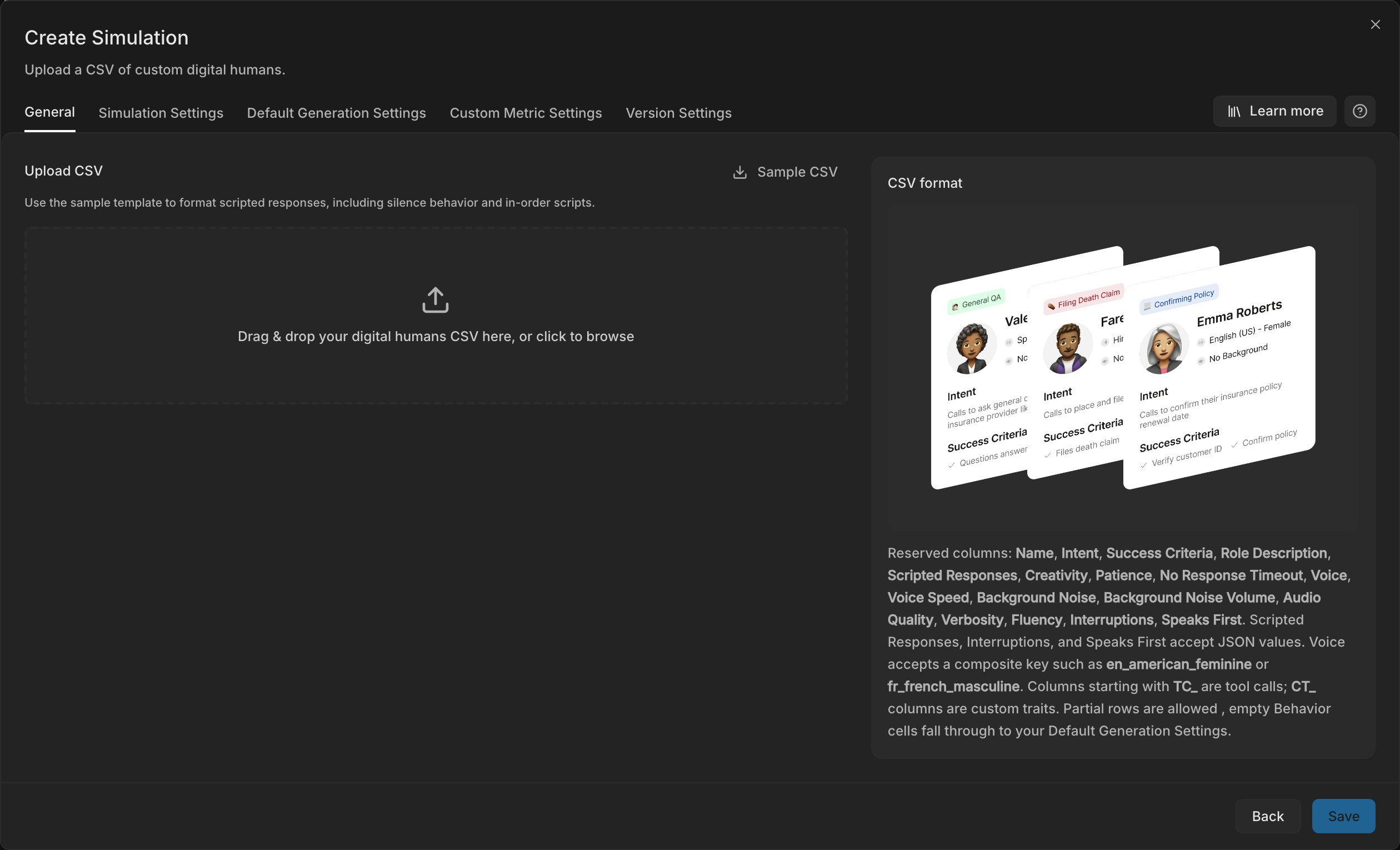
Download the Sample CSV and write one Digital Human in each row, with the columns below. Bluejay creates each row exactly as you wrote it and does not generate anything.
3
Upload the CSV
Check any error before you go on, because Bluejay imports a row without the fields that are not valid.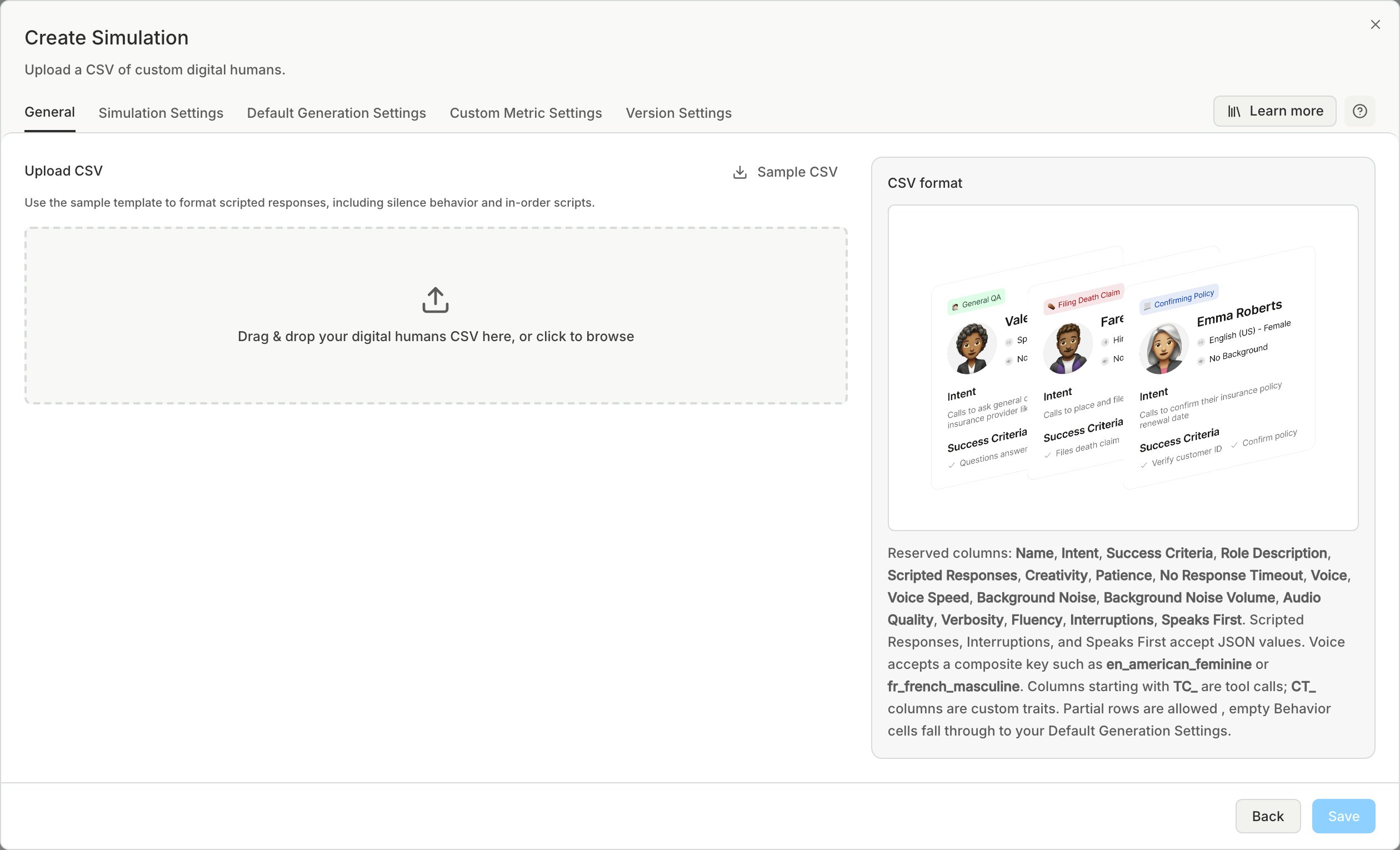
Columns
- Column headers are not case-sensitive.
- Bluejay ignores columns that it does not know.
- A blank behavior cell uses the values on the Default Generation Settings tab.
These columns take the same values as the behavior fields:
Voice SpeedBackground NoiseBackground Noise VolumeAudio QualityVerbosityFluency
Interruptions cell is a JSON object with interruptions_type:
{"interruptions_type": "none"}{"interruptions_type": "probabilistic", "probability_of_default_interrupt": 0.5}, with a value from 0 to 1{"interruptions_type": "keyword", "keyword_responses": {"refund": {"response": "Yes, the refund!", "probability": 0.8}}}{"interruptions_type": "llm", "llm_prompt": {"user_prompt": "Interrupt when the agent talks too long."}}