Use this type to test your agent again on conversations that went wrong, or on calls that must keep working after a change.

Set it up

1

Select the card

Create a simulation and select the Replay From Transcript card.Replay From Transcript card in the Create Simulation type pickerReplay From Transcript card in the Create Simulation type picker
2

Add the transcripts

Paste transcripts, select your agent’s production calls, or upload a CSV file with the CSV columns below. Each transcript becomes one Digital Human.
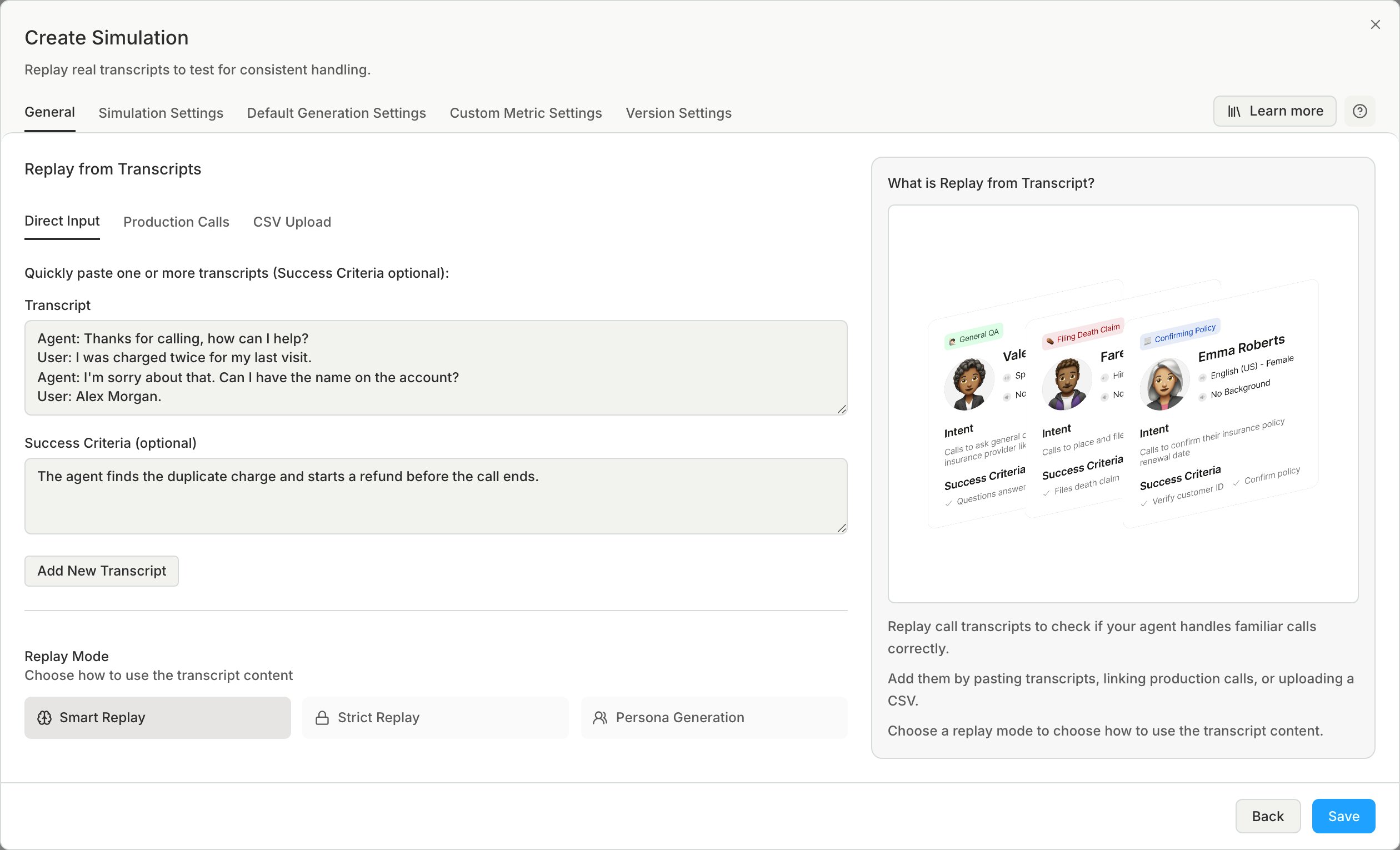
  • Bluejay uses only the tab that is open when you click Save.
The Direct Input tab with a pasted transcript and success criteria, the Add New Transcript button, and the Smart Replay, Strict Replay, and Persona Generation replay modesThe Direct Input tab with a pasted transcript and success criteria, the Add New Transcript button, and the Smart Replay, Strict Replay, and Persona Generation replay modes

Replay modes

Use Strict Replay when your agent must give the same answers as before. If your agent changed what it says, the fixed lines may stop making sense. Smart Replay is usually the better choice then.

CSV columns

The CSV file has a header row and one transcript in each row. The columns are:
  • Transcript
  • Name, optional
  • Success Criteria, optional
  • TC_<tool>, optional, an expected tool call
  • CT_<trait>, optional, the value of a trait
Last modified on October 21, 2026