Use this type when you would rather describe your callers than write each Digital Human yourself.

Set it up

1

Select the card

Create a simulation and select the Generate from Natural Language card.Generate from Natural Language and Goal Adherence cards in the Create Simulation type pickerGenerate from Natural Language and Goal Adherence cards in the Create Simulation type picker
2

Describe your callers

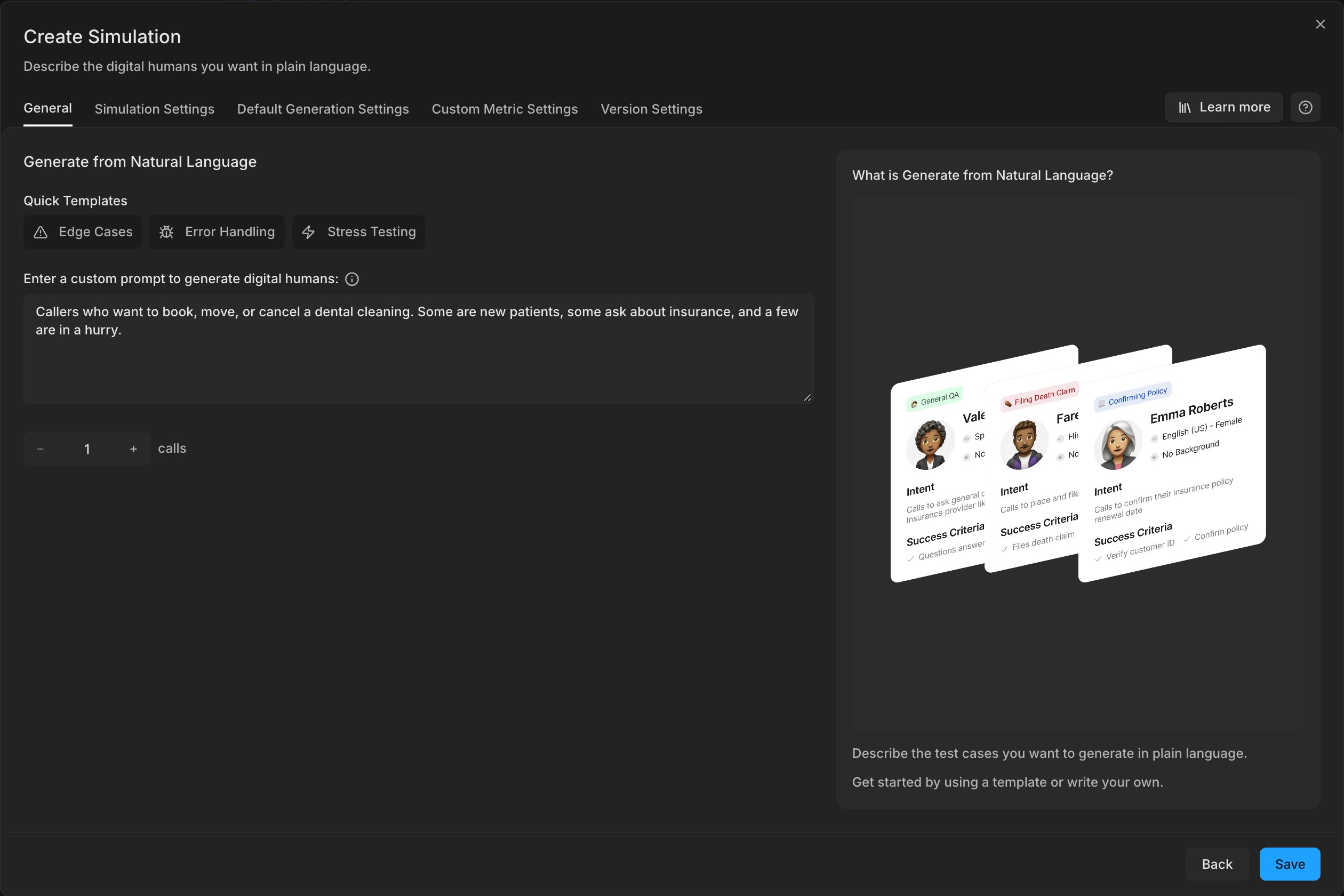
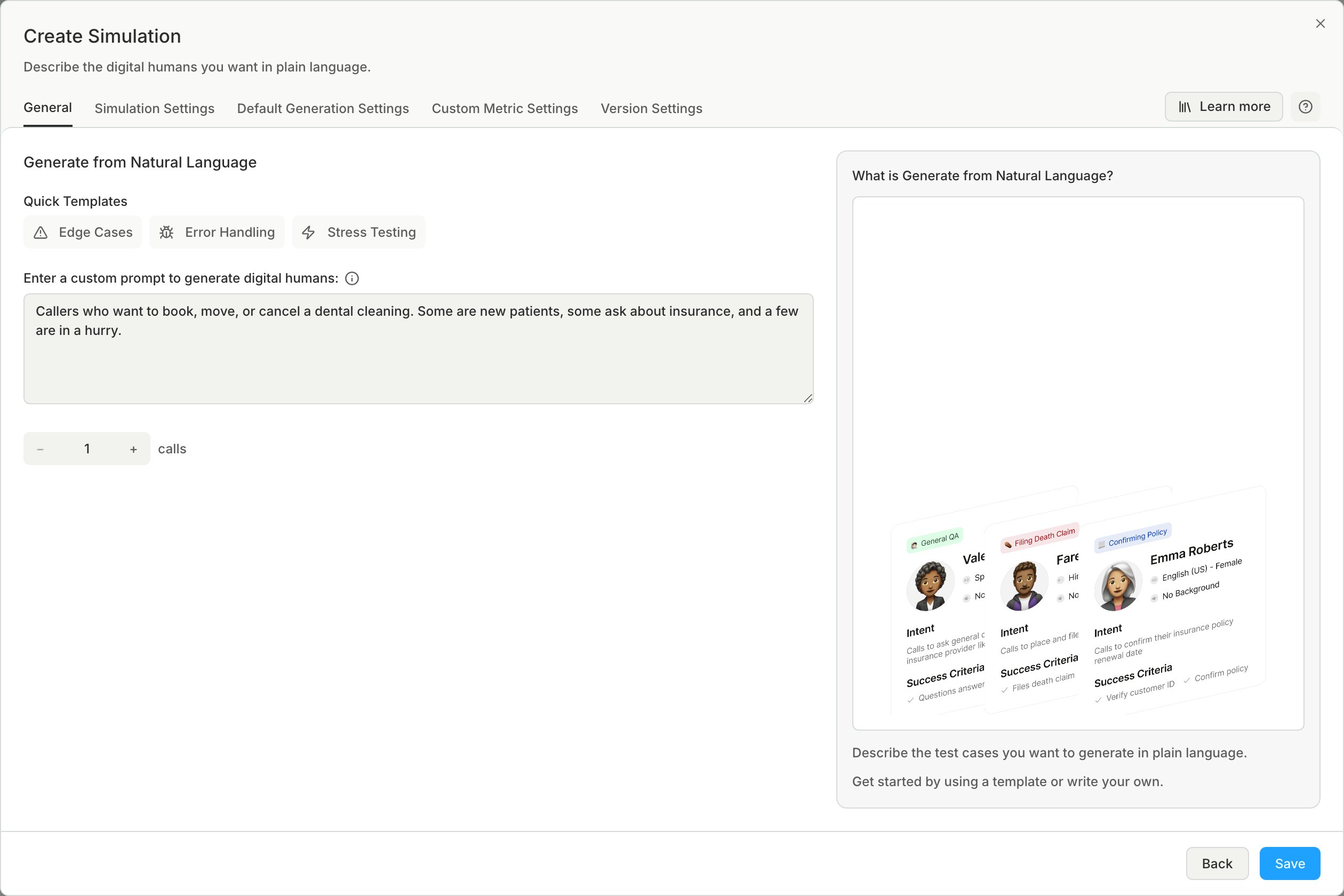
Write what you want to test, for example “callers who ask for a refund after the 30-day window”. You can make 1 to 100 Digital Humans.The Generate from Natural Language settings with a prompt describing dental-cleaning callers, the Quick Templates above it, and the number of calls set to 1The Generate from Natural Language settings with a prompt describing dental-cleaning callers, the Quick Templates above it, and the number of calls set to 1
3

Review the Digital Humans

Edit any Digital Human that does not test what you meant.
Last modified on October 22, 2026