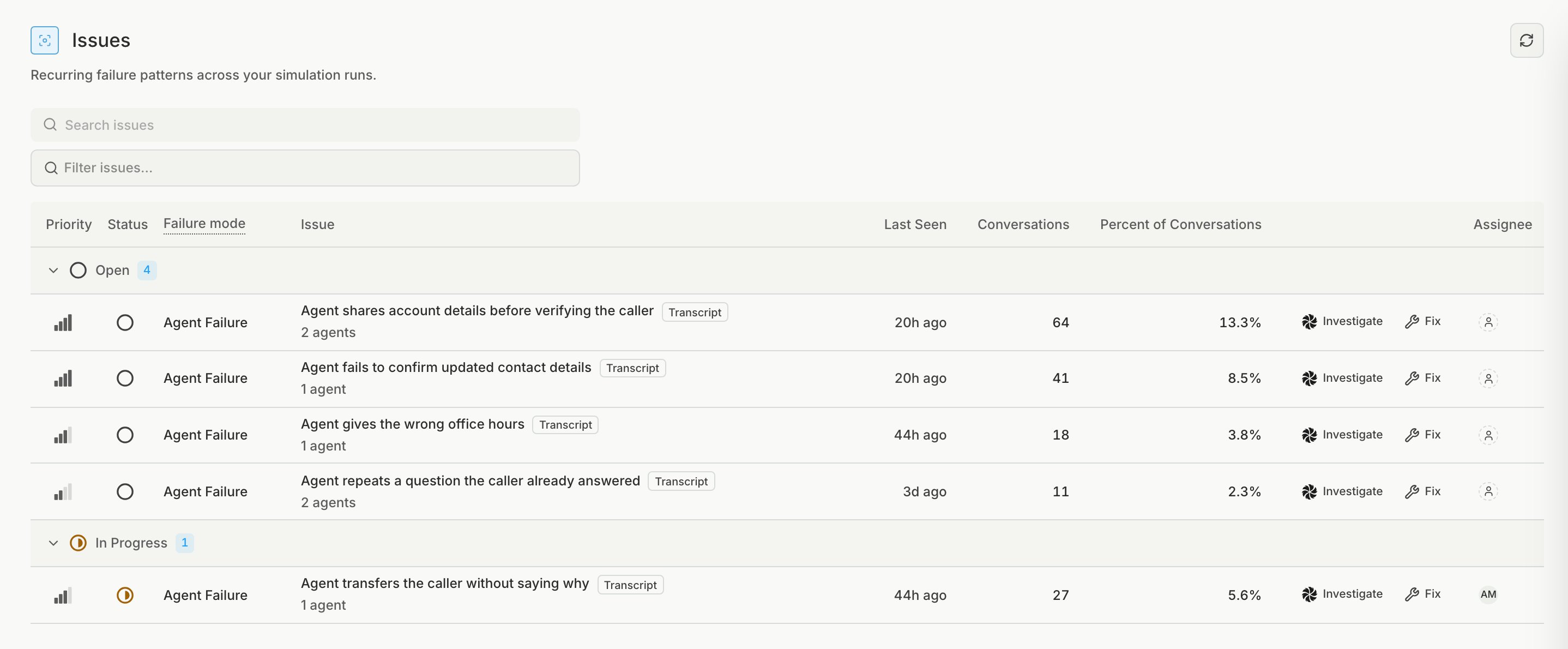
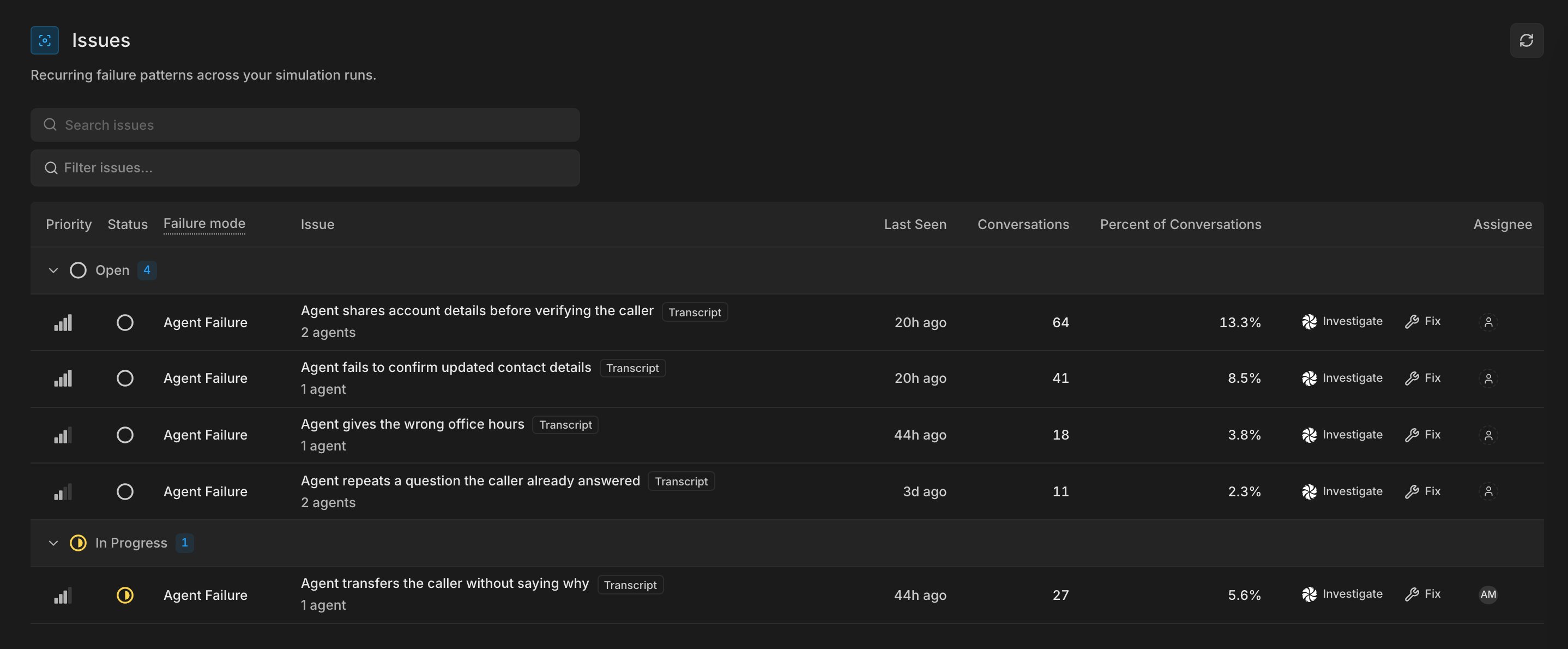
With Issues, Bluejay identifies common problems with your agent from simulation results. If you are tracking issues from production calls, see Issues. The simulation Issues list with one row for each issue, showing its priority, status, failure mode, conversation count, and percent of conversations The simulation Issues list with one row for each issue, showing its priority, status, failure mode, conversation count, and percent of conversations

How issues work

After Bluejay evaluates a simulation conversation, it finds where the agent went wrong and matches each failure to similar failures from your other simulation conversations. Every simulation issue is an Agent Failure: the agent had a failure based on its conversations (transcripts). Tool and phone provider errors become issues only in production.

Work through an issue

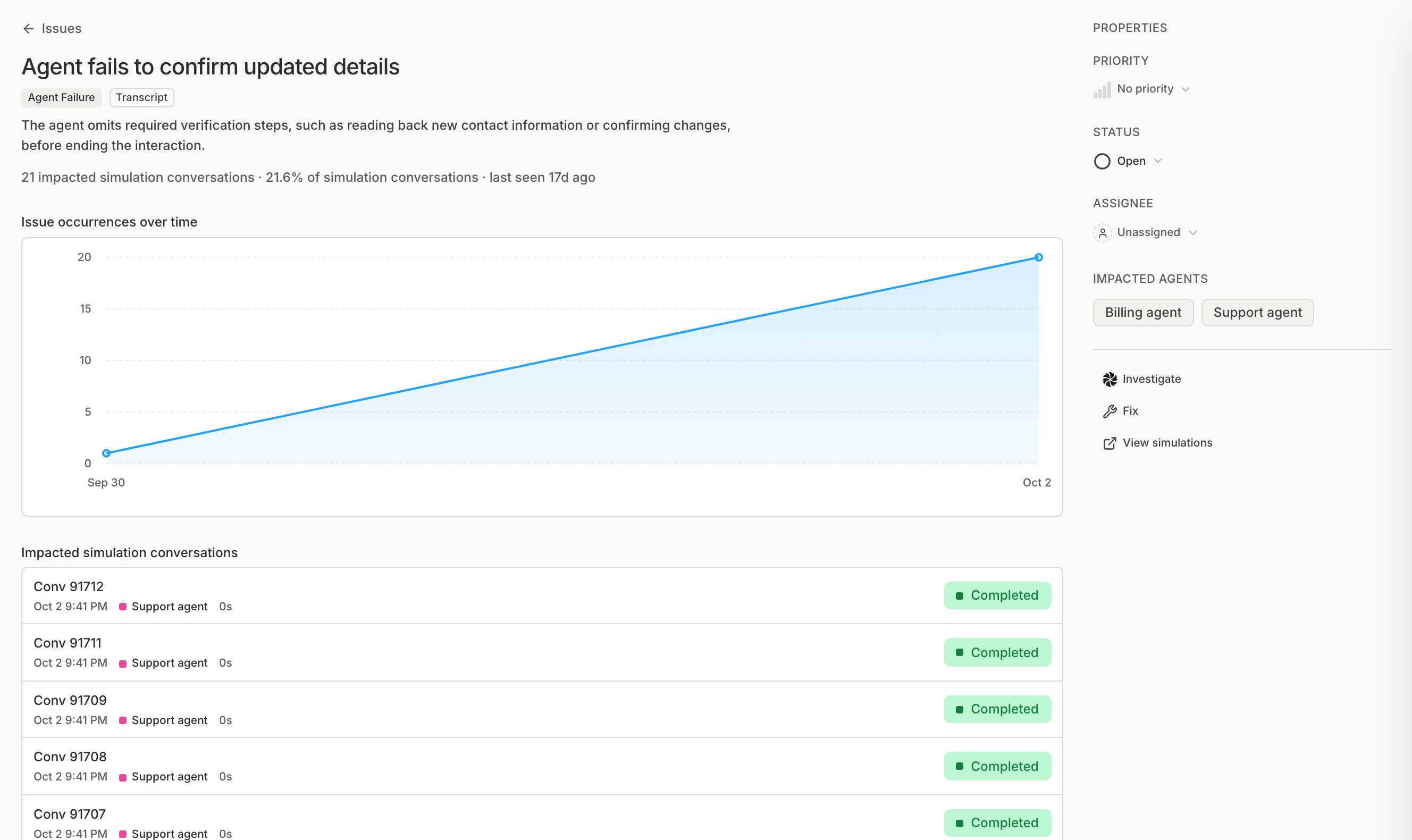
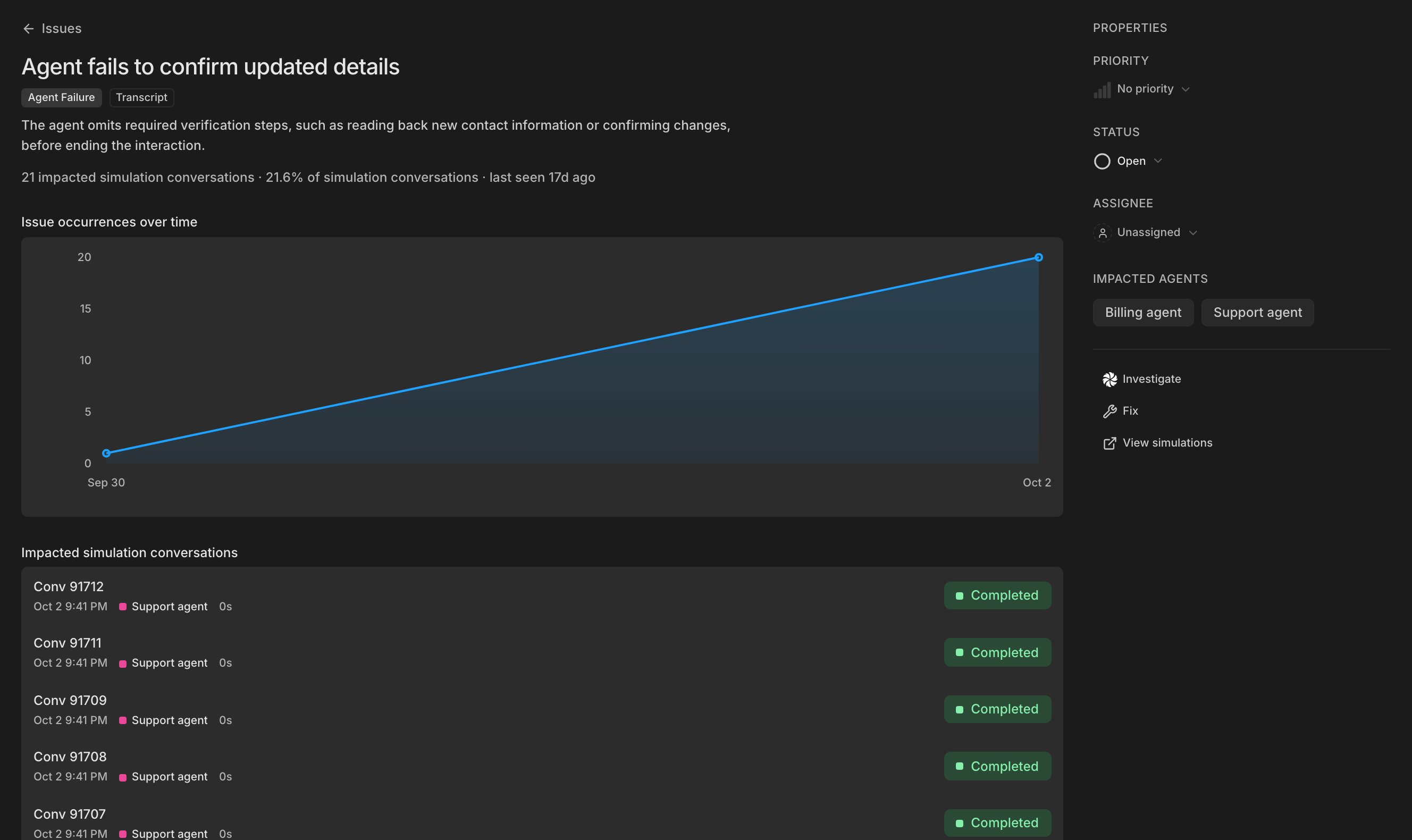
An issue's detail page with its description, impacted conversation count, occurrences over time, impacted simulation conversations, and a properties panel for priority, status, and assignee An issue's detail page with its description, impacted conversation count, occurrences over time, impacted simulation conversations, and a properties panel for priority, status, and assignee
1

Open the top issue

Start with the issue that hits the most conversations, and read a few of its conversations to see what the agent did.
2

Find the cause

Click Investigate to ask Bluejay AI what to change, or Fix to copy a prompt for your coding assistant.
3

Track the work

After your fix, add a custom metric that checks for the failure, and rerun the simulation.
Last modified on October 21, 2026