

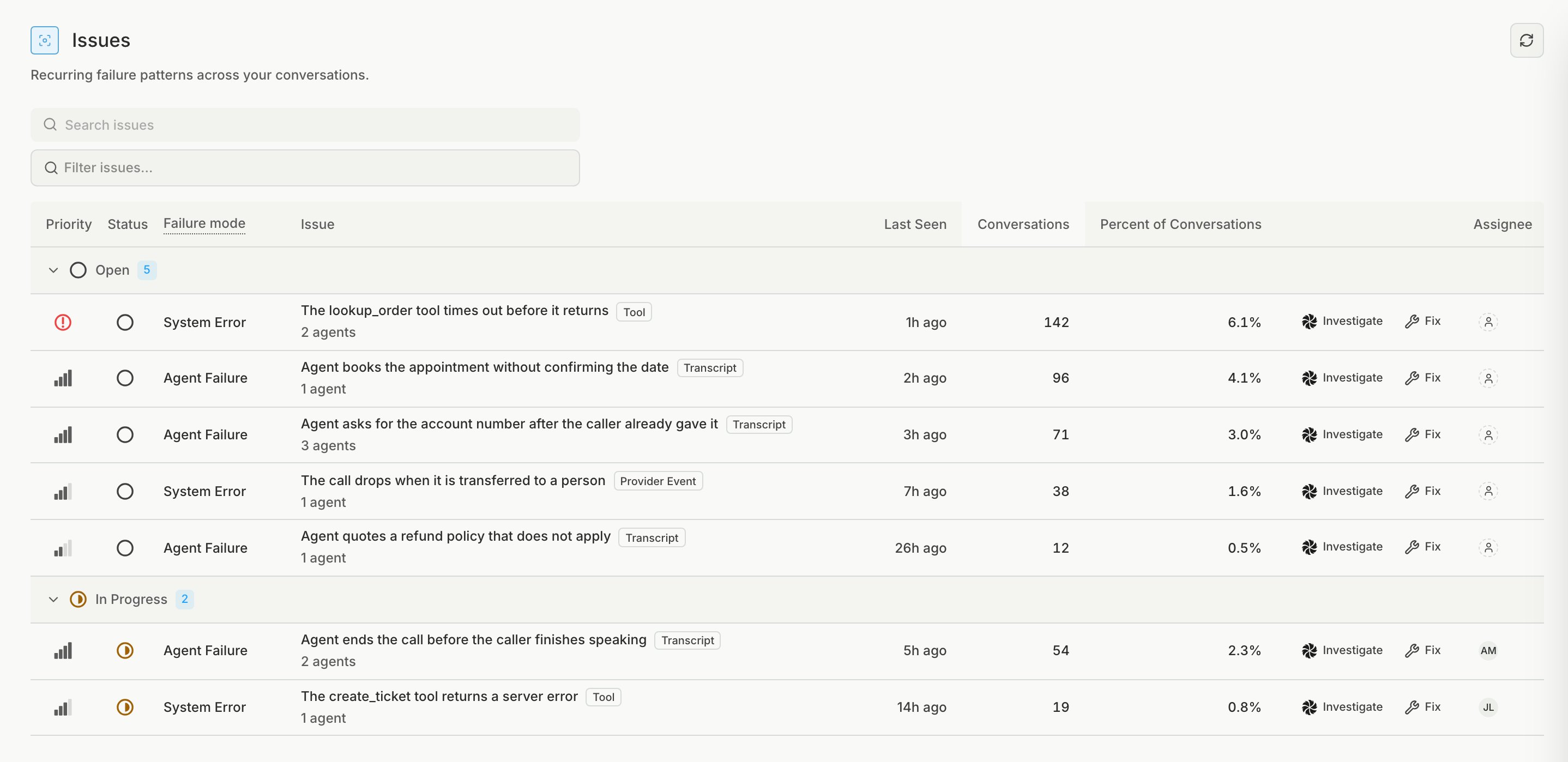
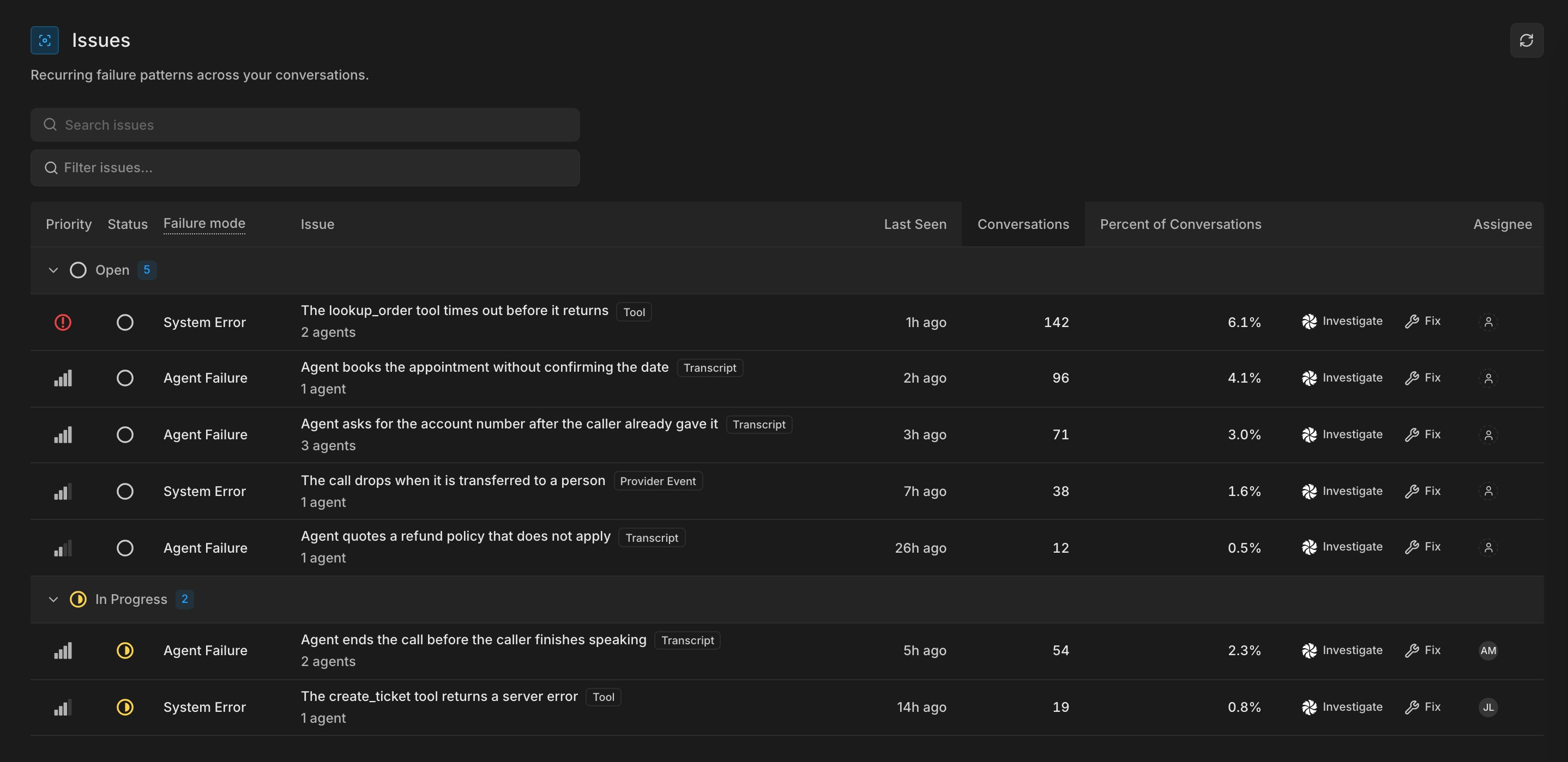
How issues work
After Bluejay evaluates a production conversation, it finds where the call went wrong and matches each failure to similar failures from your other conversations. Each issue has a failure mode:- Agent Failure: the agent had a failure based on its conversations (transcripts).
- System Error: a tool call failed, the voice platform reported an error, or the agent got stuck repeating the same tool call.
Work through an issue
1
Open the top issue
Start with the issue that hits the most conversations, and read a few of its conversations to see what the agent did.
2
Find the cause
Click Investigate to ask Bluejay AI what to change, or Fix to copy a prompt for your coding assistant.
3
Track the work
After your fix ships, monitor the failure with an alert on a custom metric that checks for it.