Connect
1
Create the agent
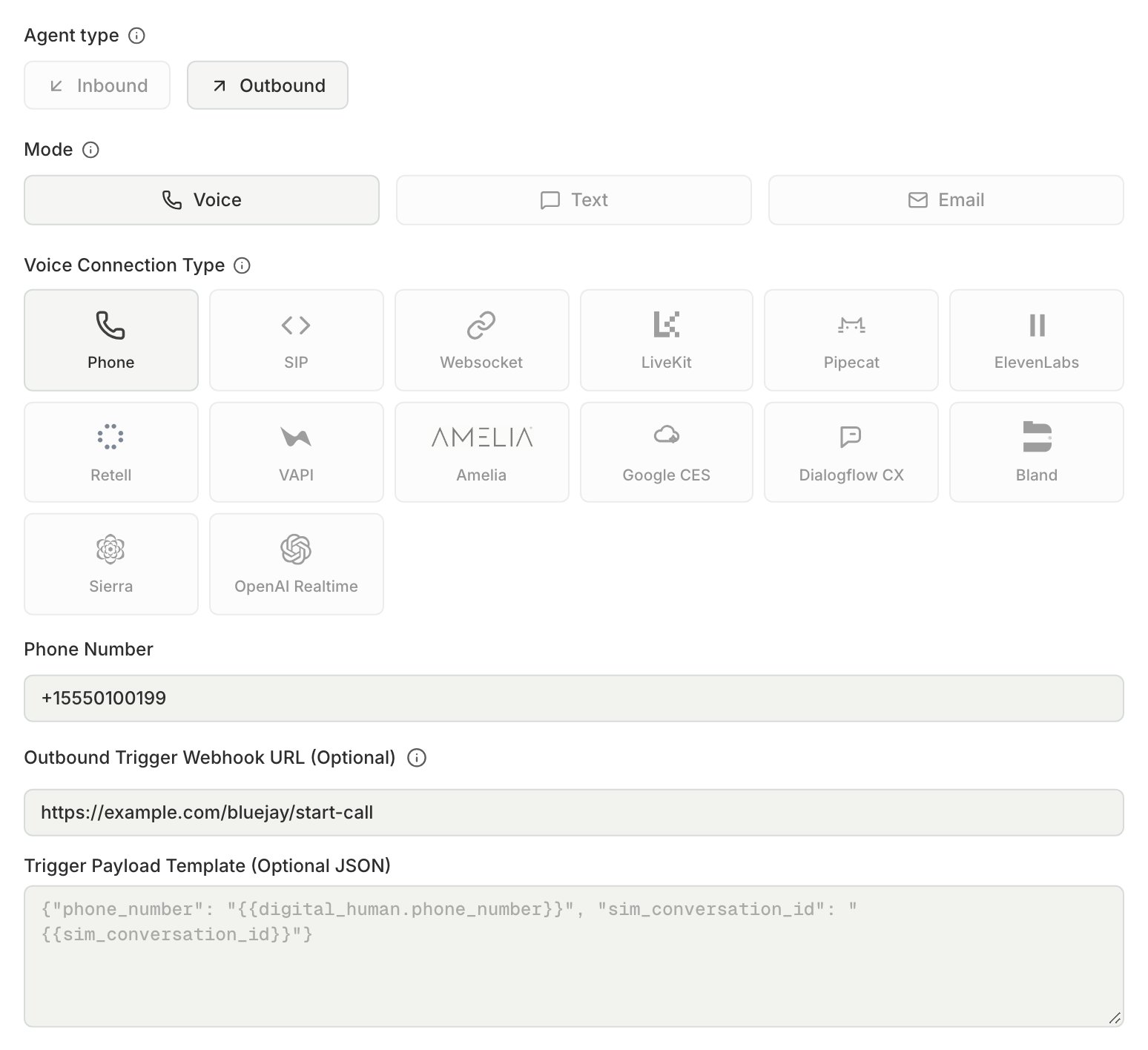
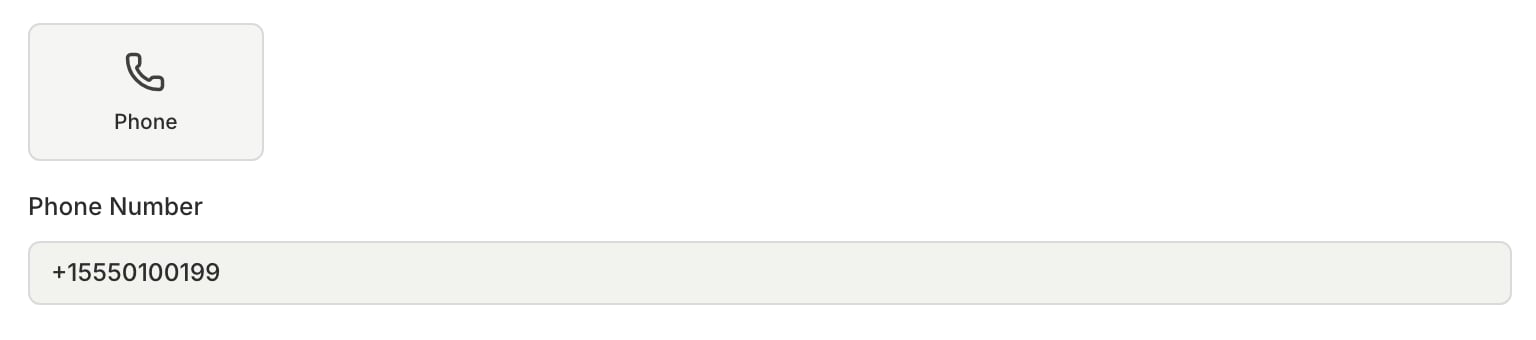
For calls, create a Voice agent with the Phone connection type. For texts, create a Text agent with the SMS connection type. Enter your agent’s number in E.164 format, for example
+15551234567. An Outbound Voice agent with an Outbound Trigger Webhook URL does not need a number.2
Choose who starts the conversation
- Inbound: your agent answers. When a run starts, each Digital Human calls or texts your agent’s number.
- Outbound: your agent calls or texts each Digital Human first. Set up a trigger so your agent knows when to start, as described in Outbound agents.
3
Give the Digital Humans numbers
Each Digital Human calls, texts, or answers on its own number, so give each one a number. See Digital Human numbers.
4
Run a simulation
Create a simulation for the agent and run it. Each test goes over the real carrier network, and Bluejay records, transcribes, and grades each conversation against your success criteria and custom metrics.
Outbound agents
The Digital Humans wait on their lines until your agent reaches them or the run times out. Tell your agent when a run starts and which numbers to contact with one of these triggers:- Outbound Trigger Webhook URL on the agent. Bluejay sends one
POSTfor each conversation, and your system then calls or texts the Digital Human. See Outbound trigger webhook for the body, headers, and retries. - The
outbound_simulation_startedevent on a webhook. For a voice agent, Bluejay sends one event per run, and the event payload lists the numbers to call.