

Requirements
Self-Improve pushes each new prompt to the live agent on its platform, so sync the agent from a platform that supports it. Your platform’s integration page says if it does. Calls that reach the agent during the run get the prompt under test, so run it on an agent you use for testing.Start a run
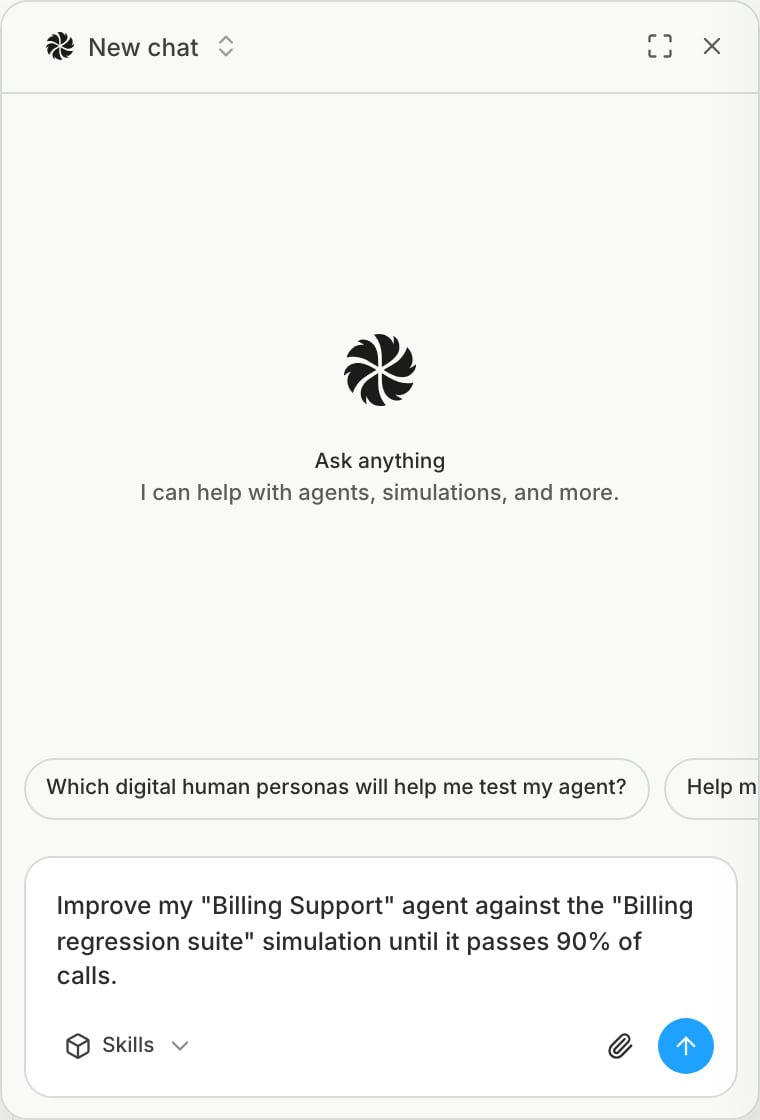
Ask Bluejay AI to improve an agent against a simulation. For example:Improve my “Billing Support” agent against the “Billing regression suite” simulation until it passes 90% of calls.
Bluejay generates metrics for the run and saves them on the agent. To use your own metrics in their place, name them in your request. Either way, the run replaces the simulation’s selected custom metrics with the run’s metrics, and they stay selected after the run.
How a run works
- Metrics: Bluejay generates metrics from the agent’s prompt, workflow, and Knowledge Base, or uses the metrics you named.
- Baseline: the current prompt runs the full simulation. If the pass rate already meets the target, the run ends with no change.
- Diagnose: Bluejay reads the failed calls and finds one failure pattern.
- Fix: Bluejay writes a new prompt for that pattern and pushes it to your provider.
- Verify: the simulation runs again. If the pass rate goes up by at least the minimum improvement, Bluejay keeps the fix. If not, Bluejay reverts it and does not try that pattern again.
Result
If the run beats the baseline, Bluejay saves the best prompt as a new agent version on the agent with thelatest label. The agent on your platform also keeps the best prompt from the run.
To see progress, ask Bluejay AI for the run status. While the chat that started the run stays open, Bluejay AI reports the result when the run ends.
Limits
- An agent can have one active run. A second run on the same agent is rejected until the first run ends or stops.
- To stop a run, ask Bluejay AI. Bluejay reverts changes that it did not verify.
- Each round runs the full simulation and costs the same as a manual run.