

Phrase Match
Checks whether specific words were said in the transcript.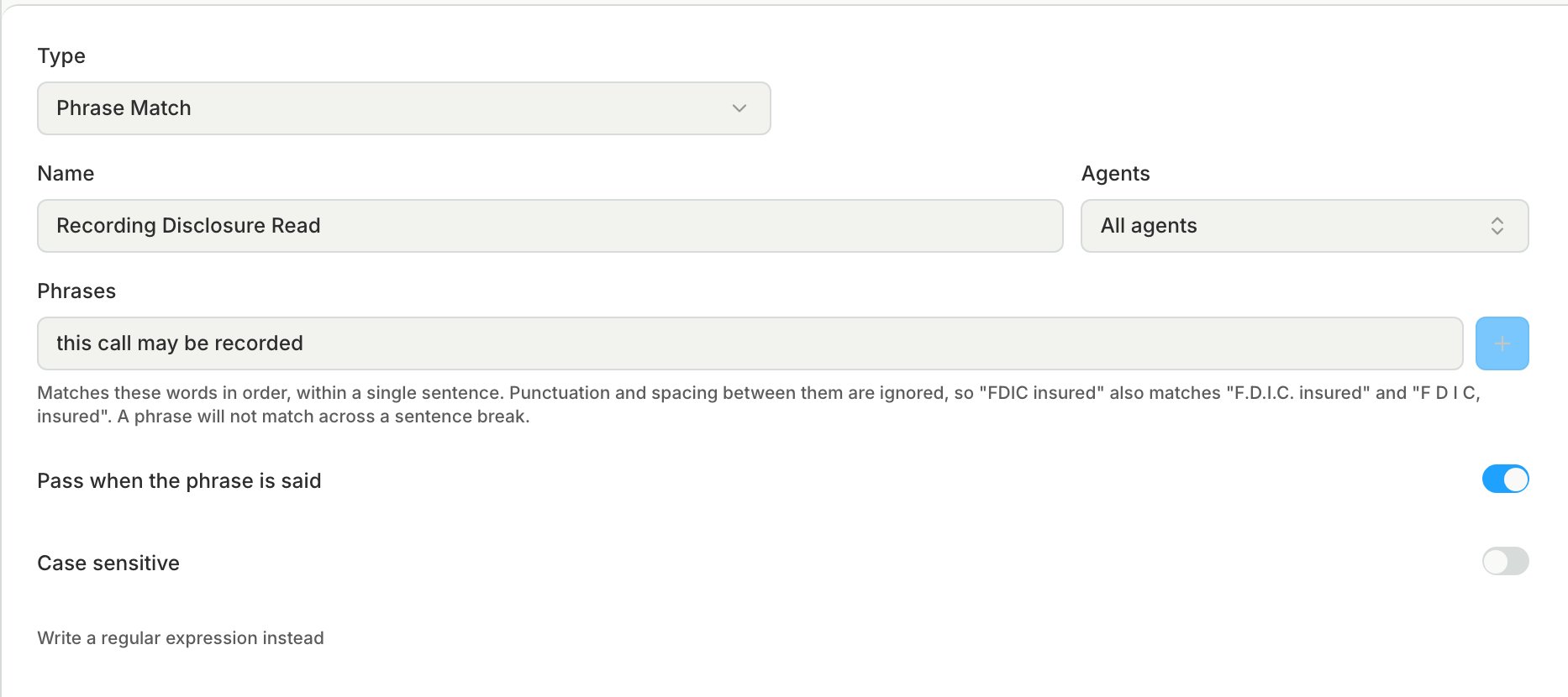
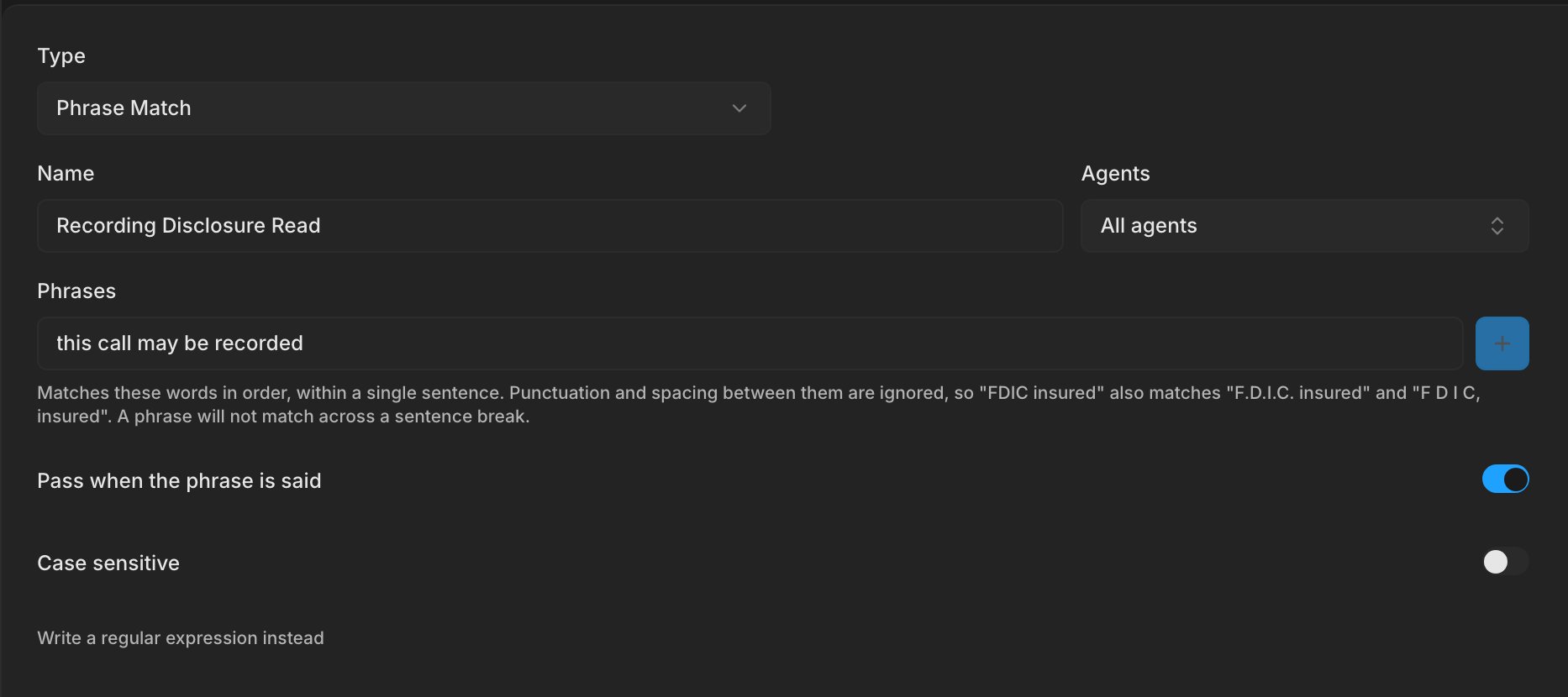
- Add each phrase under Phrases. A phrase matches its words in order within one sentence, so a phrase split across two sentences does not match.
- To fail the metric when a phrase is said, such as a word the agent must never use, turn off Pass when the phrase is said.
- For a pattern that phrases cannot describe, click Write a regular expression instead.
Tool Call
Passes when the agent called every tool you list.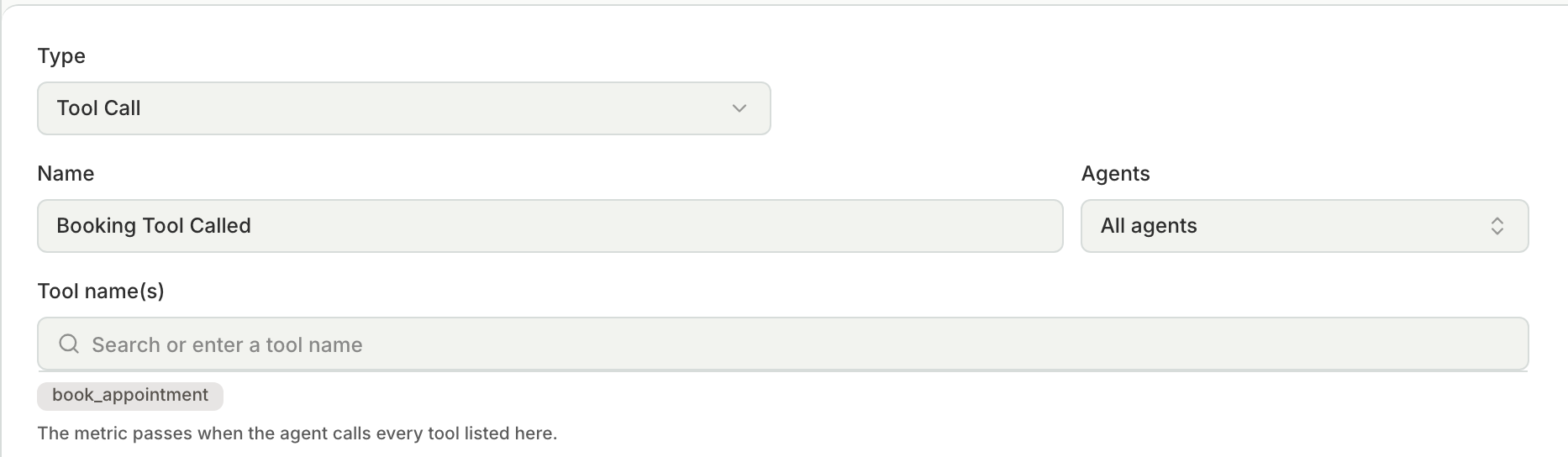
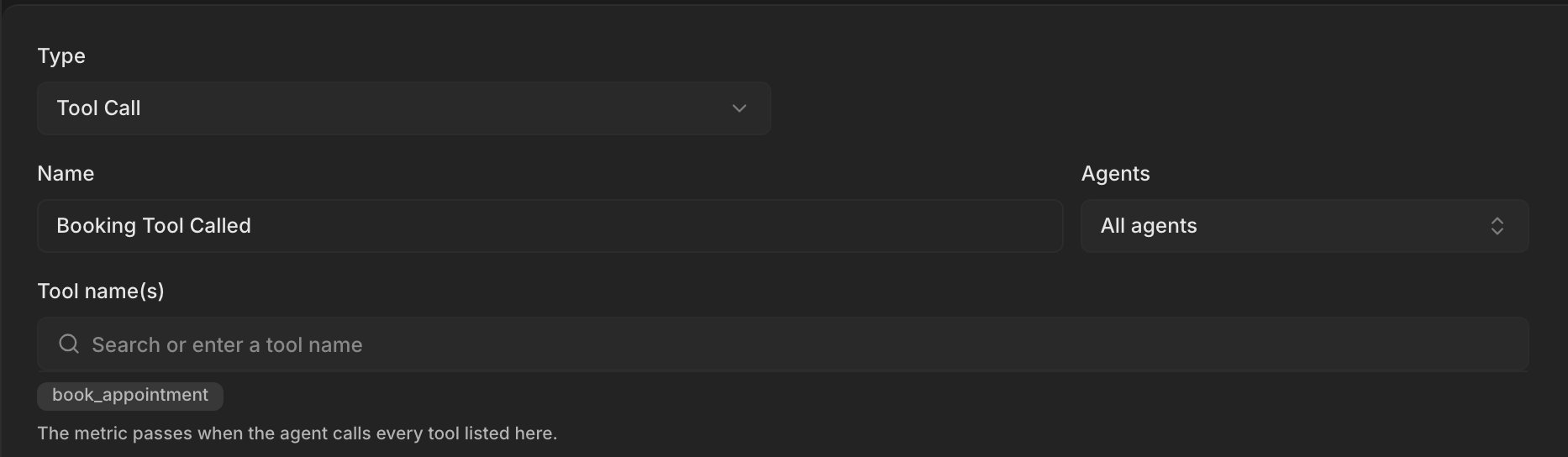
- Under Tool name(s), add each tool by the name your agent sends in
tool_calls. - A transcript does not show tool calls, so send them to Bluejay with the conversation, as in Tool calls, events, and metadata.
Transfer Landed
Passes when the Digital Human you choose answers the transfer within a time limit counted from the start of the call.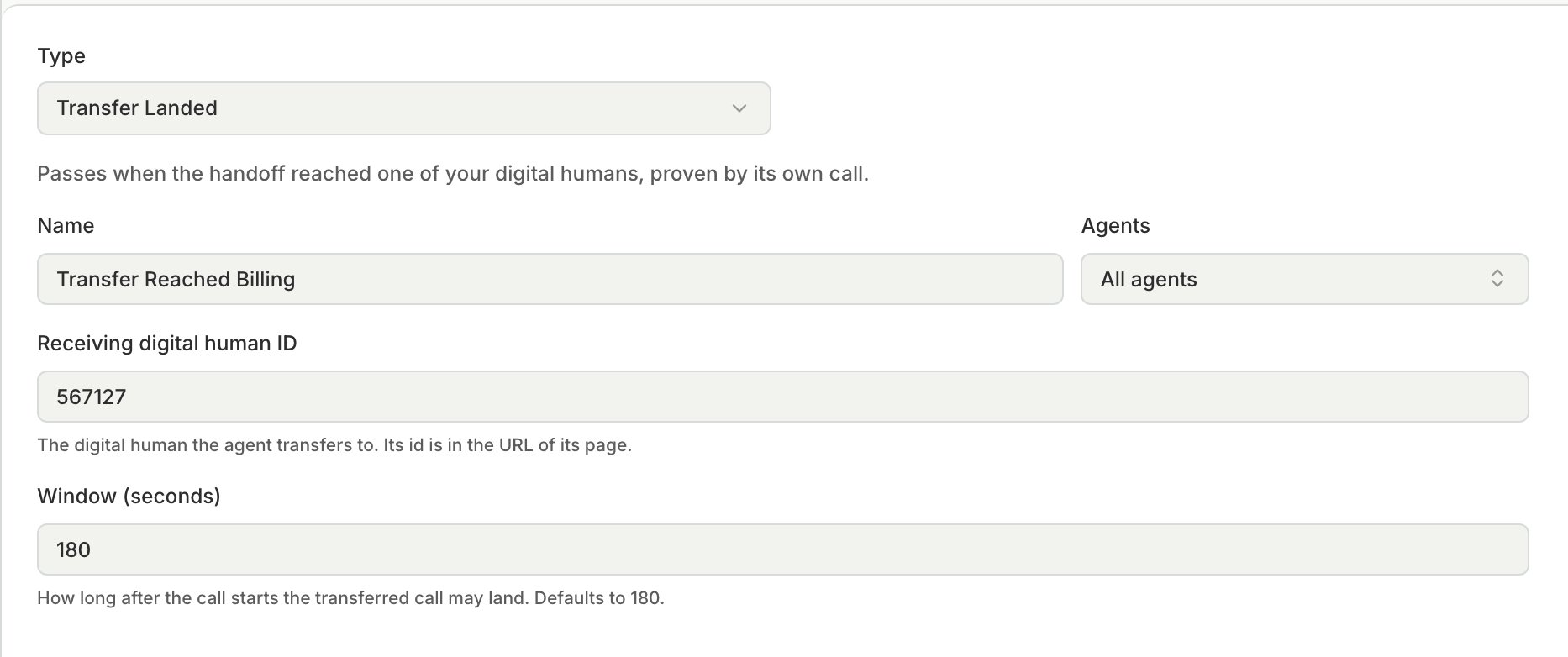
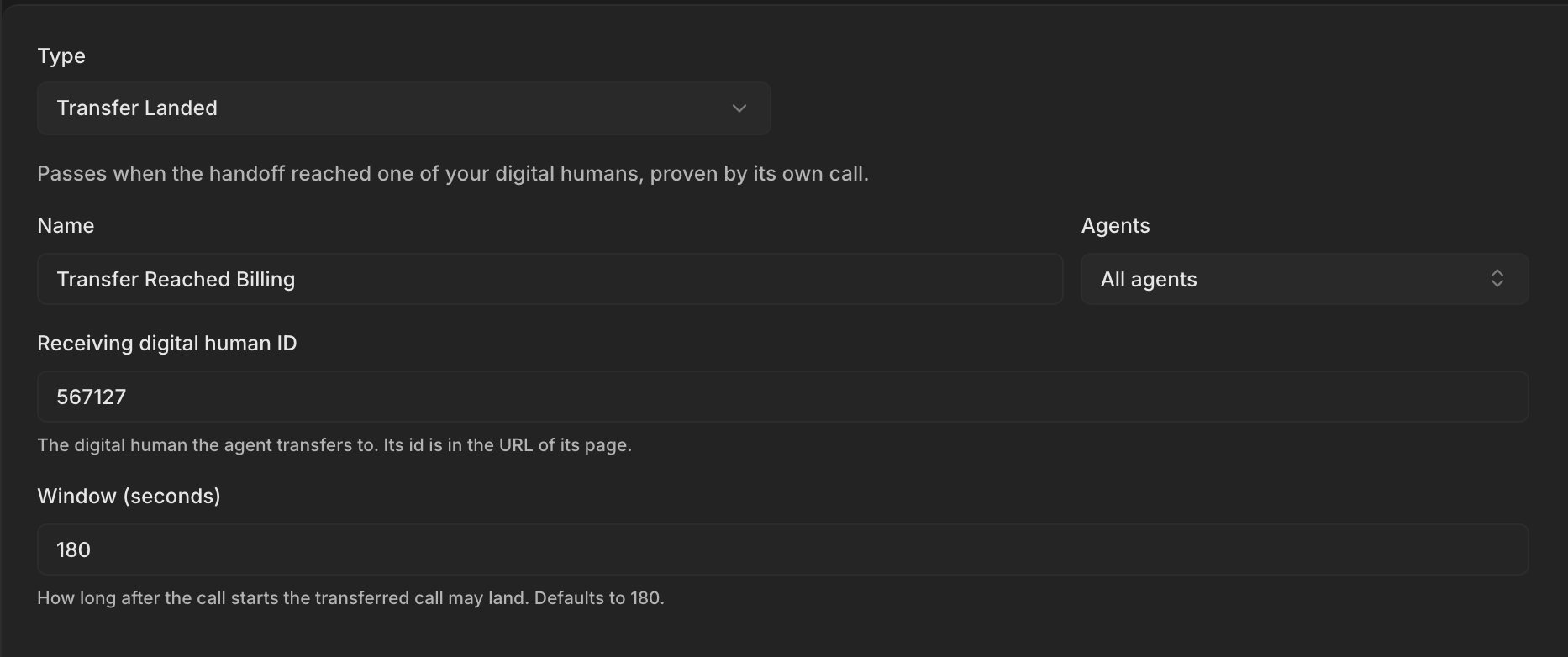
- In Receiving digital human ID, enter the ID of the Digital Human that the agent transfers to. The ID is in the URL of the Digital Human’s page.
- Window (seconds) defaults to 180, and the maximum is 900.