

Create a composite metric
1
Open the form
On the Metrics page, click Create, then Create manually, and set Type to Composite.
2
Add the metrics
Under Metrics, click Add metric for each metric to combine. A formula needs numbers, so for a Yes/No or Pass/Fail metric, set the number that each result counts as, for example 1 for yes and 0 for no.
3
Set the output
Set Output to one of these: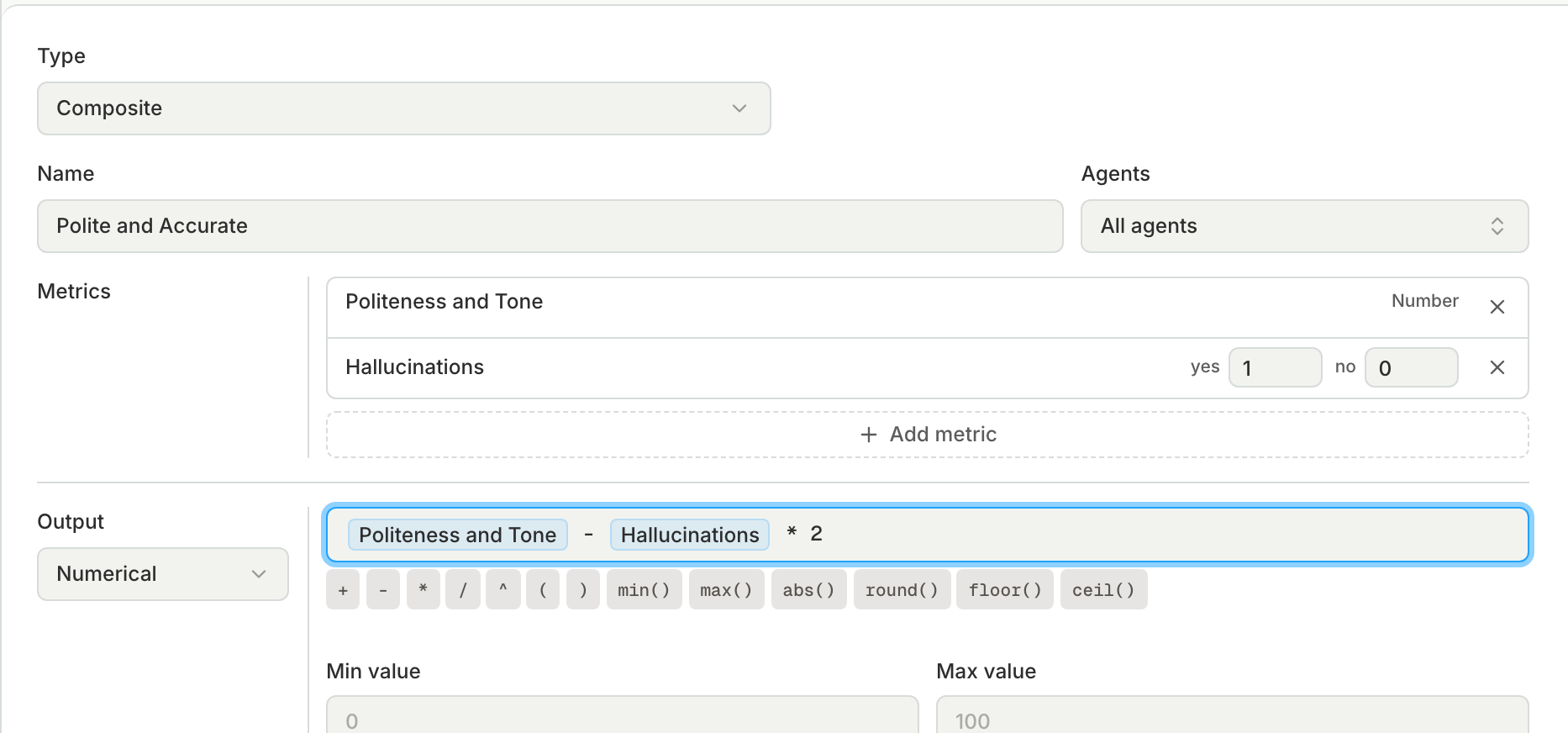
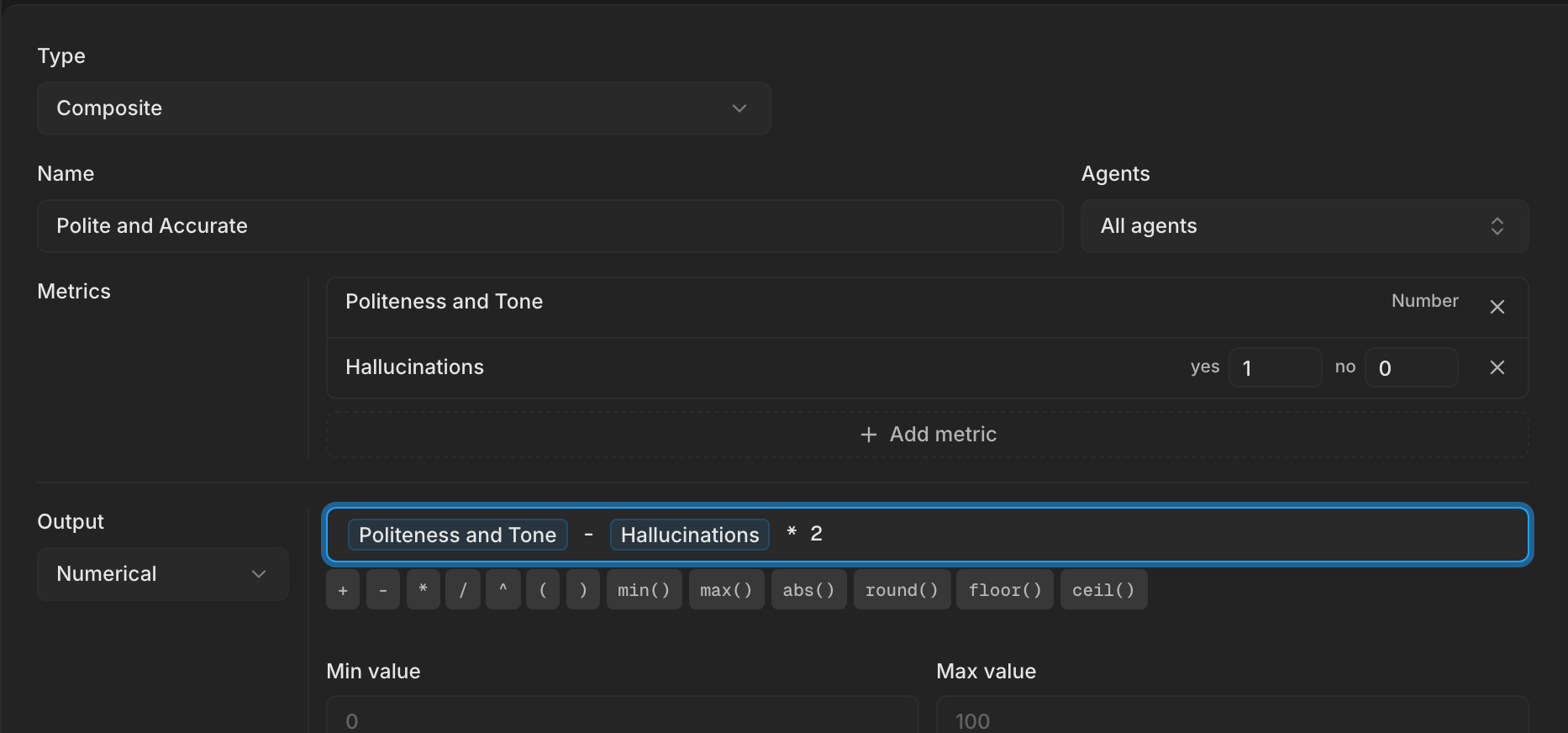
- Numerical: write a formula over the metrics. Start typing a metric name and pick it from the list. Min value and Max value cap the result.
- Categorical: add an option for each label, with the conditions that select it. Bluejay uses the first option whose conditions match. If none match, the result is not applicable.