

Build a lab
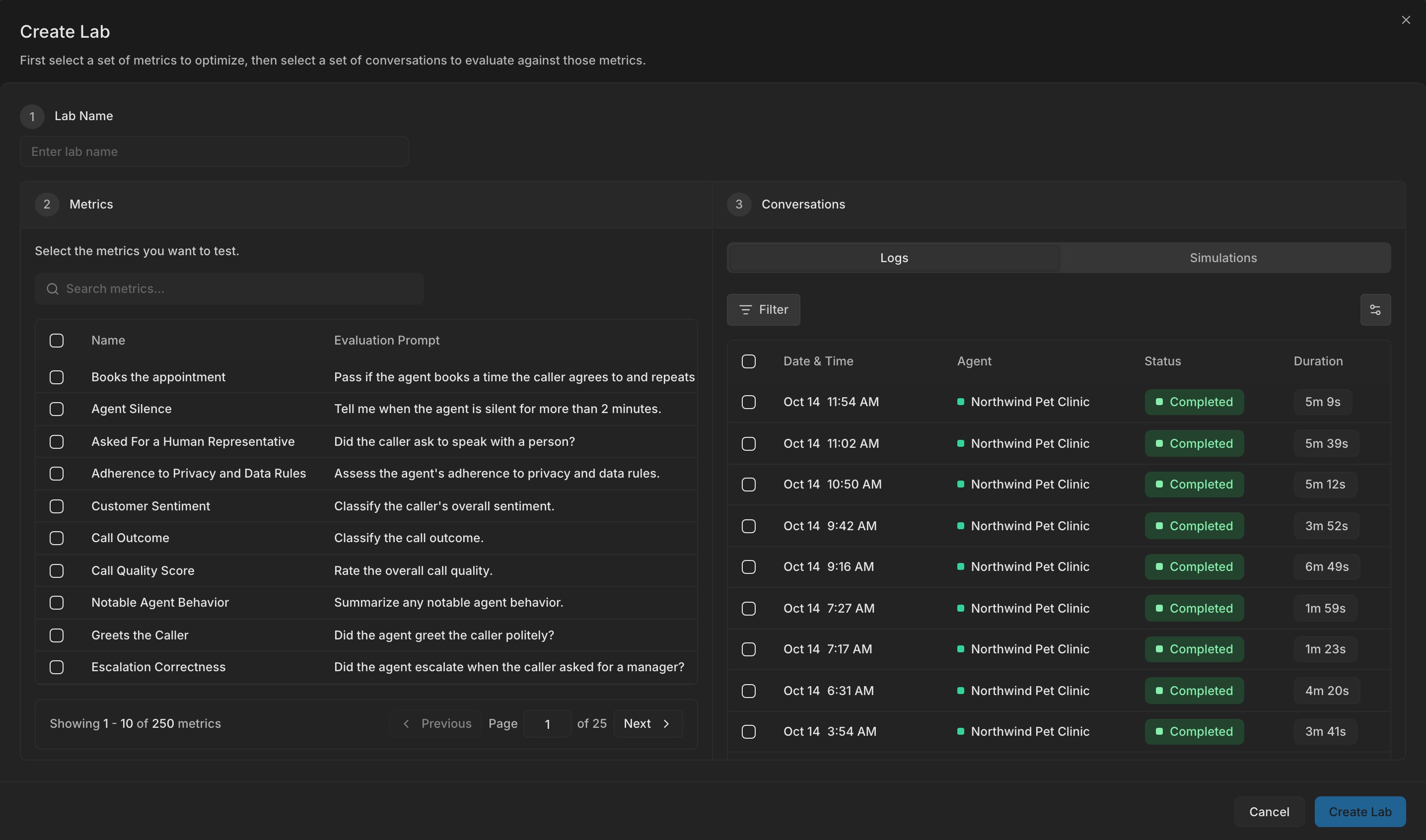
A lab pairs one or more custom metrics with a sample of conversations from an agent or a simulation run. You test prompt revisions against this sample, so the result is only as good as the sample. Select 20 to 50 conversations for the lab, and include clear passes, clear fails, and unclear cases.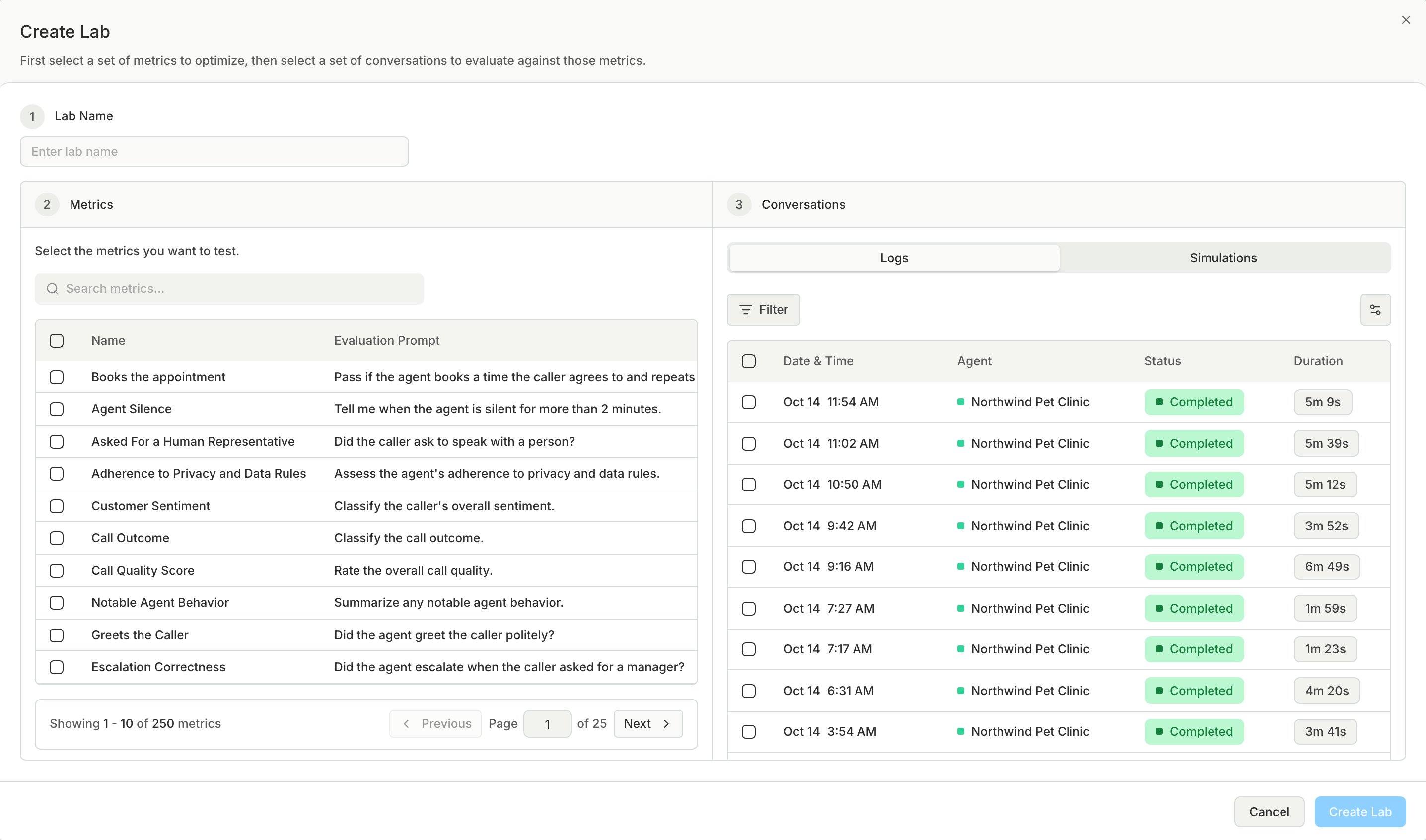
Label the conversations
Your label is the human verdict, and the metric’s result is the AI verdict. The alignment score shows how often the two agree. To save time, label in bulk when many rows share the same verdict.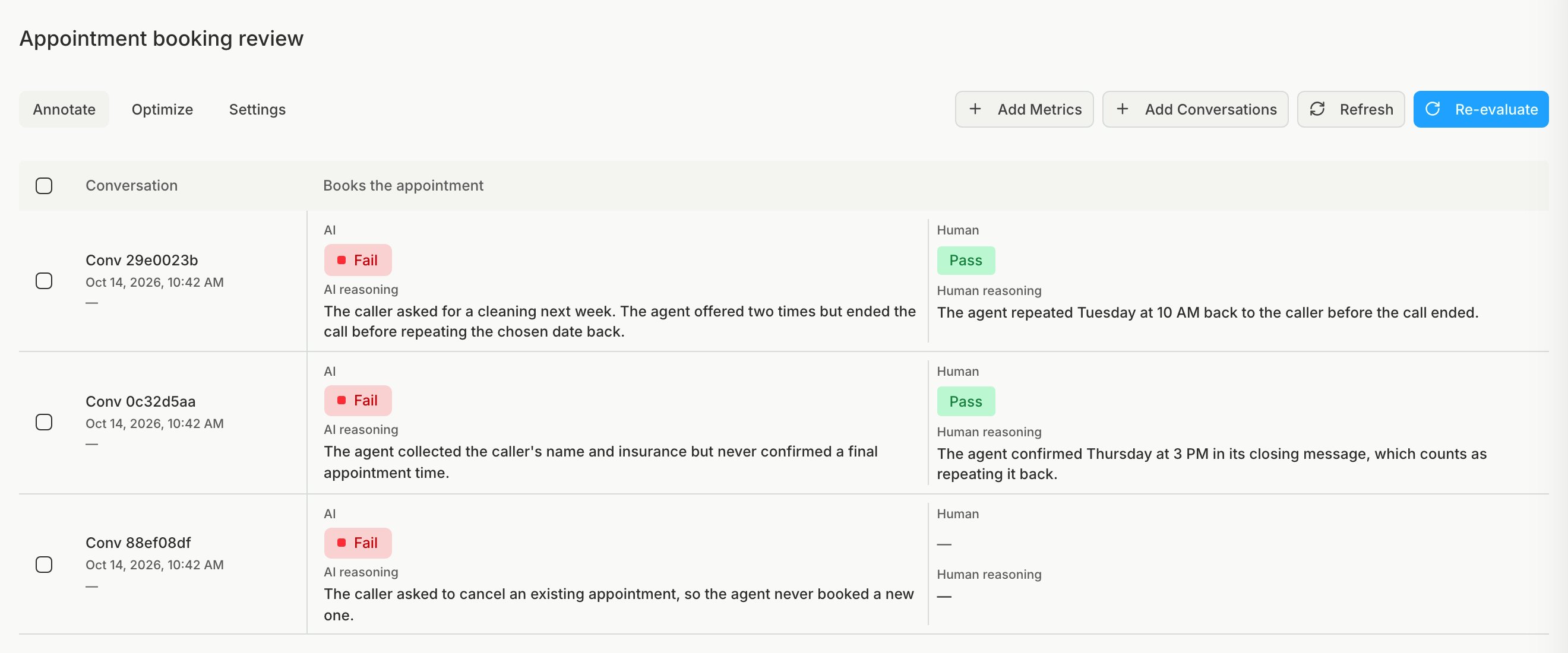
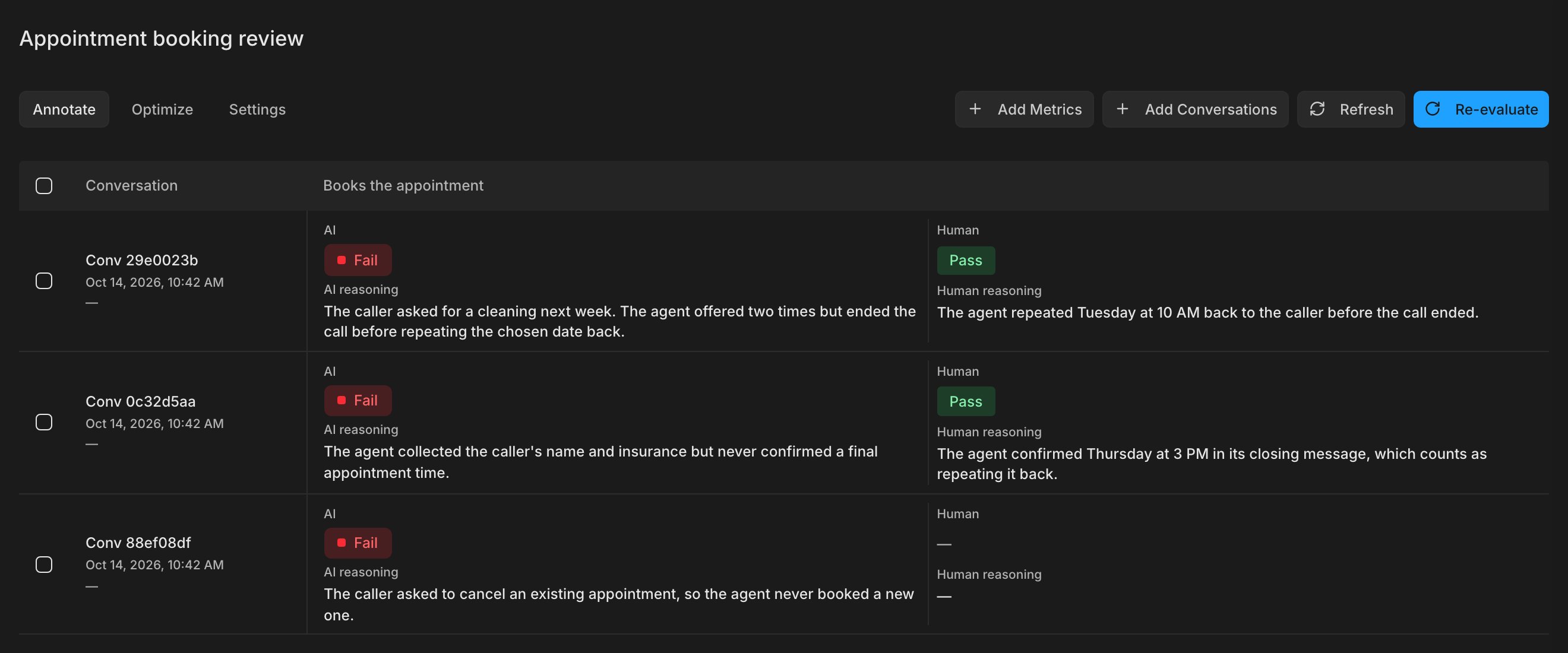
Label every conversation before you read the alignment score. The score compares only rows that have a human verdict.