Connect a channel
- Slack
- PagerDuty
- Better Stack
- Webhook
- In Bluejay, open Settings → Integrations and choose the Slack tab. Connect Slack there.
- In each alert, pick the Slack channel it posts to.
Create an alert
1
Open the dialog
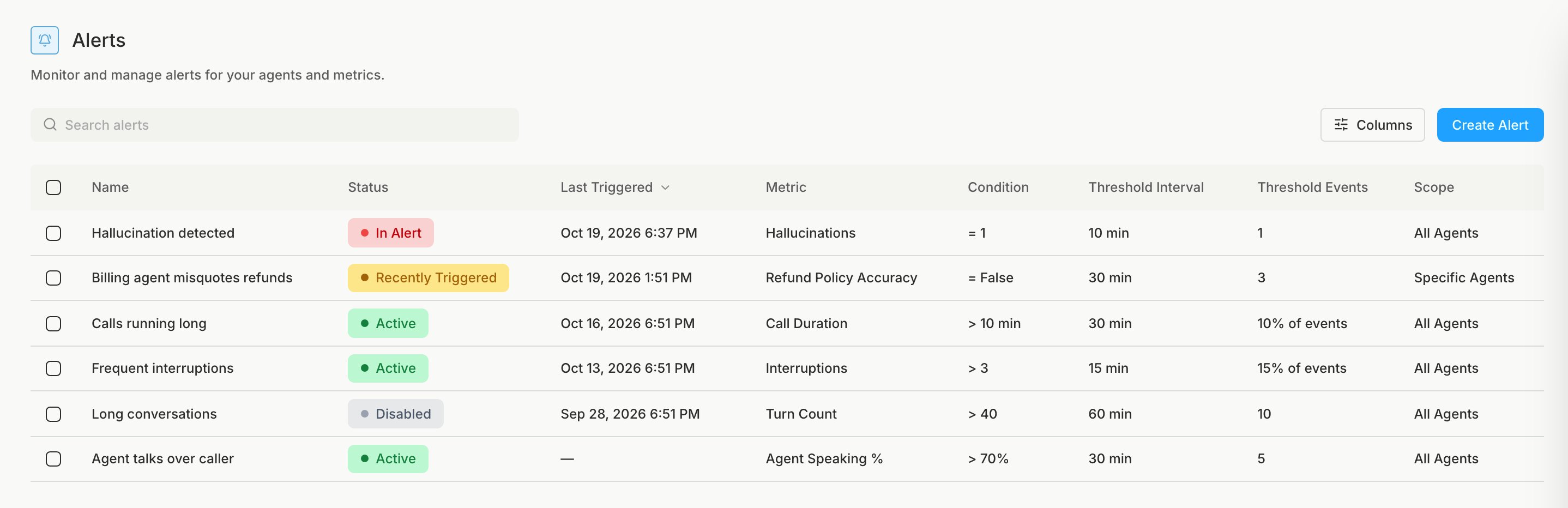
In the sidebar under Observability, open Alerts and click Create Alert.
2
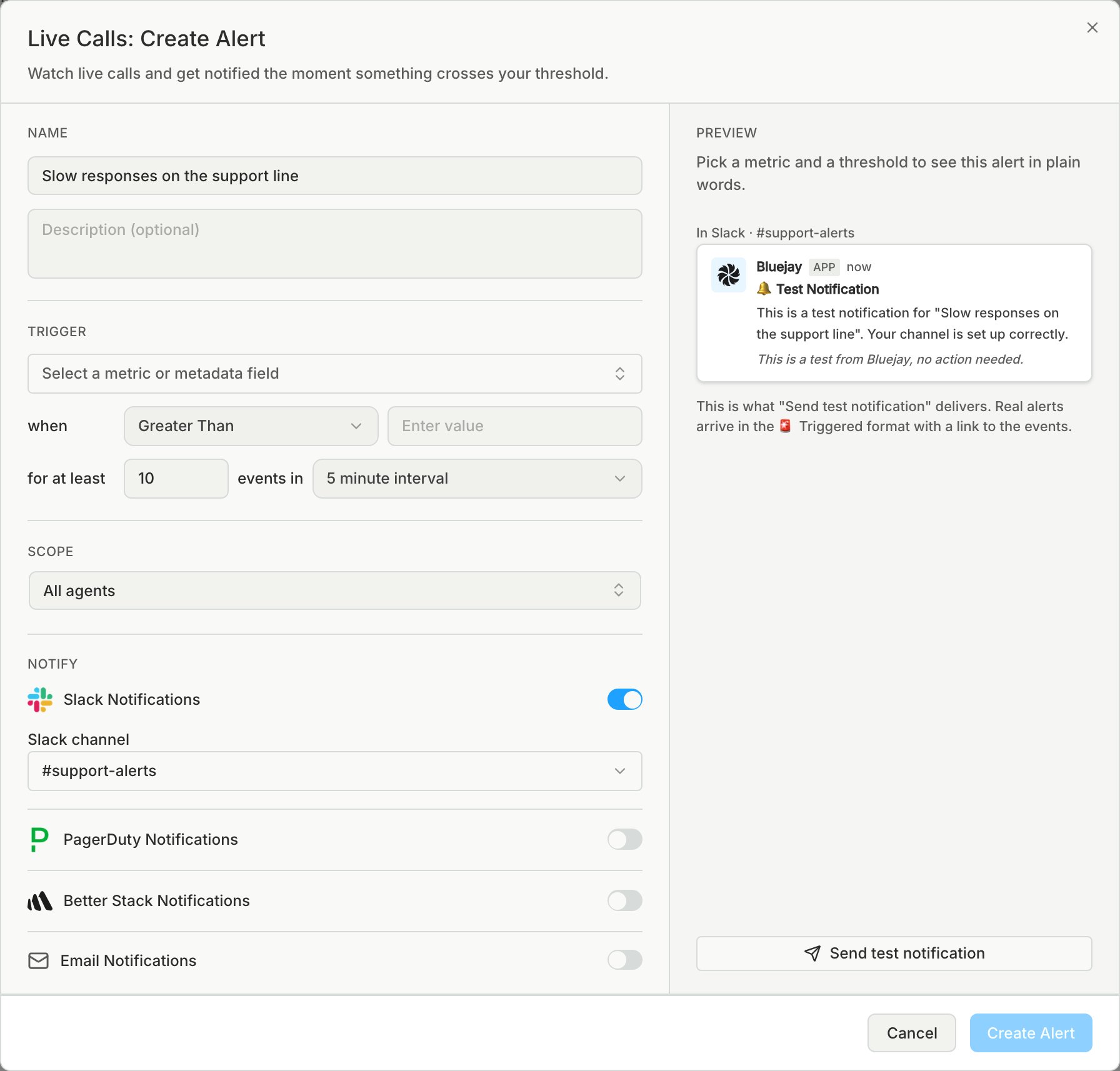
Set the trigger and scope
For a metric where one failure is too many, such as hallucination, set for at least to 1.An alert watches only its own workspace, even when set to all agents, so create it in the workspace of the agents it should watch.
3
Choose who gets notified
Send failures that need action now to PagerDuty or Better Stack, and quality drops to Slack or email. Only connected channels can be turned on.