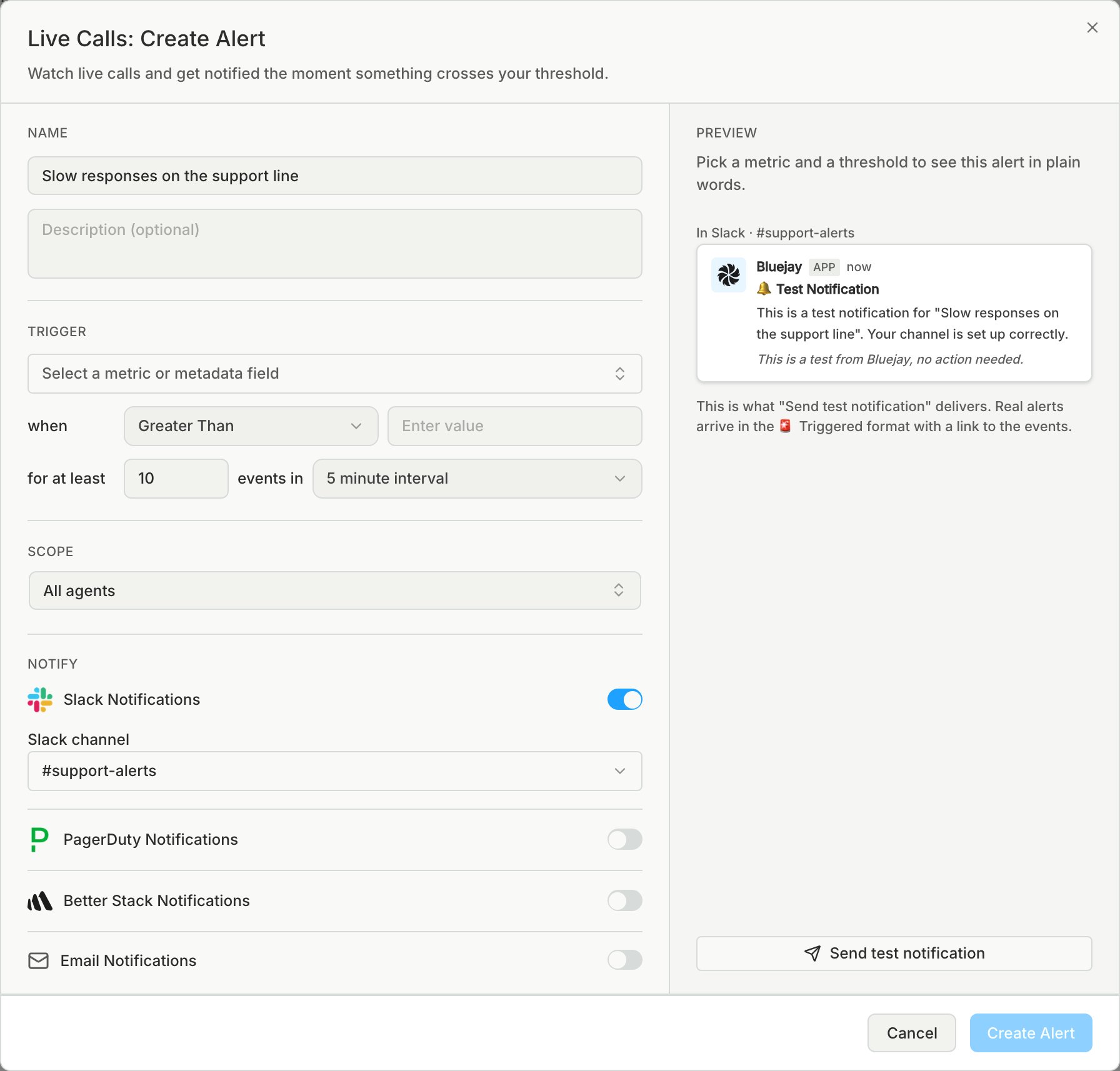
Connect Better Stack to open an incident when a Bluejay alert triggers or an uptime monitor goes DOWN, and to resolve it when the monitor recovers. Bluejay uses your Better Stack Uptime API token to create and resolve incidents directly, so there is nothing to configure on the Better Stack side. Works on every Better Stack plan, including the free one.

Prerequisites

  • A Bluejay account with access to Organization Settings
  • A Better Stack team you can create API tokens for

1. Create an Uptime API token

  1. In Better Stack open API tokens, then Team-based tokens
  2. Pick the team whose on-call rotation should receive Bluejay incidents
  3. Under Uptime API tokens, create a token and copy it

2. Paste it into Bluejay

  1. Log into your Bluejay Dashboard
  2. Click your Organization in the bottom left corner
  3. Select Integrations, then open the Better Stack tab
  4. Paste the token and click Save. Bluejay checks the token against Better Stack before storing it encrypted.

3. Turn it on for alerts and monitors

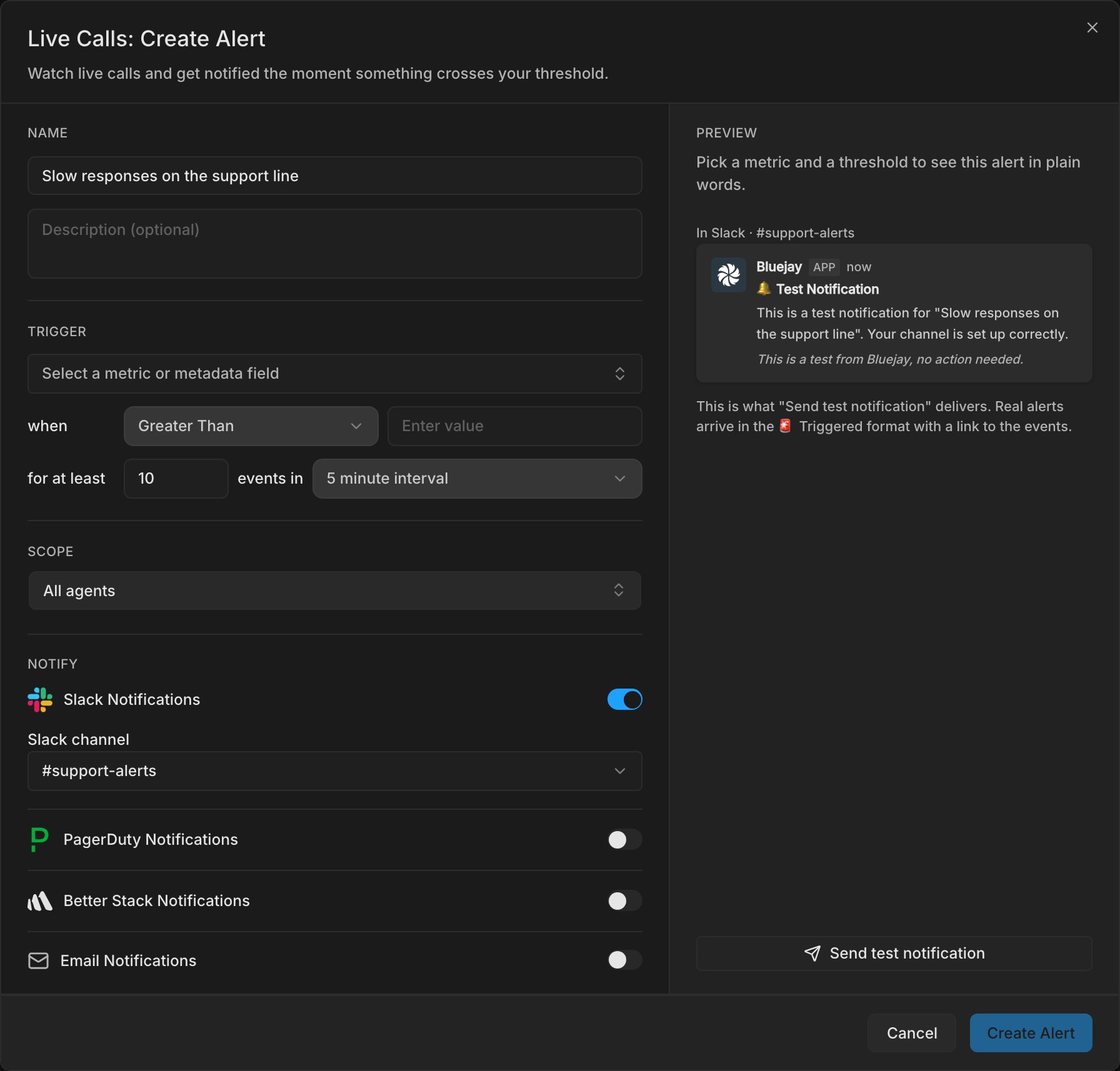
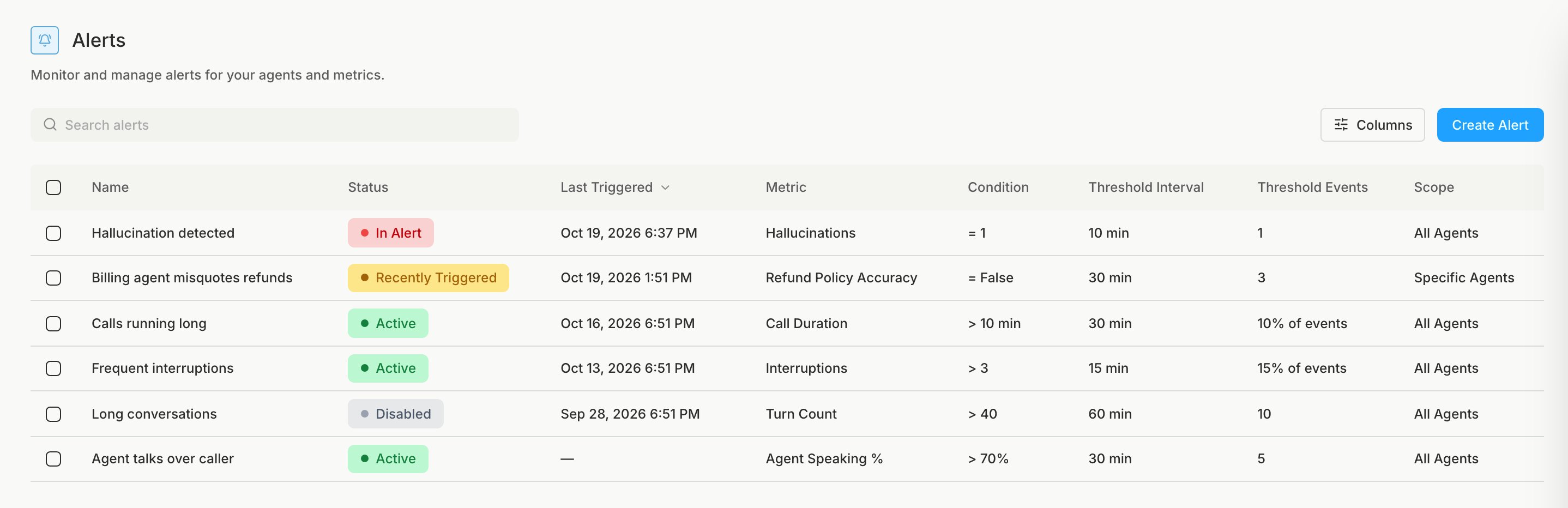
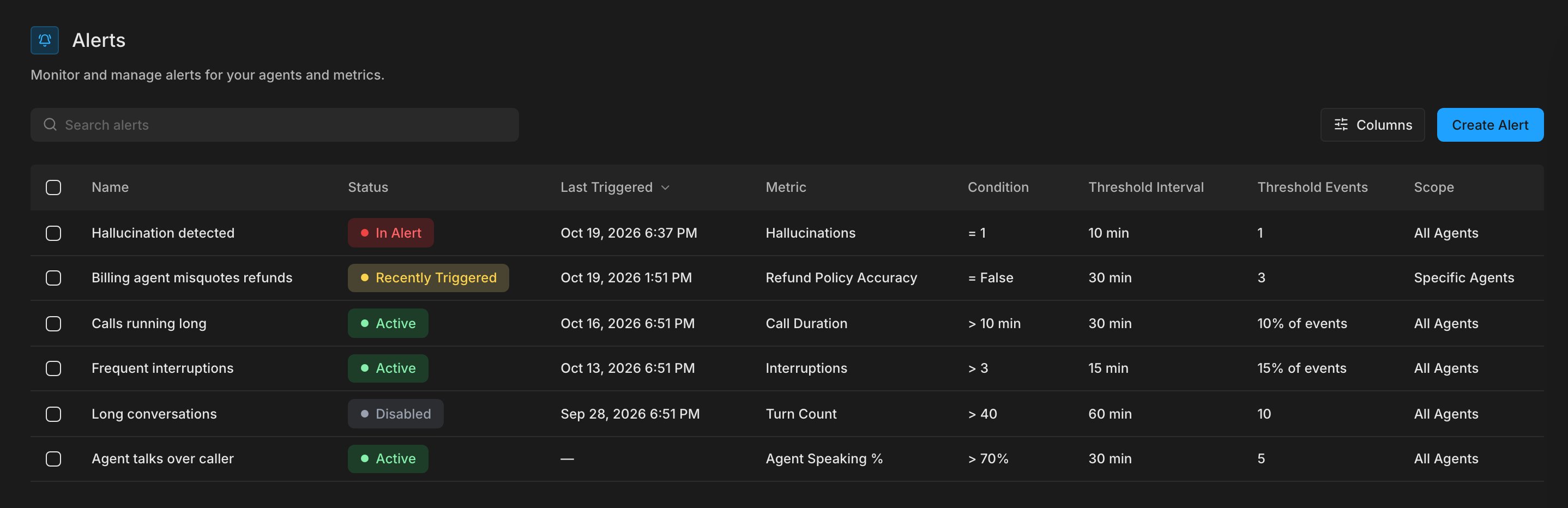
  • Alerts: create or edit an alert under Monitor → Alerts and switch on Better Stack Notifications. Use Send test notification to open a test incident.
  • Uptime monitors: create or edit a monitor under Monitor → Uptime and switch on Better Stack Notifications. DOWN opens an incident, recovery resolves it.

How incidents behave

Incidents are created through the Better Stack Incidents API, so your escalation policy and notification settings in Better Stack decide who gets called, texted or emailed. Each incident carries a dedup_key in its metadata. Every uptime monitor uses one stable key, so a DOWN and its recovery land on the same incident and a repeat DOWN never opens a second one while the first is still open. Simulation alerts open one incident per run and never resolve automatically.