

- Fail CI if your pass rate drops below your threshold
- Automatically test every PR and commit
- Zero-install; runs on GitHub-hosted runners
- Override prompts, knowledge bases, and Digital Humans per run
How It Works
The action is a thin client over the Bluejay REST API:- It queues a run for the simulation you specify (
POST /v1/queue-simulation-run). - It polls until the run finishes (
GET /v1/retrieve-simulation-results/{run_id}). - It computes the score as the pass rate:
tests_passed / total_tests × 100. - The step fails if the run doesn’t complete successfully, or the score is below
min_score.
Before Starting
You’ll need:- Bluejay API Key – Get yours from the Bluejay dashboard
- An agent – Connected to your assistant
- A simulation – Attached to that agent, with the Digital Humans (test scenarios) you want to run
api_key and a simulation_id.
There are two integration patterns. Most teams should start with Option 1.
Option 1: Test an Existing Agent (Recommended)
Configure the agent and simulation once — in the dashboard or via the API — and CI only references the simulation. All run history accumulates on one simulation, so you can compare runs over time in the dashboard.1
Add your API key and variables
Go to:
Settings → Secrets and variables → ActionsAdd a Secret:- Click
New repository secret - Name:
BLUEJAY_API_KEY - Value: Your API key from the developers page
- Click the
Variablestab - Click
New repository variable - Add the following:
2
Create your workflow
Add
.github/workflows/bluejay-tests.yml to your repo:3
Trigger a simulation
Make changes to your codebase and open a pull request. The GitHub Action will automatically run Bluejay tests on every PR.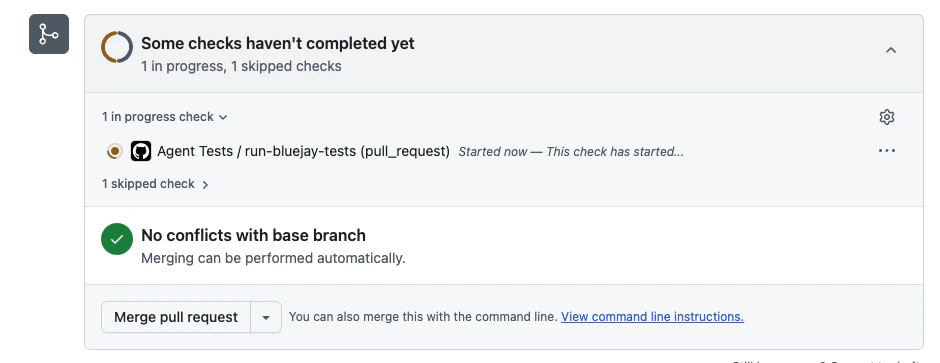
4
Monitor your simulation
Click on the Actions tab in your GitHub repository to view the simulation run in real-time. You’ll see the status and score once the simulation completes.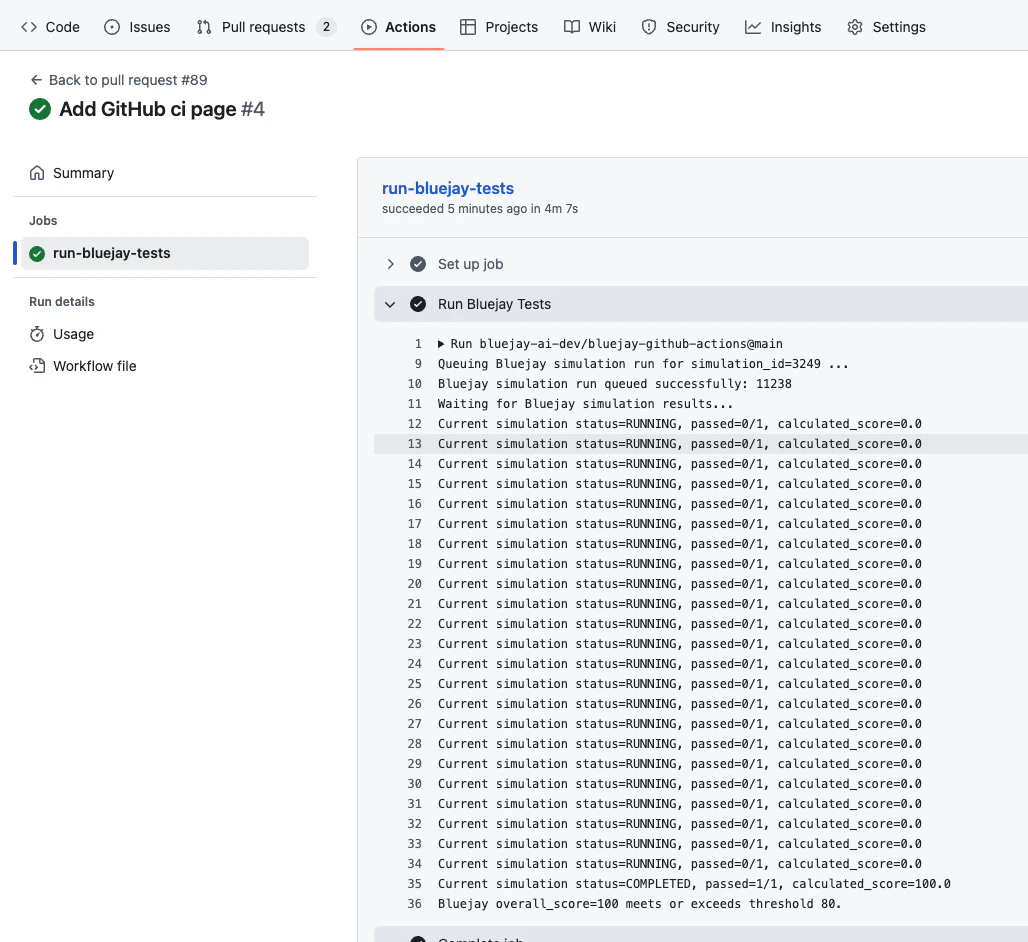
Option 2: Fully Stateless (Create → Test → Delete)
If your CI spins up an ephemeral deployment per PR (a preview environment with its own URL), you can create the Bluejay agent and simulation inside the workflow, run the tests, and delete everything afterwards. Your Digital Humans stay persistent — they are your test suite — while the agent and simulation are created fresh each run. In theadd-agent payload, include the connection field that matches how Bluejay reaches your preview deployment — see the add-agent API reference for the available fields. The agent’s connection type is inferred from whichever field you provide.
Set the BLUEJAY_DIGITAL_HUMAN_IDS repository variable (e.g. 101,102) before using this pattern — unlike Option 1, it is required here: a freshly created simulation has no Digital Humans attached, and the run fails without them.
Deleting the agent and simulation removes the run’s history from your dashboard. If you want results you can browse and compare later, skip the cleanup step — or use Option 1 with a persistent agent, which is what most teams want.
Pinning to a Commit SHA
Some organizations require third-party actions to be pinned to a full-length commit SHA instead of a tag (you’ll see an error like “all actions must be pinned to a full-length commit SHA”). Tags such asv1 are movable pointers; a commit SHA is immutable, so pinning it guarantees the exact code your pipeline runs.
The action’s repository is public, so you can resolve the commit v1 points to yourself:
v1.)
Then use the SHA in your workflow:
v1 resolves to as of July 2026.
SHA pins don’t follow tag updates: when we ship fixes to
v1, re-run the command above and bump your pin. Dependabot with package-ecosystem: github-actions can do this for you automatically.Inputs
Outputs
Customize When Tests Run
Any GitHub Actions trigger works — only theon: section changes; the job itself stays the same.
- Push Only
- Pull Requests Only
- Scheduled Runs
- Manual